

Does Starlink Mini Work Through A Windshield? Here's What To Know
Losing a mobile signal while on the road can be extremely frustrating, especially if you depend on your phone for navigation. But if you're thinking about investing in a Starlink Mini, you might be wondering if a signal can even get through your car's windshield. The bad news is that you could have a problem. The good news, however, is that the Mini can work through the windshield, but it depends on a number of different factors.
According to Starlink, you need an unobstructed view of the sky when attempting to use the Mini. This allows for a solid connection to satellites as the vehicle is moving. If anything gets between the satellites and the Starlink Mini – which is a different option from the standard version – the connection might be affected. Though Starlink doesn't specifically address glass, it's reasonable to assume that the windshield can be problematic because it is indeed an obstruction. Plus, if the windshield has a metallic or low-emissivity coating, it can weaken the signal.
But if the Starlink Mini is mounted through clear glass, the signal should come through just fine. Also, even if the windshield is dirty or wet from rain or snow, users will likely still be able to get a signal, as it shouldn't prevent connectivity. The signal might not be that strong because of the weather, but it should still be there. Of course, extreme rain or snow conditions, or debris on the windshield, can impact the signal's ability to be received.
Mounting options and the Starlink app
If you want to use the Starlink Mini in your car, you can mount it under your sunroof or moonroof. As long as the glass is clear and not protected by a metallic covering, which can block the signal, you should be good. You can also mount it on the exterior of your vehicle, either directly onto your roof or attached to your roof's luggage rack. Of course, if you go this route, you will have to worry about theft as well as possible damage caused by the weather.
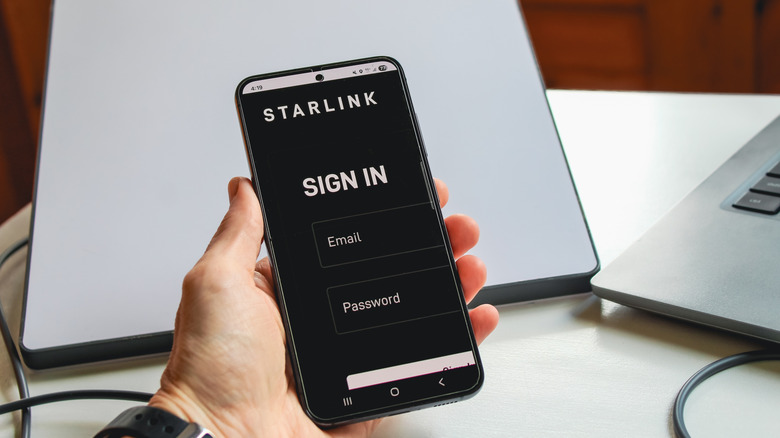
But beyond how the Mini is mounted, it's important to understand that signals are negotiated from the satellites for best results. This is done in real time and can be monitored using the obstruction map in the Starlink app. This map charts both clear and blocked portions of the sky, providing Starlink with an optimal view of your surrounding area. As you encounter obstructions like trees and utility poles, Starlink's system will automatically switch between satellites to give your device a better connection.
If you have connectivity issues and decide that Starlink may not be the best internet service, you might want to check the Starlink app first. There might be important diagnostic information available that you didn't know, and maybe a software update that needs to be downloaded. If everything looks good and you're still having problems, visit the help center on Starlink's website or contact their customer service team.