

Your Amazon Device Might Be Sharing Your Internet With Total Strangers
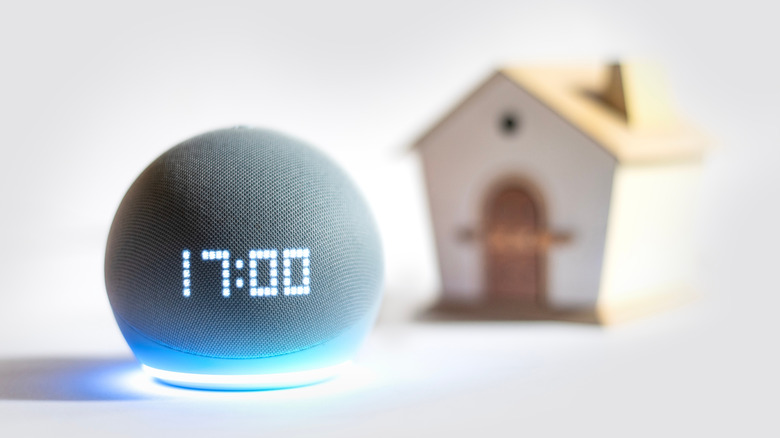
Amazon has a rich selection of devices, ranging from streaming sticks to outdoor cameras. You may not even have known that Amazon owns many brands like Eero, Ring, and Blink. If you're looking to deck your home out with some smart gadgets, shopping for Amazon-branded devices can not only be cost-effective but can also ensure tighter integration with other products. Services like Alexa make it easier for you to connect and control various devices in your home using voice commands.
Another feature that doesn't get talked about as much is Amazon Sidewalk. It was unveiled a few years ago, and unlike Alexa, which is front and center as a voice assistant, Sidewalk works in the background. It is a low-bandwidth wireless network that keeps your devices connected even if you're out of range of your home's Wi-Fi network. It accomplishes this by using other Amazon devices in the neighborhood to create a crowdsourced community network.
Devices like Echo speakers and Ring cameras act as Sidewalk "Bridges," as Amazon calls them. These bridges connect to nearby Sidewalk-compatible devices like smart locks or motion detectors, which relay information back to the bridge. The Sidewalk Bridge then sends data to the cloud. This way, you receive time-sensitive notifications on your phone even if you're across the country. Amazon claims that over 90% of people living in the U.S. have Sidewalk coverage. All of this, however, raises concerns about privacy.
How to opt-out of Amazon Sidewalk

Amazon Sidewalk Bridge devices are capped at a monthly data limit of 500MB per account. This should cover any concerns one may have about internet usage. As much as Amazon has avoided using the term, Sidewalk is essentially a huge mesh network where devices talk to one another. That said, all information going back and forth between bridges and devices is secured with multiple layers of encryption, making it impossible for other homeowners or even Amazon itself to view the contents of the data.
This concept of deploying a crowdsourced network isn't new — Apple has been using this to power its widespread Find My network for years. This is how you're able to track a lost iPhone without being in Bluetooth range of it. Google's new Find Hub network relies on the same technology, allowing you to track phones and compatible accessories across the globe.
The use of end-to-end encryption should alleviate any concerns you may have regarding the privacy of your data. However, if you're unwilling to participate in Amazon's crowdsourced wireless network, you can turn the feature off by following these steps:
- On your phone, open the Alexa app. Make sure it's signed in to the same Amazon account as your smart devices.
- Tap on the hamburger menu and navigate to Settings > Account Settings > Amazon Sidewalk.
- Turn the "Amazon Sidewalk" toggle off.
If you cannot spot this toggle, it's likely that you don't own any Sidewalk-compatible devices to begin with.