

This Windows 11 Update Could Seriously Screw Up Your PC
Windows 11 users are advised to avoid a new system update from Microsoft after some were left with computers that refused to boot. The update in question, KB5074109, is also breaking other areas of the operating system for some. Microsoft is aware of the situation. This buggy update comes as consumer sentiment toward the company continues to decline, with users online derisively referring to the company as "Microslop." CEO Satya Nadella has protested against the use of the word 'slop' to refer to AI and bragged last spring that 30% of the company's code is AI-generated.
The problematic update was released on January 13 and has been causing a number of issues since it began deployment. Some machines with Nvidia GPUs experienced black screens, while others found that the update broke Microsoft Outlook and left parts of Microsoft File Explorer unresponsive. Worst of all, some users found their computers failed to start after the update. Those machines ended up running into a black screen of death (BSOD) on startup and required manual intervention to recover. In some cases, affected users may need to install a clean copy of Windows, most likely losing data in the process.
If you've already installed KB5074109 and aren't experiencing any of these issues, you can breathe a sigh of relief. The bugs are only affecting certain hardware, and the most egregious startup issue doesn't appear widespread. This writer has the problematic update installed, and this article is being written on that computer with no sign of any system issues. However, here are some steps users can take to keep their computers safe.
What should Windows users do to avoid the broken January update?
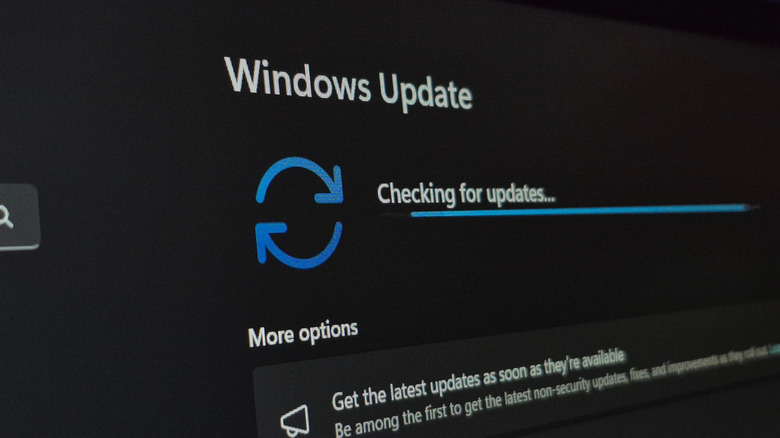
For now, it is best to avoid installing the KB5074109 update if you haven't installed it already. If you're not sure whether it is already installed on your system, you can check by opening the Settings app (Win + I), selecting System from the left-hand navigation panel, and then choosing About. Scroll down to find the Windows specifications section and look for OS build. If your build is 26200.7623, you have the problematic update. However, if your system is not exhibiting any strange behavior, your computer is likely okay. If you don't have the update yet, make sure to turn off automatic installs in Windows Update for the time being, and do not install the KB5074109 package if asked.
Given how persistent Windows Update can be in nagging users to install the latest software, it's frustrating to see yet another update ship with this level of unpolish, especially as Microsoft has fixed one of Windows 11's biggest problems recently. Microsoft said it is aware of the ongoing issues and released a statement acknowledging user reports. The company said it is "investigating" the issue and promised more information once that process is complete. The company has already released an out-of-band patch, which will show up in Windows Update as version KB5078127. If this update is available to you and you are currently using the previous, buggy Windows version, update immediately. Other users can install it, too, although it could be worth waiting a few days to see whether it causes any issues of its own. Don't wait too long, though. You should install Windows updates promptly for security purposes.