

Too Many Smart Devices Slow Your Internet – But This Could Be The Solution

Even if you have one of the fastest Wi-Fi routers available, you may sometimes still experience slower download speeds and buffering. In many cases, the location of your router, physical barriers, and household devices, such as microwaves, may be to blame. But you'll also want to consider the number of devices on your network. Theoretically, consumer-grade routers can support around 250 devices simultaneously. However, that doesn't mean it can handle this many devices without affecting your internet speed. If you connect more than 20 devices to a single network and use all of them at once, devices may experience low bandwidth. This, in turn, will make simple web browsing and streaming shows unbearably slow due to increased lag. When this happens, the most obvious fix is to remove some devices from your router. But given that nearly 96% of U.S. adults claim to go online, according to the Pew Research Center, this won't work if you have a large family that runs multiple devices on the same signal at once.
In such cases, it's worth considering using a Virtual Local Area Network (VLAN) to group your home network into separate virtual departments. Instead of having your smartphones, laptops, and other devices competing for attention on a single network, you can use a VLAN to group them by purpose and the traffic they generate. If your current router supports VLANs, you can set it all up on the router's admin page. Details will be included in the router specs and manual. Cheaper and older routers may not have advanced networking options, so you'll need to either upgrade or, if you're sufficiently technically minded, look into going down the DIY route. Setting up a VLAN will reduce unnecessary traffic and boost performance — without upgrading your internet plan.
Here's how to improve your home network with a VLAN setup

If you're using a single flat network, having too many smart devices — such as speakers, cameras, thermostats, and plugs — running in the background will congest your local network, slowing down the internet speeds on other gadgets, especially if they use the same bandwidth. However, with a VLAN setup, you can handle this issue by separating devices into purpose-built groups. Of course, the number of VLANs you create will depend on your traffic management and security needs. But for homeowners, the best practice is to create two to three segments.
With that in mind, you'll want to create an IoT-specific VLAN first. This means putting all your must-have smart home devices into their own virtual network. Next, create a dedicated guest network for visitors' smartphones and devices. After all, such devices will automatically download updates, sync photos, and stream videos, slowing down the internet on other devices. You'll also want to create a trusted network for your personal devices. Think of devices that have access to your private information and data, say, computers, consoles, smartphones, and laptops.
The advantages of using a VLAN setup
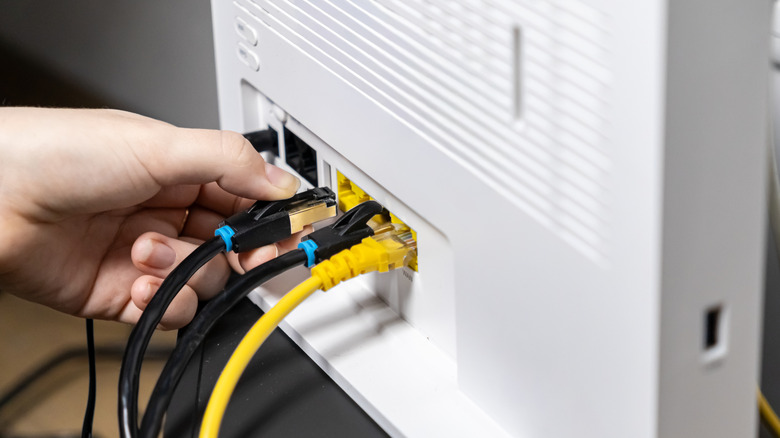
The biggest draw of using a VLAN setup is that it gives you a platform that allows you to manage your traffic yourself. With devices grouped by roles, you can create firewall and routing rules that determine which VLANs can remain fully isolated, communicate with each other, or access the internet. This will also improve your network's security — in fact, it's one of the simple habits that can instantly make you safer online — as it will restrict device-to-device communication. This means that if one device gets infected with malware, the risk of spreading to other devices will be minimal. Plus, you'll limit the number of guests who can easily access your trusted devices; after all, digital invaders can use something as benign as a smart camera or smart thermostat to gain access to your personal information.
Setting up a VLAN will also improve your network's performance. If you separate streaming devices from smart home gadgets that generate a lot of traffic, you'll enjoy fewer buffering issues, even during peak usage. You can also monitor bandwidth, which will come in handy, especially if you want to identify the device causing congestion in your network. So, if a guest's smartphone begins syncing large files, you'll notice this behavior before it slows down your internet connection.