

The iPhone Keyboard Has Major Flaws, But You Don't Have To Use It
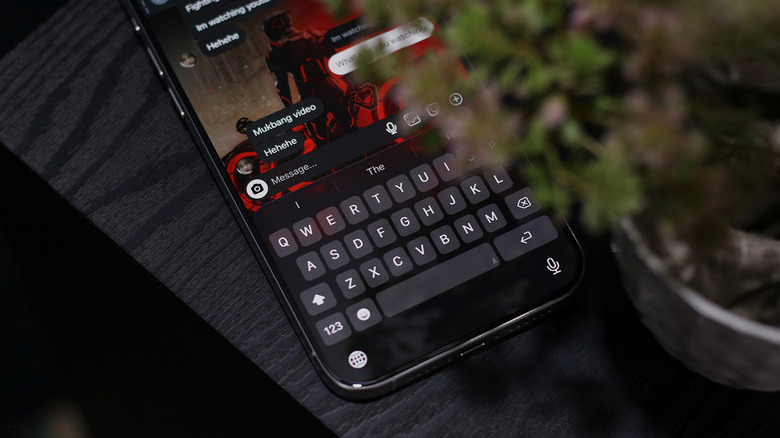
After a decade of daily driving Android phones, I switched to the iPhone in 2024. Needless to say, I was impressed by how wonderful the camera performance was and how meticulously Apple had tweaked the animations for iOS. Apart from the usual challenges of switching to an entirely different operating system, one thing startled me the most — the keyboard. It was laggy, extremely terrible at autocorrect, and hilariously bad at registering keystrokes.
"Surely this is an issue unique to my unit," I said to myself as I factory reset my two-day old iPhone 15 Pro Max. When that yielded zero improvements, I reached out to Apple Support and walked in for a device inspection. After a few moments testing my keyboard, the representative confusingly asked me what was wrong. That's when it dawned on me that my iPhone's keyboard wasn't broken — it's just how it is on iOS. After having scanned through countless threads on Reddit, it still amuses me that Apple has done little to address the miserable typing experience on the iPhone.
Apart from the reported iOS 26 keyboard bugs, users have time and again been requesting a dedicated number row. The keyboard doesn't have basic functionalities like a clipboard, GIF search, or even a shred of customizability. You can't resize the keyboard or adjust the intensity of the haptic feedback — much less theme it to your liking. The good news, however, is that you don't have to use the stock iOS keyboard.
SwiftKey offers a much better typing experience on iOS
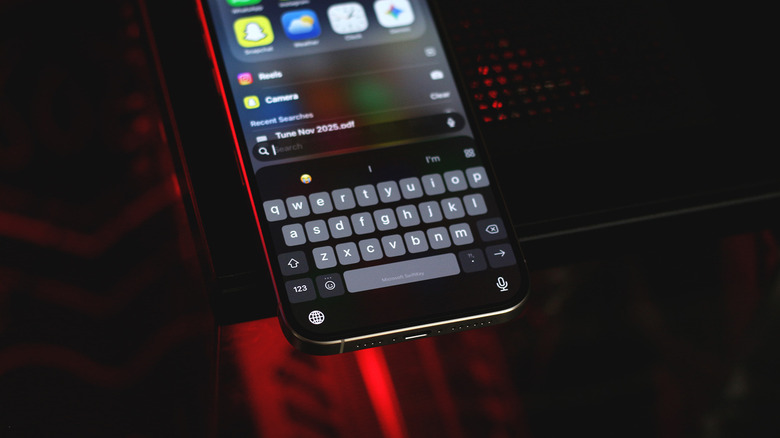
Support for third-party keyboards arrived on the iPhone in 2014 with iOS 8. Yet, a decade later, only two familiar names appear as top results on the App Store — Gboard and SwiftKey. The former hasn't been updated in over three years, so the automatic preference goes to Microsoft's SwiftKey keyboard. Setting a new keyboard as the default on iOS is pretty straightforward, and the onboarding process guides you through that. You might have to tap the tiny globe icon to actively switch to SwiftKey in certain apps.
Out of the box, the typing experience is already significantly better. SwiftKey's autocorrect actually works, and there are way fewer accidental keystrokes. SwiftKey shows you a "Tap Map," which is an illustration of how it has adjusted your keys for improved accuracy over time. You can enable a persistent number row that sits on top of all of your keys — a feature that Apple users have been asking for, for years now.
There's a built-in clipboard manager, GIF search, and a fair share of Copilot AI features that you definitely don't have to use. You also get a decent bit of customization with SwiftKey. There's a bunch of predefined themes you can pick from, or you can also create one of your own using a custom image. According to the statistics available in the app, SwiftKey has corrected over 170,000 typos and predicted over 20,000 words for me.
Dear Apple, a functional keyboard is long overdue
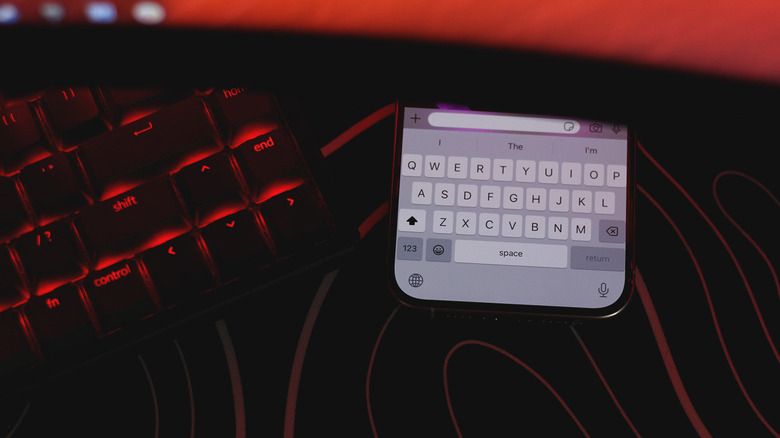
Although the App Store has a handful of other keyboard apps, and while they do offer a comparatively better typing experience than the stock keyboard, their Android counterparts are simply leaps and bounds better. Take Gboard, for instance — the app hasn't been updated in over three years and looks or feels nothing like the modern Gboard release that every Android phone uses.
SwiftKey has been my iPhone keyboard of choice, but its iOS version still leaves a lot to be desired. I use it not because it's great, but because it's just better than the keyboard that Apple ships. There's speculation as to why the third-party keyboard scene is so bad on iOS — a major culprit being limited memory usage. Apple also doesn't allow third-party keyboards to be used in sensitive field boxes. This means every time you need to enter a password, iOS frantically switches to and fro its default keyboard, which completely messes up muscle memory.
Pesky anti-competitive practices like these aren't foreign in Apple products — the company really wants users to stick to its first-party offerings. However, unlike services that have a good reputation, like AirDrop, Handoff, and Continuity features on iPhone and Mac, the bundled keyboard that Apple practically forces you to use is a mess. There are rumors suggesting that iOS 27 is going to focus on stability — here's to hoping we finally get a functional keyboard for the iPhone.