

3 Ways Spam Callers Keep Getting Your Phone Number
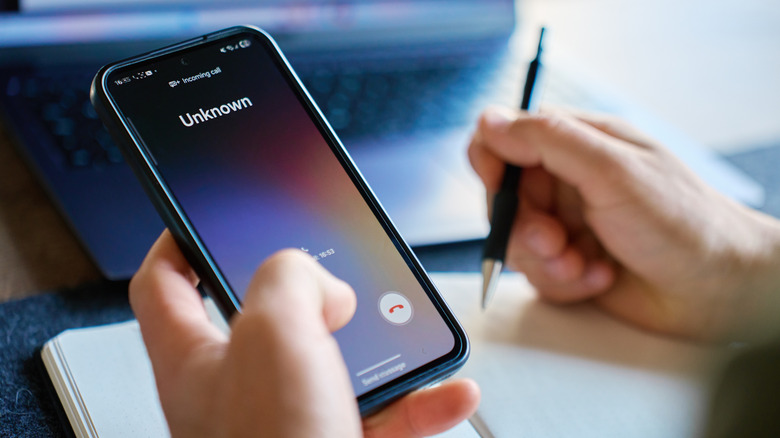
Spam calls just never end. Companies ring you about offers you never asked for, or ask you to donate to political candidates you don't even know — the list just goes on. While these spam calls are mostly harmless, scammers have taken over in the race to annoy you the most. Here's something that's happened to most people: You get a call from someone pretending to work in tech support, telling you about an extended warranty or viruses that have infected your PC.
While most people have learned to ignore these calls, some, especially seniors, continue to fall prey. According to the Consumer Federation of America, Americans are estimated to lose $119 billion annually to online scams. But have you wondered how telemarketers and scammers get your phone number? Sometimes, that's because of a data breach. Other times, it's you unknowingly handing over your personal information. Here's how.
Website data breaches and hacks
One way bad actors get your information is through data breaches and hacks. For example, I downloaded the Domino's app to order pizza a few years back. To create an account there, I had to enter my email, phone number, and password. In 2021, Domino's was hit by a cyberattack that leaked 13 TB of user data, including mine. The attackers stole users' information and put it up for sale on a hacker forum. The same could have happened to you. Any online marketplace or website where you've created an account to shop, access a service, or read an article could be a target.
And the worst part? You can't do much about it. A company storing your data might not have strong enough security to protect it. The only thing you can do is check which websites have leaked your information by visiting haveibeenpwned.com and entering your email. However, we do recommend removing your personal information from any public social media profile. Registering on the FTC's Do Not Call Registry, which lets you opt out of receiving unwanted telemarketing calls, is also important.
If the calls you're getting are from other countries, the simplest way to protect yourself and others is to block spam phone numbers. Both Apple and Android make it incredibly easy to do so. On iOS, open the Phone app, then tap the "i" (Info) icon next to a phone number, and scroll down to Block Caller. On Android, press and hold the phone number, then select Block or Report.
Data brokers and app permissions
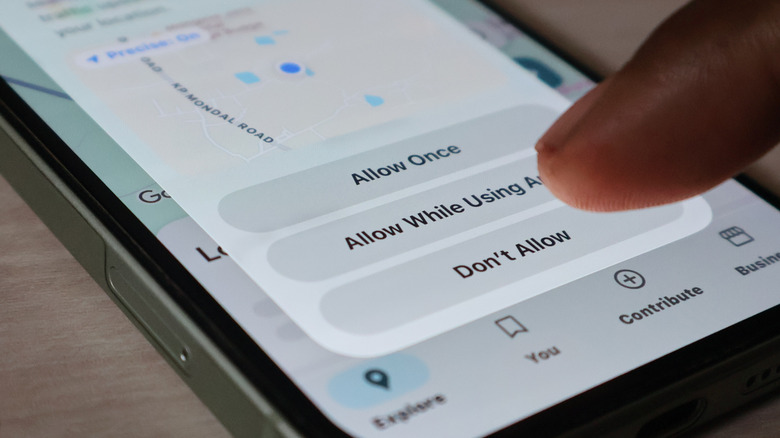
Data brokers are companies or individuals that collect, process, and analyze personal information, including your phone number. However, they don't usually get your phone number directly. Sometimes, you're the one handing over the information. Take a weather app, for example. You download it to check weather forecasts in your area. For that to happen, it needs certain permissions like location. Some apps request more than what's necessary, like permission to access your phone number. It seems weird, but you allow it anyway because you don't want to waste time. And that was your mistake.
Depending on the app's privacy practices, that data could be shared with third parties. Data brokers then combine information collected from different sources to create a profile and sell it. This is why checking what permissions an app requests after installation is super important. On an iPhone, select the "Ask App Not To Track" option when prompted.
Some companies take the trickery a bit further. Recently, Response Tree LLC settled a lawsuit for getting people's phone numbers and other information under the promise to provide a new mortgage refinance quote. While taking people's information for a new quote isn't illegal, selling it to telemarketers who then called them about fake warranties and auto parts was certainly not cool.
Fake job applications and promotional offers
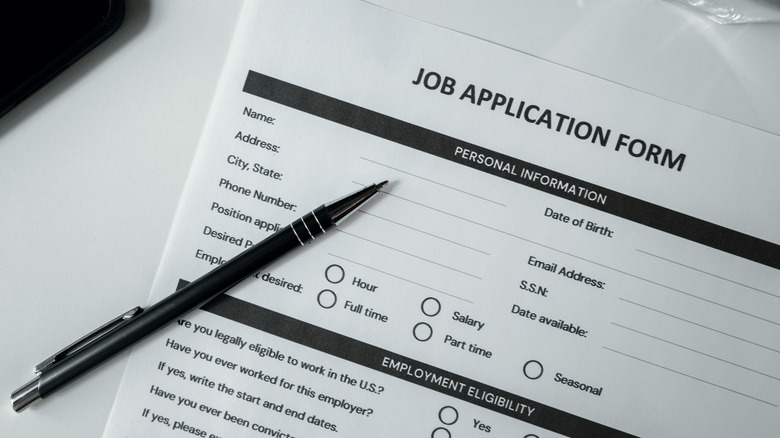
Looking for a job in 2026 is hard enough. With so much competition, some people fill out hundreds of applications every day. Sadly, telemarketers and scammers also know this. When people apply, they enter details like name, phone number, email, previous work, skills, and hobbies. While that all seems perfectly normal, it's the exact kind of information these data brokers love. Some job applications could hand over your personal information to marketers for advertising and, worst of all, to scammers. Be careful when filling out a job application, especially with companies that ask for unnecessary personal information. If it seems fishy, then it probably is.
Similarly, some promotional offers work with marketing partners. When someone signs up for a contest to win something, their information may be passed to those partners without their explicit consent. Always read the fine print before signing up, but if you're already getting these spam calls, one of the best solutions is to use the Caller ID and Spam feature on Android. This identifies business and spam numbers, allowing you to decide whether to pick up. You can also choose to filter suspected spam calls so they never reach you.
iPhone users can silence calls from unknown numbers. But since this feature silences every call from an unknown number, which isn't ideal, we recommend using iOS 26's Call Screening feature instead. When enabled, an automated voice answers calls from unknown numbers and asks the person or AI why they're calling. It then sends a notification to your phone with the details, after which you decide what to do.