

5 iPod Touch Features That Are Pure Nostalgia Today
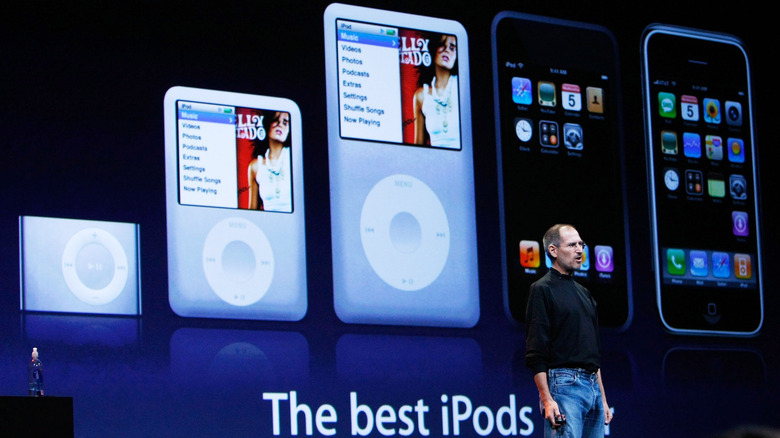
When Steve Jobs first introduced the iPhone in January 2007, Apple rewrote the way smartphones were made forever. Ditching the bulky QWERTY keyboards and split displays, it pushed multitouch user interfaces to the forefront. However, Apple also released another gadget around the same time: the iPod Touch. In September 2007, Apple announced the first model of the iPod Touch, which used its now ubiquitous multitouch user interface. A halfway solution for people who wanted to use apps for entertainment, but wanted a separate unit for their phone-related activities, the iPod Touch struck a neat middle ground. When it was first released, it was priced at $299, which was $200 cheaper than the 4GB iPhone model sold that year.
The first gen iPod Touch boasted an impressive 22 hours of music playback and 5 hours of video playback. While it fell behind the iPod nano's 24-hour record for music playback, it did have a screen that was significantly larger than any previous iPod and offered never before seen functions. As the years progressed, the lines between the iPod Touch and iPhone began to intersect. For example, it introduced front and back cameras to its 4th generation models. In 2022, Apple decided to axe the line-up after more than two decades, but for people who grew up with it, there are some things that definitely remind us of simpler times.
Shake to shuffle
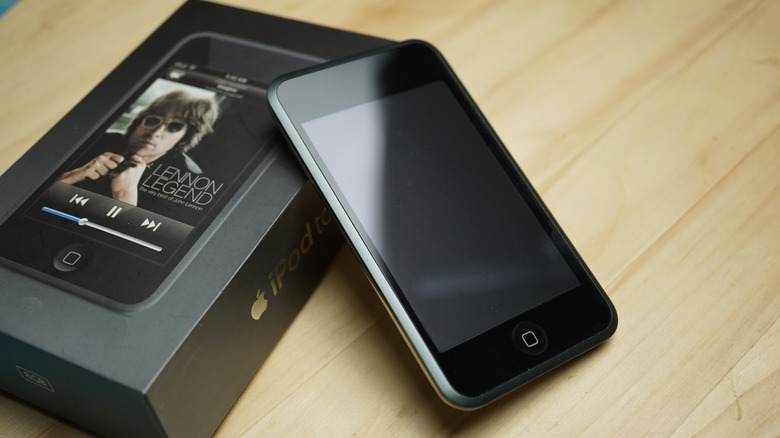
In 2009, Apple launched the Shake to Shuffle mechanism for its iPod Touch and iPhone devices. It came alongside a ton of features that we take for granted today, like being able to copy-paste text across applications, 3G tethering, and automatic log-ins with Wi-Fi and Safari. For iPod Touch users, it meant being able to shuffle your playlist around without even taking it out of your pocket. Some people mention how it was great for those times both hands weren't free, like yard work. Other happy users mentioned that it was a quick way to change the music if it didn't hit the right spot.
Although, not everyone was convinced it was worth using, even at the height of the iPod Touch's popularity. Even in its early days, it had a lot of people looking for ways to disable it. One of the common complaint was the risk of randomly changing your music during physical activity, including regular everyday movement, like walking. Considering people might be dancing while listening to music with their iPod Touch in their pocket, this wasn't ideal. At some point, Apple decided it wasn't useful enough to keep in its later devices, but it did keep the movement for a more practical task. These days, modern iPhones still have the Shake to Undo features instead, which is a fancy way of erasing texts you have typed out.
Physical Home Button
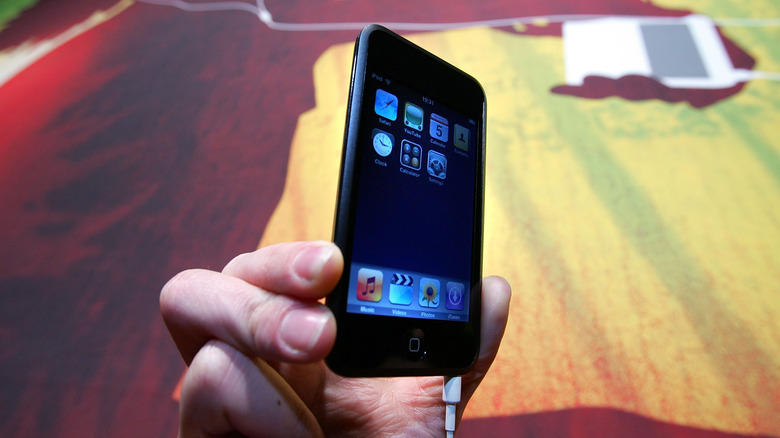
While modern iPhones have a much sleeker design, for some people, the old school home button brings a lot of nostalgia. For iPod Touch users, it let you know whether your iPod Touch was right side up, so you could grab it out of your pocket without looking. The classic home button also offered a quick way to switch between open apps. All you had to do was double-click the home button and flick through them. Starting with the iPhone 7, Apple introduced haptic touch technology to the home button, but it never added this feature to any of its iPod Touch models. Because of this, the iPod Touch maintained that tactile experience until the very end that many of us don't get on the solid screens we have today.
That said, it was also prone to not working. Even with its last models, hundreds of customers complained about issues with their iPod Touch home button. Unfortunately, if your old iPod Touch's home button is stuck, you have limited options. As of 2026, a few iPod Touch models (the fourth and sixth generations) are classified as "vintage" by Apple Support, but most of them are considered "obsolete" (including, oddly, the fifth generation). Regardless, you likely can't send them back to official Apple stores for repair. Apart from trying your luck with third-party repair centers, there are several tutorials online for repairing its button mechanism, if you can find the parts.
Super compact and lightness
For people with small hands or who like tiny handbags, it can be quite frustrating to buy some of the newer iPhones, which tend to be larger and heavier than older models. While the first iPod Touch shared the same 3.5-inch screen size as the first iPhone, it was definitely more compact. Weighing at 4.67 oz., the first iPhone was 4.53 inches by 2.4 inches by 0.46 inches. Meanwhile, the first iPod Touch was 4.2 oz. It measured 4.3 inches by 2.4 inches by 0.31 inches. Not only was the iPod Touch marginally lighter, but it was also less tall and deep.
As the generations passed, the iPod Touch leaned into the compactness. For its final release, the iPod Touch 7th generation models weighed 3.10 oz (or about what you'd expect a deck of playing cards to be). They also measured 4.86 inches by 2.31 inches by 0.24 inches. In its final form, the iPod Touch shaved off nearly an ounce and half an inch on its longest side, which is about the length of a United States passport. In recent times, Apple has yet to release something with the same compactness and access to its slew of apps. For context, the iPhone 13 mini is one of the closest models in terms of compactness. Weight-wise, it's a little bit heavier at 4.97 oz. Overall, it measures 2.53 inches by 5.18 inches by 0.30 inches.
Wi-Fi only connectivity
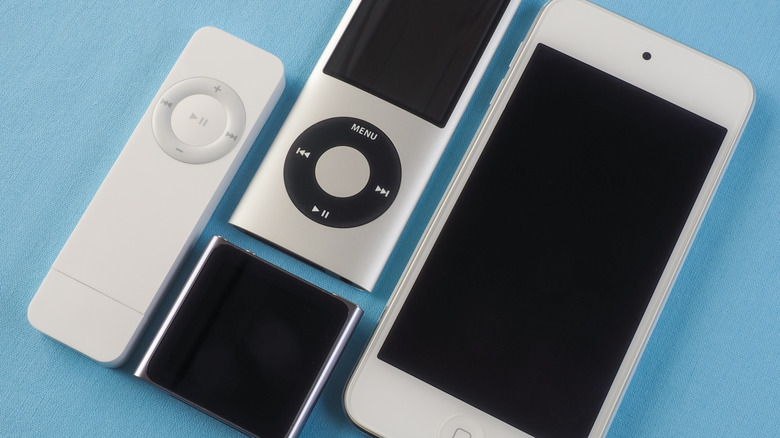
These days, we practically live on the internet, rarely truly going offline, and this is partly due to the constant accessibility of mobile networks. In an effort to differentiate it from the iPhone, Apple never added mobile network connectivity to its iPod Touch offerings, even for its last 7th generation models that were introduced in 2019. In comparison, the first iPad came with a model that could handle both Wi-Fi and 3G in its initial release in 2010.
As long as you were connected to a Wi-Fi signal, you could still enjoy the benefits of internet connectivity with the iPod Touch. After all, it was the first iPod that could do so, which set it apart from its predecessor, the iPad nano series. In its first iterations, you could already access emails, watch YouTube videos, browse the web, and check maps. However, it wasn't until later software updates that it really took off, when the iPod Touch could access Apple's App Store. This meant it had access to thousands of third-party apps. That said, if we're being practical about it, you could recreate this experience with any iPhone if you completely turn off mobile connectivity and go Wi-Fi only.
No video and audio phone calls
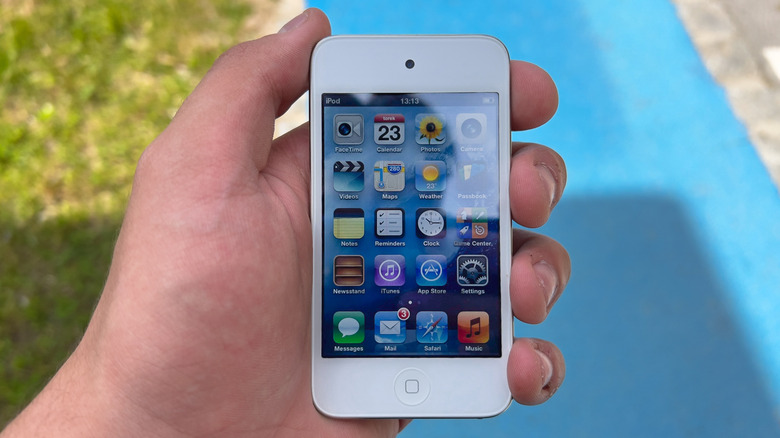
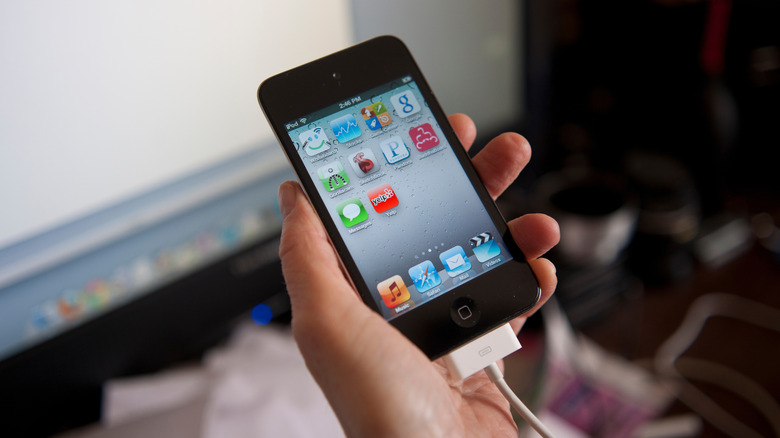
These days, taking calls on the go is part of our daily lives, whether we're catching up with friends or in work-related meetings. For dinosaurs that remember when the iPod Touch was first launched, it didn't come with call-making capabilities. Apart from not having a SIM card slot or eSIM compatibility, there was no microphone built-in. Until the iPod Touch 3rd generation model, only the earphones had microphones. It wasn't until its 4th generation release that it arrived with a built-in microphone, as well as cameras, that allowed you to make video calls via apps, like FaceTime. However, you could still use the excuse that you didn't have data if you didn't want to talk.
That said, we do miss when Apple devices came with all the accessories. With its first release, the iPod Touch came with earphones, the charging cable, dock adapter, stand, and even a polishing cloth out of the box. The 4th generation model was the last to include a dock connector. Until the last 7th generation iPod Touch model in 2019, the manufacturer still included a pair of Apple Earpods. In fact, this move marks one of the last Apple products that did so. Just a year later, Apple doubled down and removed the power adapter and Earpods from its iPhone 12 line up (and all the mobile phones that came after it). While it drew some praise for its sustainability efforts, the Daily Mail reports how they also made billions in profit because of it.