

What Does The Green Dot Mean On An Anker Power Bank?
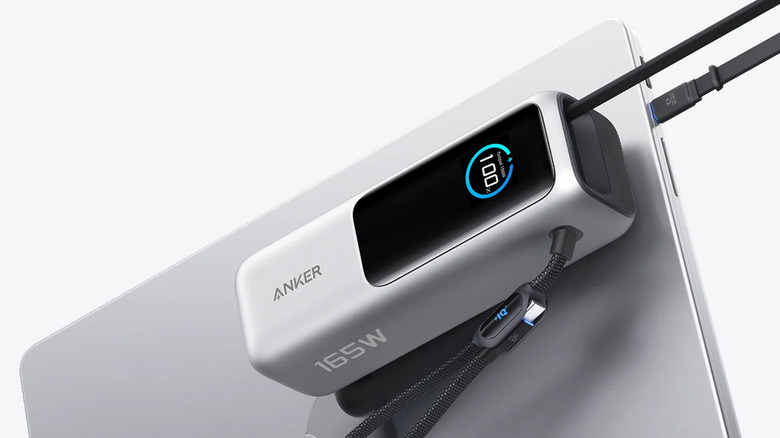
If you're shopping for charging accessories like wall adapters, USB cables, or power banks, you're likely considering Anker. It's one of the most reputable brands in the space, with a diverse catalog that covers almost all bases. Anker makes many highly-rated products that usually undercut first-party options while offering faster charging and smaller designs, thanks to technologies like GaN (gallium nitride).
Some of Anker's power banks have built-in displays that provide information at a glance, while others use tiny LEDs to indicate charging and battery status. These LEDs usually shine white, but if you spot a green light from one of the LED indicators, it usually means your power bank has entered trickle-charging mode. On Anker power banks with displays, trickle-charging mode is indicated by a green dot on the display.
If you don't recall enabling this feature, you can turn trickle charging off on most Anker power banks by simply pressing the power button twice quickly. This is also how you turn trickle charging on. According to Anker, this mode will automatically disable after two hours if you're not charging any devices. The green dot or light should then go away.
What does trickle charging do?
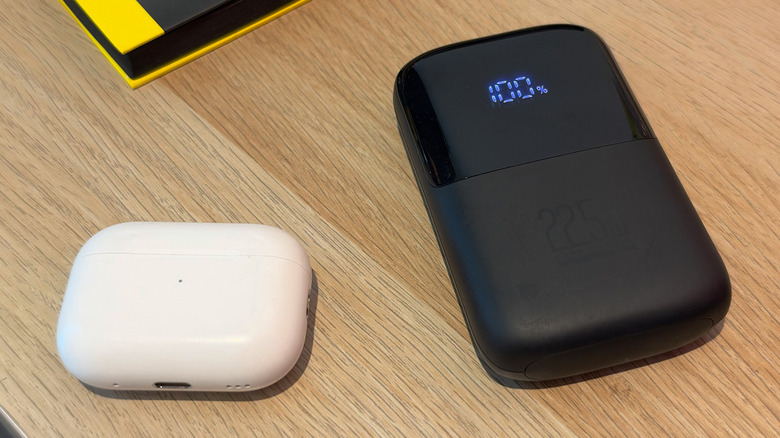
When enabled, trickle charging prevents your power bank from automatically shutting off, which can happen when charging a device that draws very little power. With some of Anker's power banks delivering charging speeds of up to 140 watts, smaller electronics like wireless earbuds or fitness bands can draw so little power when charging that the power bank's automatic shutoff mechanism mistakenly assumes nothing is connected and turns it off.
Anker also states that the trickle charging mode is designed for safely charging small devices, though most modern electronics have built-in charge-protection features that regulate how much power they draw. So, if your earbuds or smartwatch are charging just fine, you probably shouldn't need to use trickle charging mode on your power bank — it's more of a compatibility hack.
While trickle charging can, on paper, help preserve your phone's battery health by charging it more slowly, there are better ways to do so. Most smartphones now have an optimized charging mode you can enable in the battery settings, which caps charging, usually at 80%, and only charges it to 100% when you need the phone. That will be much more effective and less torturous than trickle-charging your phone.