

Every Mitsubishi Mini Split Remote Symbol (And What They Mean)
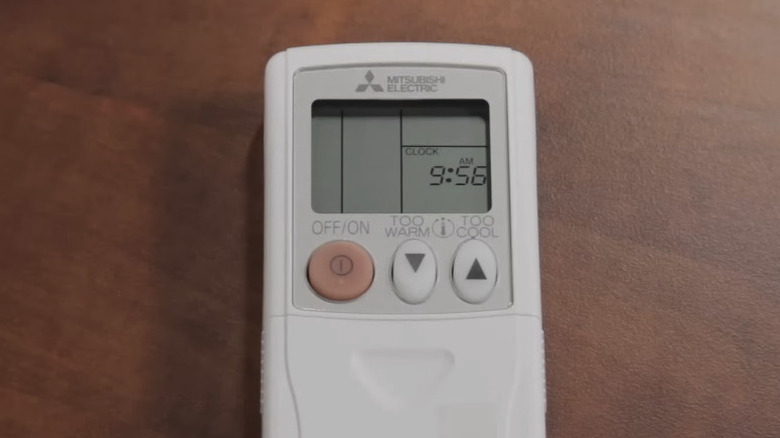
Like several other air conditioner types, mini splits usually come with a remote so you can fine-tune your settings without actually having to get up and adjust the controls. Some remotes, such as the one that comes with a Mitsubishi mini split, are more complex than others. This remote gives you many ways to control and adjust the room temperature... as long as you know what each symbol means.
Understanding the symbols and settings on your Mitsubishi mini split's remote makes it easier to get what you want out of the appliance. That way, you don't have to mash your way through all the buttons to find the right one. Let's break down the symbols for the primary operating modes as well as the separate controls for fan speed, vertical and horizontal airflow direction, and the energy-saving feature called Econo Cool.
The MODE button is arguably the most important, so we'll start there. Each press moves to the next available operating mode, cycling through all five in the following sequence: AUTO, COOL, DRY, HEAT, and FAN. AUTO is represented by cycling arrows and puts the unit in automatic mode. COOL uses a snowflake symbol and switches to cold temperatures. DRY uses a water droplet and, when selected, acts as a dehumidifier. HEAT uses a sun symbol and switches to warm temperatures. FAN uses a fan symbol and does exactly what the name suggests.
Other important symbols on a Mitsubishi mini split remote
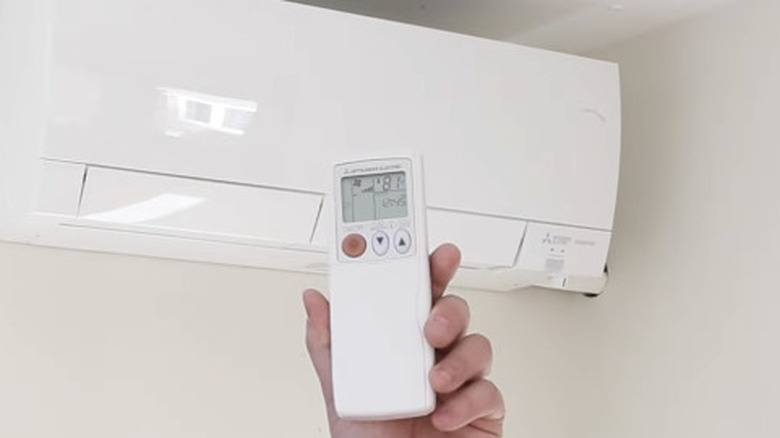
While MODE cycles through all five settings without pressing the individual buttons, each setting also has its own unique cycle. Selecting AUTO, COOL, DRY, HEAT, or FAN will display unique symbols of their own on the remote's screen.
Pressing the FAN button cycles through six settings: AUTO, QUIET, LOW, MED, HIGH, and SUPER HIGH. AUTO looks like a cycle, QUIET looks like an ear, and LOW through SUPER HIGH symbols look like cell service bars that increase in number and size as fan speed increases.
The VANE and WIDE VANE buttons determine where the mini split directs its airflow. Pressing VANE cycles through the vertical airflow settings in this order: AUTO, 1, 2, 3, 4, 5, and SWING. Numbers 1-5 show the vane at different angles, and SWING shows all five angles illuminated at once. WIDE VANE does the same but for horizontal airflow.
Another available feature, Econo Cool, looks the same as COOL but with three wavy lines in the middle of the snowflake. When this option is selected, the microprocessor inside the highly rated mini split will automatically adjust the set temperature and airflow direction to suit the climate of the room (and save you energy in the process).