

What's The Difference Between Dual-Band And Tri-Band Routers?
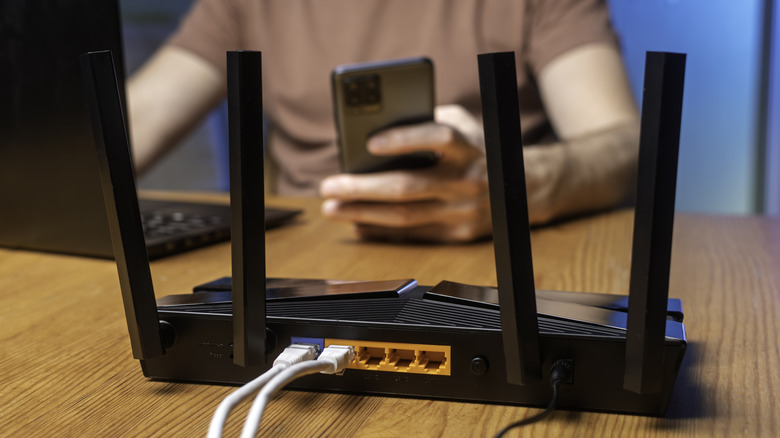
So many things in our home rely on the internet. Whether it's our computers, smartphones, tablets, televisions, gaming consoles, or other devices, we want a strong, consistent Wi-Fi signal that can support all of them, especially when multiple are in use at the same time. Some of this is dependent upon your internet speed, but even if you have high speeds, you need a router that can properly handle and distribute the signals effectively. At the most basic level, there are single-band routers, which transmit a 2.4 GHz radio frequency for lower-speed internet with a fairly wide reach. More commonly, though, your router is going to be either a dual-band or tri-band router.
The aim of both of these router types is to increase the internet speeds required for some devices. With a dual-band router, you're still getting that 2.4 GHz frequency, but alongside it, you're also getting a 5 GHz band that can handle much faster data transfer speeds. The router can automatically switch your devices between frequencies based on their needs, though some routers let you choose which frequency you want to use. What you are trading for increased performance is a smaller range of operation compared to the 2.4 GHz band.
A tri-band router works in much the same way, except instead of adding one 5 GHz band, it adds two. This is for households with a lot of people using many different internet-connected devices. Not only does it help ease the burden on your router's connectivity, but it also makes sure you're getting the optimal performance for any given device.
Why have multiple different band frequencies
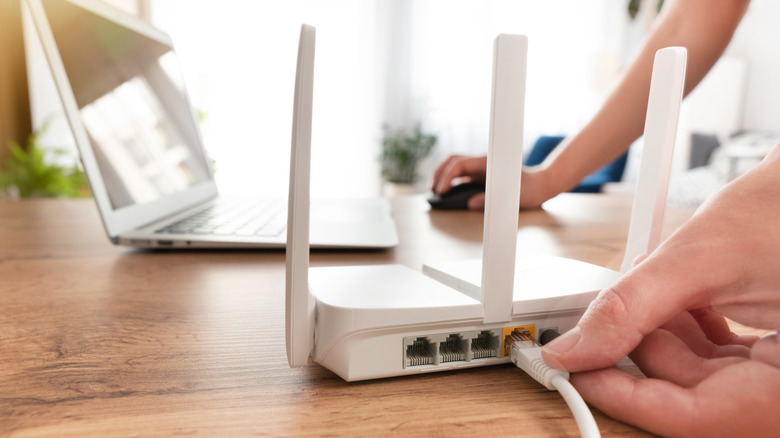
The obvious benefit of having one or two 5 GHz radio frequencies with your router is that you have the ability to have devices connected to it that require a tremendous amount of data to be transferred quickly. This really comes in handy with things like streaming 4K video or online gaming. Having that in the home is a good option. If it's so great, though, why wouldn't you just want a dual- or tri-band router where every band has a 5 GHz frequency?
There are a few reasons for this. Despite the power of the 5 GHz band, it can struggle with range. If your router is far away from your device, you might not be able to take advantage of that band, whereas a 2.4 GHz frequency is able to travel much farther. The 5 GHz band also struggles to pass through thicker walls, which can cause trouble even if the router and device are relatively close.
You may also not have many devices that require the data transfer speeds you can get on the 5 GHz band. With the 2.4 GHz band, you can still get speeds fast enough to handle most tasks on an internet-enabled device. You don't need maxed-out download speeds to look something up on Wikipedia or purchase something on Amazon. Those 5 GHz networks are able to work so well because fewer devices need to be on that band. Lastly, having only multiple 5 GHz bands would put them in conflict with each other. Having 2.4 GHz and 5 GHz together lets the router easily decide which device should use which.
When to get a dual-band or tri-band router

Now that you know the difference between them, you need to figure out whether a dual-band or tri-band router is right for your needs. For most households, a dual-band router is going to be just fine. For regular internet usage where you only have a couple of devices that require really high data transfer speeds, then a dual-band should be able to get the job done quite well.
As for getting a tri-band router, these are for homes with a lot of people who are frequently using a good number of devices that require 5 GHz frequencies. For instance, if you have a couple of people playing online video games, someone streaming a 4K movie, and someone watching 4K YouTube videos on their laptop all at the same time, having a tri-band router to best allocate all of that data is definitely the best option.
There are some tri-band routers with one 2.4 GHz band, one 5 GHz band, and one 6 GHz band, replacing the second 5 GHz band. These routers support Wi-Fi 6E and Wi-Fi 7, the latest iterations of wireless networking. They deliver even faster speeds and lower latency than 5 GHz bands. So, for households with a ton of devices requiring those higher speeds, this might even be a better option. While that sounds great, you really should think twice about getting a Wi-Fi 7 router. It costs prohibitively more, and you may not actually need those 6 GHz capabilities for your home's regular internet usage. Of course, if your internet usage is really out of hand, a quad-band router may be right for you.