

Why Your Windows PC Remembers USB Drives After You Remove Them
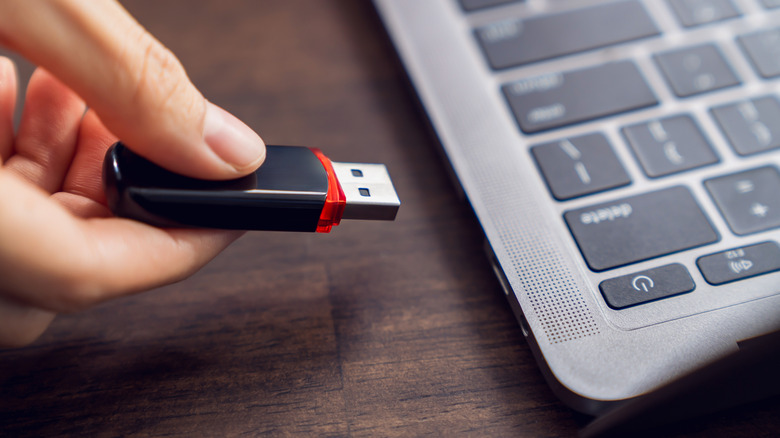
USB, which appropriately stands for Universal Serial Bus, has become a ubiquitous standard for connecting (or charging) electronic devices. Odds are, if you've got a desktop PC, you've got a number of USB devices plugged into it right now, be they dongles for wireless peripherals like keyboards or mice, or wired hardware like monitors or webcams. You may even have some of these great USB gadgets that every PC user should know about. What you might not know is that Windows keeps a long-term record of USB drives you plug into your machine, even if it's just for a moment.
Unplugging a USB drive or device doesn't necessarily remove Windows' record of it, either. The record allows Windows to quickly recognize and interact with the device, so it's stashed in your registry in case you plug the device back in later. The information that's stored varies by device but can include identifiers reported by the device and its USB connection.
When a USB drive first connects, Windows' Plug and Play manager will identify it, create a device node, choose and install the appropriate driver, and then assign the hardware a device instance ID. A USB drive's hardware IDs commonly contain its vendor ID and product ID, shown in Device Manager. When you plug it in the next time, Windows can immediately associate the device with its Plug and Play profile and configuration, making reconnecting smoother and less disruptive.
A record isn't a copy
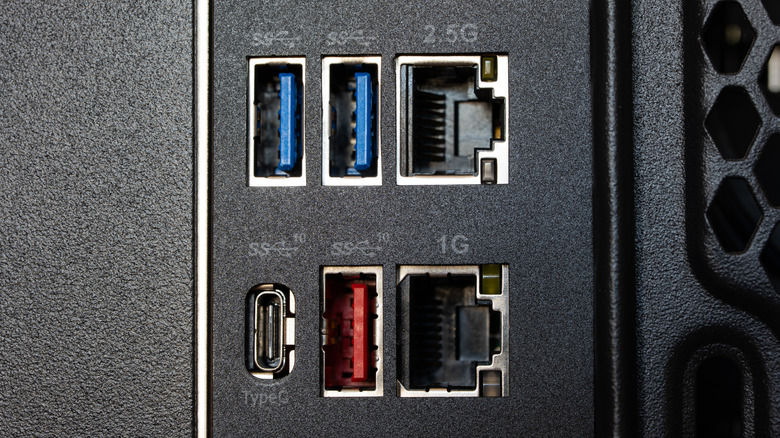
USB drives can be a great way to quickly expand your device's storage without having to tinker with the internals, especially with small USB flash drives that offer a ton of storage. It's important to note, however, that just because Windows remembers a USB drive doesn't mean it stores the drive's contents. It's purely a record of the device's ID and characteristics, and none of the files or data on the drive are part of that record.
What the entry can expose is identifying details related to the device's setup, like a descriptive name of the device or other information that Windows needs to recognize and configure the hardware. It's also important to note that there's no recording via this system of any activity, like file transfers or which data was accessed from a drive.
For USB storage, ID records typically live in the USBSTOR portion of the Windows registry. This is separate from the usbflags portion of the registry, where device-specific compatibility and settings information for the driver lives. If you do want to clean up some vestigial records for devices you'll never use again, USBSTOR is the place to start.