

How To Clean Your Robot Vacuum (And How Often You Should)
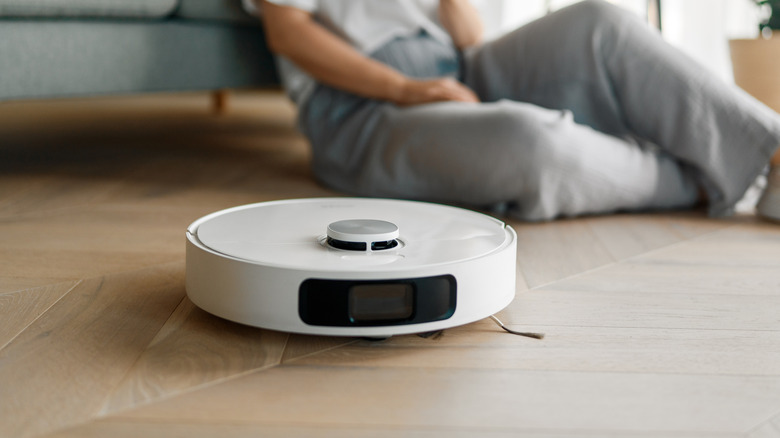
Vacuuming can be a time-consuming chore, especially if you have a large home. That's why some people choose to use a robot vacuum instead of doing the work themselves. While these devices can come in handy, they also need the proper cleaning to ensure they deliver the best performance. Before you begin, you should power down the unit and remove it from the charging dock.
Next, clean and empty the dustbin and clear away any buildup from the brushes and wheels. The filter also needs attention, though it can be washed, depending on the model. From there, use a dry cloth to wipe down the robot's sensors, charging contacts, and exterior. You should give the dock or self-emptying base a cleaning as well. The exact cleaning procedure can vary based on brand and model. Additionally, robot vacuums that also mop may require additional cleaning or maintenance for both their pads and water tanks.
How often the device should be cleaned can depend on the specific part. For example, iRobot recommends cleaning a Roomba's filter once a week, increasing that to twice a week for homes with pets. The full-bin sensor and rear caster wheel should be cleaned every two weeks, while the charging contacts, corner brush, multi-surface brushes, and sensors should be cleaned once a month. For cleaning tips and general maintenance regarding your model, consult your owner's manual.
What to check when your robot vacuum has problems
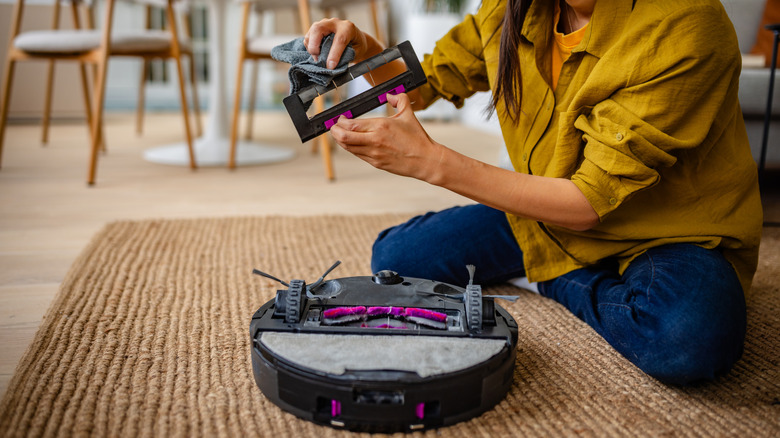
It's important to check your owner's manual before cleaning your robot vacuum to ensure you don't make some common mistakes. For example, you shouldn't use harsh chemicals or abrasive materials on the device, and you should avoid getting moisture inside the vacuum. Sensors and charging contacts should be cleaned without water, and washable filters should be completely dry before being put back in the vacuum.
Cleaning a robot vacuum may help prevent certain performance problems or dirt building up in places you might not think to check. This includes a vacuum that's making unusual noises, which can be caused by debris that's caught in one of its brushes or wheels. A vacuum that isn't picking up as well as it normally does may also mean that the unit needs to be cleaned. Dirty sensors can affect where the robot cleans, while buildup on the charging contacts can interfere with charging.
The same idea applies to the vacuum's base and other components as well. For example, if a self-emptying model isn't transferring debris properly, there could be an obstruction somewhere in the path between the robot and the charging station. This could include the dustbin, filter, or suction openings. However, if cleaning these components doesn't solve the problem and the vacuum continues to have issues, there may be another underlying reason.