

There's Only One Disadvantage To Using Mini HDMI - But It's A Big Downside
We may receive a commission on purchases made from links.
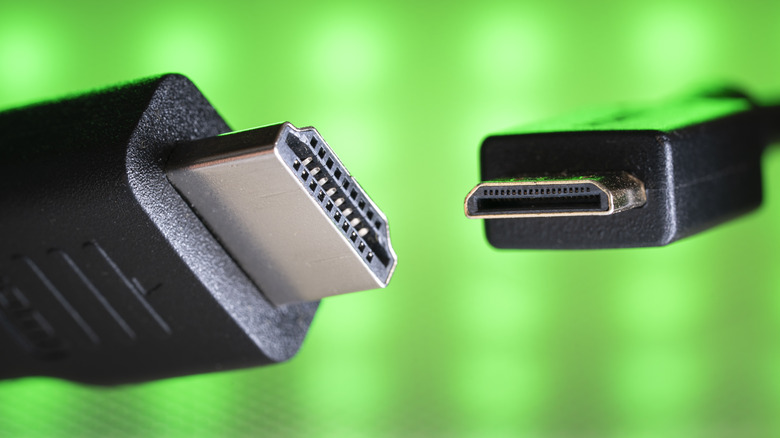
HDMI, or High-Definition Multimedia Interface, ports are the core of many of our display systems. You can find them in consoles, desktop PCs, and professional-grade hardware. HDMI defines five connector types, but only three of them show up on consumer gear: the standard HDMI, mini HDMI, and micro HDMI. All three carry the same 19 pins, so the biggest differentiator between them is portability.
You'll find standard HDMI ports on devices that tend to stay in one place, such as your TV or desktop PC. On the other hand, both the mini HDMI and micro HDMI options are made for smaller devices that are usually taken from one place to another. Between all three, the mini HDMI strikes a middle ground between form and function.
Some devices that commonly use mini HDMI ports include cameras and portable monitors, while tablets and laptops have largely moved on to USB-C, which offers the added benefit of charging and data transfer. However, there's one key disadvantage of mini HDMI: durability. Here's why these ports and connectors may be more prone to damage, and how to manage this potential problem if you need to use them.
The problem with mini HDMI (and how to manage it)
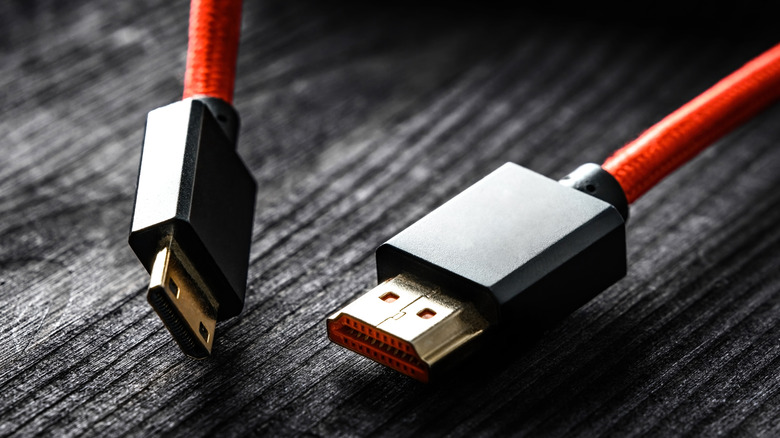
Since mini HDMI systems are built for portable devices, they're predisposed to higher wear-and-tear. AceMagic lists that as one of the disadvantages of mini HDMI, as the devices that use this connector are often plugged in and unplugged, as opposed to sitting in one place. Portable monitors are one example of this.
Larger HDMI ports found on regular monitors and desktops don't get connected anywhere near as often, as they sit on your desk for years on end. SF Cable also notes that you'll need to use adapters to connect to standard HDMI ports, creating another obstacle. Since no HDMI connector outside automotive Type-E locks in place, and mini HDMI has less contact area to grip with, Anker cautions that they're prone to disconnecting, which can affect overall signal stability.
While durability may not be their strongest point, you can squeeze more life out of your mini HDMI. First is that you can just be more delicate with how you handle it, like avoiding pulling it aggressively. Second, when given the option, you can invest in slightly more expensive cable models that offer additional features for durability, like angled plugs that help prevent needing to bend the cable. This makes the connection more secure. Third, mini HDMI port silicone covers protect the pins from collecting dust and debris, like this just-under-$12 110-piece dust cover plug kit.
How micro HDMI and USB-C compare
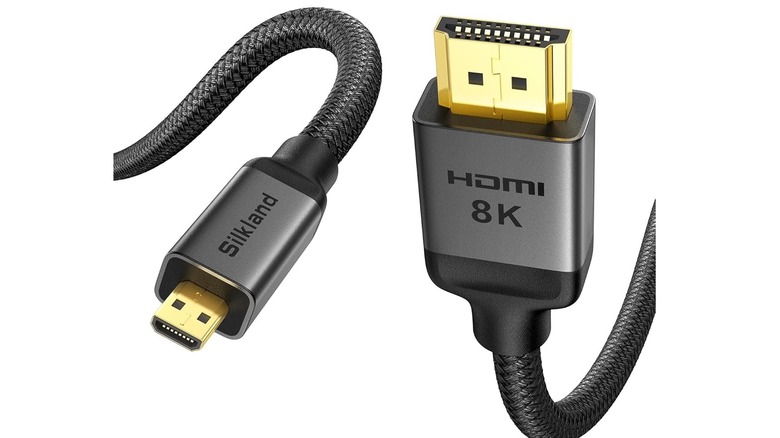
Two connectors are sometimes found on devices that also tend to use mini HDMI: micro HDMI and USB-C. These days, the micro HDMI (Type-D HDMI) is actually the smallest HDMI connector variant. At first glance, it looks like the old-school micro USB cable, but it does come with a majorly different pin layout. While it's not as popular as its larger counterparts, the micro HDMI has the same transmission capacities as the full-sized HDMI and mini HDMI, even with its small connector. Similar to the mini HDMI, it's used on devices that are often plugged in and out. Because of this (and the fact that its pins are even smaller), it shares the same durability issues and is known to be even more prone to breakage.
In reality, most of us will have no choice but to work with what's available, or at least invest in some HDMI adapters so you don't have endless cables to manage. However, if you're the type to build electronics, knowing the differences between the three can help you make better decisions. For example, if you're making a Raspberry Pi-powered cyberdeck with a USB-C port, adding a micro HDMI port could give you more space if you want to charge and use a display at the same time.