

You've Seen USB's Trident Symbol Countless Times – Here's What It Means
We may receive a commission on purchases made from links.
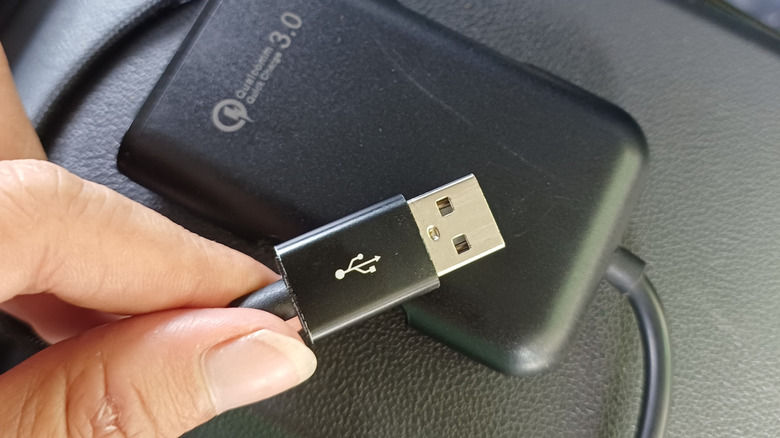
You've probably come across the USB trident symbol more times than you can remember. It's that three-pronged icon with a single stem that branches into three arms ending in an arrowhead, a circle, and a square. These distinct shapes signify USB's built-in ability to connect different types of devices through a single port. That's according to an IEEE Milestone document on the development of the USB standard.
The USB Implementers Forum (USB-IF) – a non-profit organization created by the companies that developed USB to promote and develop the standard – developed the trident logo while writing the first version of the standard (USB 1.0). Beyond the details recorded as part of USB's recognition as an IEEE Milestone, we don't know much about the USB trident logo, including who designed it.
Since the first version came out, the USB standard has undergone massive changes and improvements, bringing faster data-transfer speeds, high power-delivery capabilities, and support for high-resolution displays, among other things. Right now, most consumer devices use USB-C, its latest connector, from phones to laptops, wearables, and power banks, making it one of the most recognizable and widely used connection standards.
The other symbols you'll see on modern USB cables and ports
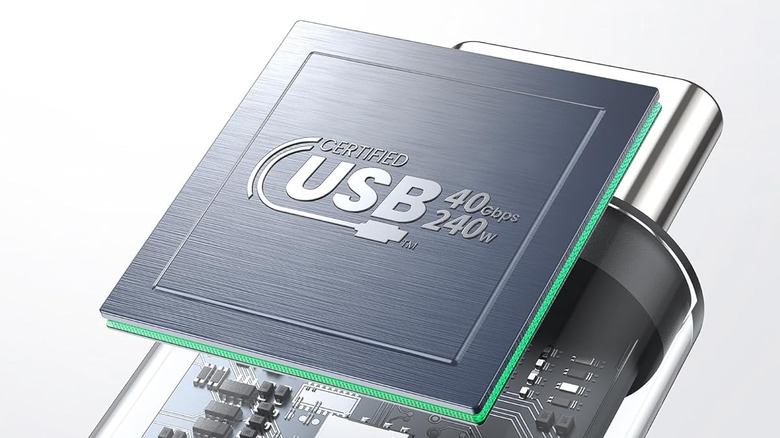
USB first emerged in the 90s with the goal of connecting peripherals to PCs. Since it first hit the market, there are many USB symbols and icons that you might not even know about, let alone what they mean. The trident logo is the classic USB logo, but there are multiple variations that include the three-prong icon plus something extra. For example, you might see an SS symbol next to the trident, which means it's a "SuperSpeed" port – several variants of the SS USB port exist, differentiated by their built-in capabilities.
However, most USB logos that are variants of the trident logo have been deprecated by the USB-IF, so chances are you won't see them on newer products. Most current USB symbols include a cable-like symbol alongside the charging capability or data transfer bandwidth, or both, making it clear what to expect. If, for example, you see a USB cable with 80 Gbps and 240 W written on the logo, then you know that's the maximum data transfer speed and charging power that it can offer.