

This Hulu Setting Could Be Killing Your Image Quality – Here's How To Tell
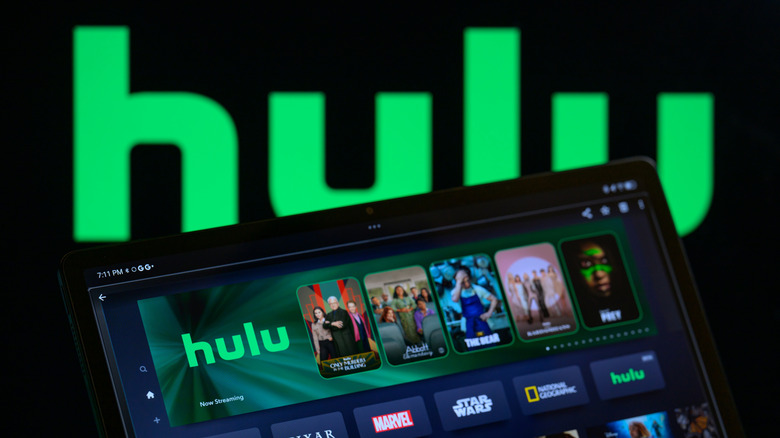
The rise of streaming services has enabled us to watch a much wider catalog of movies and TV shows in the comfort of our homes. Some of the most popular streaming services include Netflix, Prime Video, and Disney+ — each offering its own exclusive originals to try to convince you to subscribe. Hulu may not enjoy the same global recognition, but it still has a few critically acclaimed exclusives like "The Bear" and "Only Murders in the Building." If you happen to subscribe to Hulu, you might want to check for an option that may secretly be ruining the video quality.
Content on the Android and iOS versions of the Hulu app is automatically streamed in Data Saver mode, which prioritizes lower data usage over video quality. For casual sitcoms and live news streams, this may not be very noticeable, especially on a smaller screen. But if you're watching visually rich movies, you'd likely want the best quality possible. To turn off Data Saver mode, open the Hulu app, tap the account icon, navigate to Settings > Cellular Data Usage, and select the "Best Available" option. This will consume more mobile data but will result in better picture quality. You can view cellular data usage on Android by navigating to Settings > Network & Internet > Data Usage or by heading to Settings > Cellular on an iPhone.
Is your Hulu picture quality still poor?

Unlike YouTube, most streaming platforms don't let you actively switch between different video resolutions. If you've switched out of Data Saver mode on Hulu, it might take a few seconds to a couple of minutes before the video you're streaming ramps up its quality. If you still don't notice an improvement in video resolution after restarting the app, make sure you're connected to a network that's fast enough to stream HD content.
Hulu recommends a connection speed of at least 6 Mbps for 1080p streaming, and 16 Mbps for 4K. If your mobile data or Wi-Fi speeds are slow, Hulu will automatically dial down the video quality to ensure smoother playback. You might want to check if the show or movie you're watching is available in 4K in the first place. The maximum streaming resolution also depends on your device's hardware capabilities.
Certain titles on Hulu are also available in formats such as HDR10 and Dolby Vision. This will be indicated by a badge on the details page for the movie or TV show. As long as you have a decent internet connection and a device capable of decoding these enhanced formats, your streaming experience on Hulu should be as good as it can get.