

Chromebook Vs iPad: Which Is Best If You Don't Want A Windows Laptop?
We may receive a commission on purchases made from links.
If you need a device to get your school work done, or you just want something you can use to browse the web and answer emails, a Windows laptop might not be your best bet. For some, the affordability of a Chromebook is the perfect answer. For others, the polish and portability of an iPad is the better choice.
The best choice for you comes down to a few key distinctions. What are you planning to do with the device? You also have to think about how much you're planning to spend on the purchase. If you have other Apple products, like an iPhone and AirPods, you may want to build on the Apple ecosystem with an iPad. On the other hand, if you prefer the look and feel of Android over iOS (which iPadOS is very closely related to), a Chromebook is likely going to serve you better.
Here's a closer look at these factors for both devices so you can determine if a Chromebook or iPad is the right choice for you and your needs.
Chromebook: Price, design, and use cases
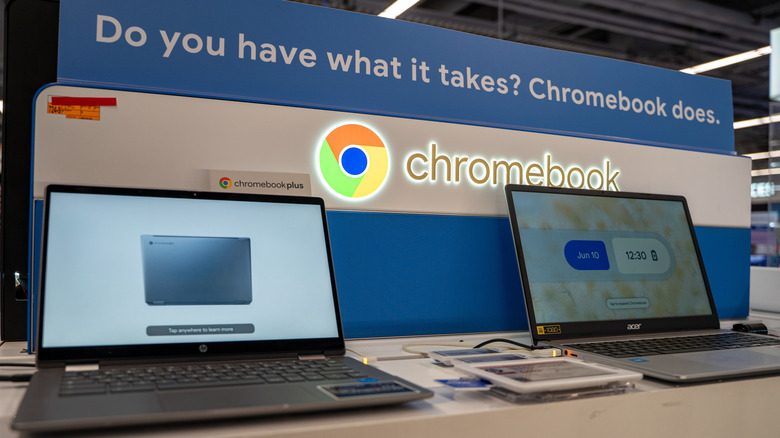
Chromebooks are, without a doubt, the cheaper of the two options. You can even find a handful of Chromebooks for under $100, though most fall into the $150 to $500 range on major electronics retailers like Best Buy and Amazon. Apple's budget iPad model (the 11-inch A16 iPad) does meet that price range, though the more powerful options are far more expensive. As for portability, it's a tie. Both Chromebooks and iPads are slim and lightweight enough to toss in a backpack, tote, or carrying case and take on the go.
Chromebooks also offer a wider variety of options. Several different brands like Lenovo, HP, and ASUS all manufacture Chromebooks, whereas Apple only features a few distinct iPad models. For Chromebooks, this means you can fine tune feature sets, price tags, and performance to your liking. If you need a bigger screen or more storage, simply find a model that offers it – Chromebook Plus models are a good place to start.
When it comes to use cases, Chromebooks are best used in light, web-based operations. This is because ChromeOS –- the operating system that makes a Chromebook a Chromebook –- is purpose-built for web apps. Think checking email and Google Drive, watching YouTube or Netflix, writing papers, and general web browsing. If you're planning to do more resource-intensive tasks, like video editing or light gaming, the vast majority of Chromebooks (outside of the most expensive models) aren't going to perform very well. So, if you're looking for affordability, a computer that gets the job done without all the bells and whistles of expensive Windows laptops, and a greater number of options, Chromebooks like the Acer Chromebook Plus 514 and Lenovo IdeaPad 3i are a great choice over iPads.
iPad: Price, design, and use cases
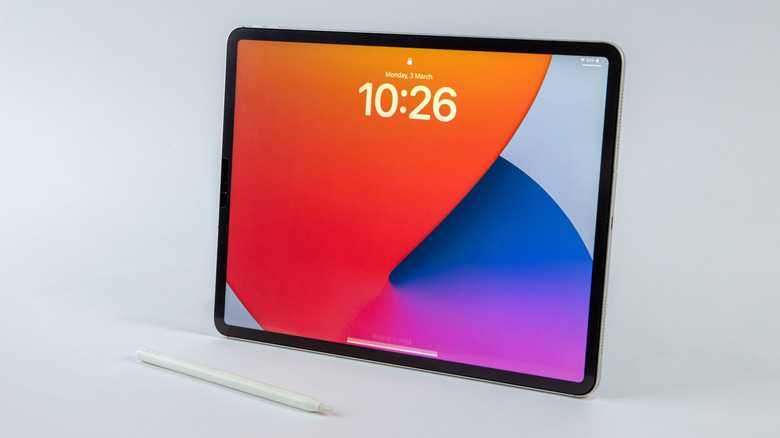
Starting with price, Apple's iPad lineup ranges from $349 at the cheapest (11-inch A16 iPad) to $2,299 at its most expensive (11-inch M5 iPad Pro) -– so, on average, they're quite a bit costlier than Chromebooks. The most expensive model does give you a greater feature set and quality of life than Chromebooks, though, without a doubt. Even the budget iPad has some distinct advantages over similarly-priced Chromebooks (and probably some features you didn't know about). A16 iPads come with both front- and back-facing cameras, Apple's signature Liquid Retina Display, Touch ID biometrics, multiple color finishes, and the ability to use cellular data for texting and web browsing –- none of which you're likely to find on Chromebooks. The A16 chip and iPadOS are also surprisingly powerful, allowing for more resource-hungry tasks over ChromeOS.
So if you plan to take pictures or video for projects, live translations, or AI-powered apps, that back-facing camera will come in handy. And if you're thinking of using your device for media enjoyment in your downtime, the Liquid Retina display is a major boon over the typically lackluster displays you'll find on affordable Chromebooks. The downsides of Apple's tablet come into play when you consider upgrade costs.
Continuing with the cheapest iPad as an example, if you want to bump your storage up from 128GB to 256GB, it's a $100 increase. If you want to use cellular data, it's an extra $150 on top of the usual price. And if you type often — taking notes, writing reports, etc. — you're going to want a physical keyboard, which will run you an extra $249 for the Apple Magic Keyboard Folio (though you can find much cheaper third-party options for this accessory). Even Apple's budget iPad quickly becomes a significant investment when you consider these addons.