

This Charging Habit Could Ruin Your PlayStation 5 Controller Battery
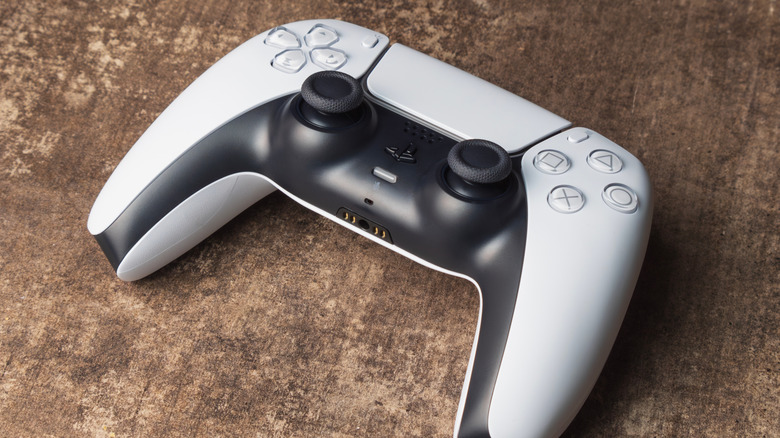
One of the many technological conveniences of the 21st century is the rechargeable battery. This innovation is everywhere, eliminating the need for constant battery switching. However, there are some bad device charging habits many have that should be ditched, including when charging PlayStation 5 controllers. As it turns out, leaving a PS5 battery on the charger for longer than necessary can ultimately do more harm than good. Even though these devices are designed to prevent overcharging, leaving a controller on the charger continuously can still shorten the battery's lifespan in the long run.
Sony itself recommends that the PS5 controller not be left on the charger for extended periods when not in use, and it's not doing so for no reason. The major concern is keeping the lithium-ion battery at a perpetual 100% level. Over time, keeping the battery at this level can create voltage stress that harms the internal electrolyte and cathode, reducing the battery's ability to effectively hold a charge. Thus, it's better for the battery to cycle through it naturally than keep it at a constant 100% charge level night after night. This isn't to say that leaving a PS5 controller on the charger overnight now and again will immediately destroy it, but on a nightly basis, you're likely to notice a dip in battery longevity in no time.
If your controller is beginning to show signs of battery damage, there are a few steps to take. You want to narrow down the most likely cause and act accordingly.
What to do if your PS5 controller battery begins to fail

If you've noticed a drop in your PS5 controller's battery life, the first step is to figure out the cause. While excessive time on the charger is a possible culprit, it's not the only one. For one, there could be an issue with the charger itself. Dirty contacts, internal damage to the charging dock, or kinks and tears in the charging cable could lead to diminished charging performance. In this instance, there are multiple great PS5 controller charging stations to buy as replacements. You may also realize you've left the controller on when not in use, which can drain the battery. If the controller has seen extensive use and has been left on the charger for long periods, though, the lithium-ion cells are likely losing their ability to recharge.
So, if this is the case, what should you do? For one, don't keep leaving the controller on the charger when it's not needed. Charge until it's full and remove it soon after. You can also go into the PS5 Settings menu and turn down the brightness, speaker volume, and vibration intensity, in addition to muting the microphone. This all consumes less controller power, keeping it alive longer during game time. Unfortunately, repair or full replacement is likely to be done at your expense, as the one-year limited warranty on PlayStation accessories like controllers doesn't cover all damages. Those determined to be caused by the owner are not considered Sony's responsibility.
PS5 controllers aren't cheap, so it's crucial to take good care of them. While this means not overusing or abusing them, it also means practicing smart charging to keep the battery in good shape for the long haul.