

This DIY-Friendly Bluetooth Gadget Bucks The Trend Of Boring Printers
We may receive a commission on purchases made from links.
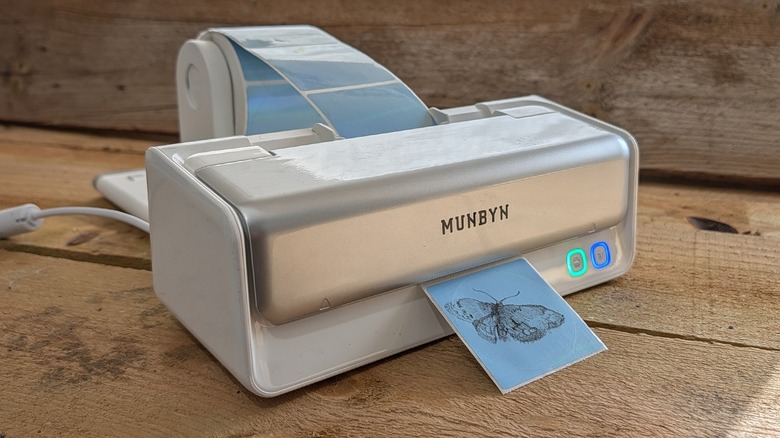
After decades of delivering notoriously consumer-unfriendly features such as single-use ink cartridges, you'd be forgiven for feeling a bit sour toward your at-home inkjet printer. Today is not the day where we convince you that using a standard consumer-grade printer is a good idea. Instead, we're looking at an example of an alternative with real potential: a thermal label printer.
It does one thing, and it does it really well: It makes sticker-backed labels with minimal effort, cost, and fuss. You don't need to buy ink, you DO need to buy special paper, but you don't need to spend an absurd amount of cash to purchase and/or continue operating your printer.
 Chris Burns/SlashGear
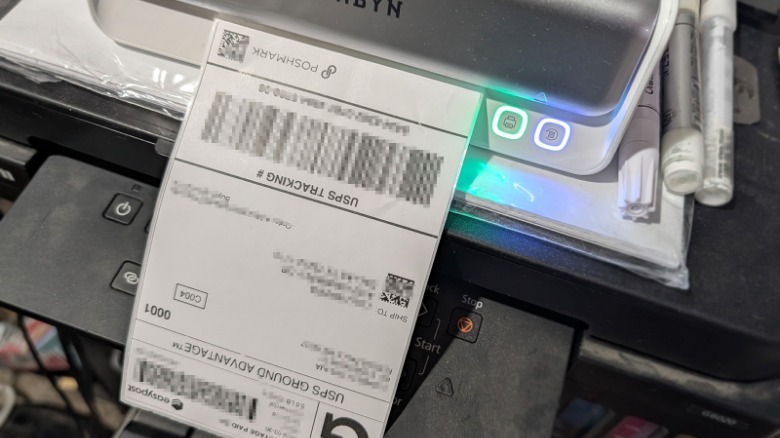
The last place you probably saw a thermal printer in action was at your local post office. There, postal workers use thermal printers to make quick-and-easy mail-ready labels for packages of all sorts. Instead of dealing with all the chaos that comes with liquid ink, a thermal printer applies heat to "print" on heat-activated paper labels that they then easily apply to a package.
Thermal printers (like the one we have here provided by Munbyn for testing for the past few weeks) have the potential to instantly take over the vast majority of the work you've been doing with your much larger, clumsier, and more expensive traditional printer. There are just a few limitations you'll need to be aware of.
Know the ins and outs
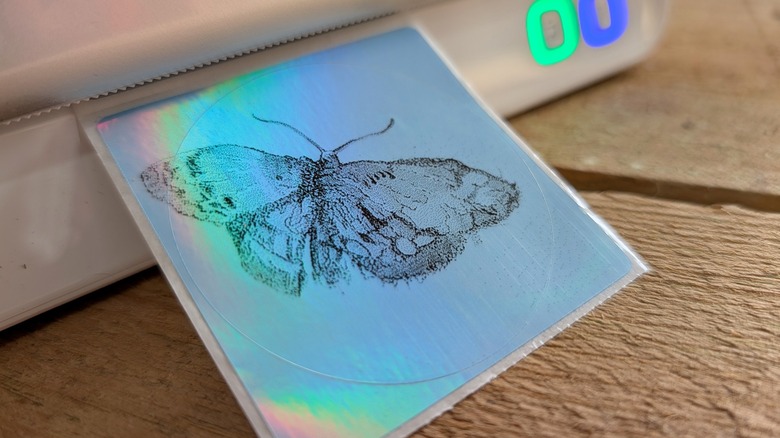
It is important to know a few things about thermal printers at this point, lest you assume that you're going to be able to create all the same stuff you would with the inkjet printer you (might) already own. Most thermal printers only print products in one color: black. If you need more than that, you'll probably still want to use a traditional full-color "home printer." The Munbyn RealWriter 405B (that you see above and below) is a simple machine with very straightforward limits.
 Chris Burns/SlashGear
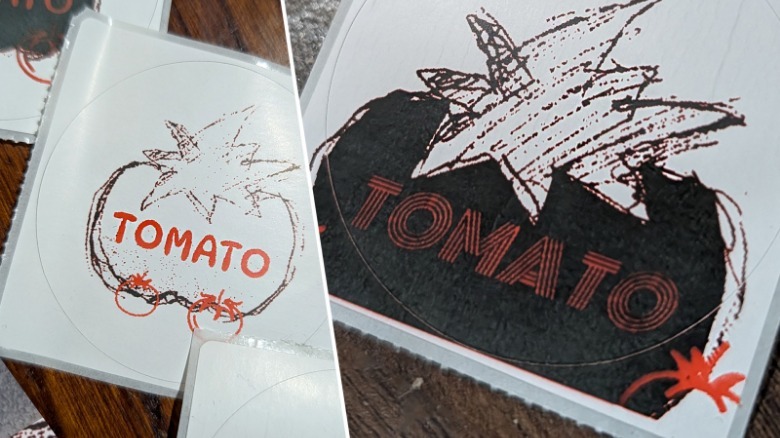
The thermal label printer we've tested goes one step further than the average thermal printer in that it's able to print in black/red and black/blue, but only with a specific sort of paper for each color combination.
Even with this slightly-more-advanced functionality, this piece of hardware (and similarly-priced devices) are (by their nature) small and simple. Costs are low because you're making the most out of a process that uses very few components (and no liquid ink whatsoever).
Here's where the fun begins
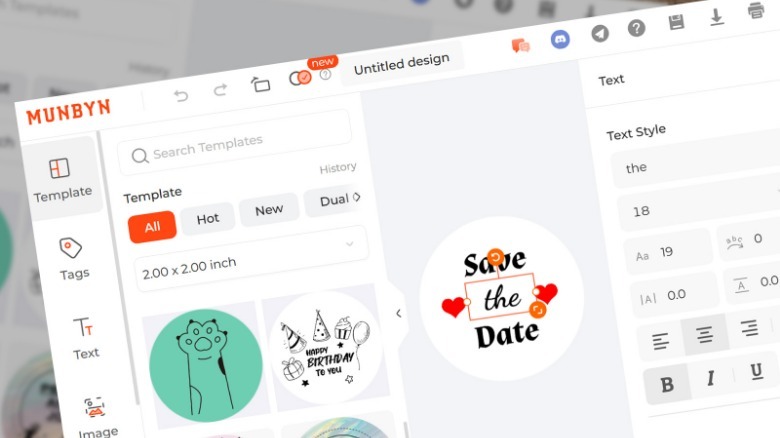
The Munbyn RealWriter 405B is very easy to set up and work with. You can use the brand's smartphone app on your Android or iPhone, or you can use their desktop app, or their web-browser-based interface, or you can download a printer driver and print with whatever software you'd normally use to get started. It's possible to connect to the printer with Bluetooth, but you might also want to opt for connection via USB-C (with a cable included in the box).
 Chris Burns/SlashGear
Munbyn encourages the use of their own-brand labels, and includes printer settings for each of them. They've created a start-to-finish process that works exceedingly well.
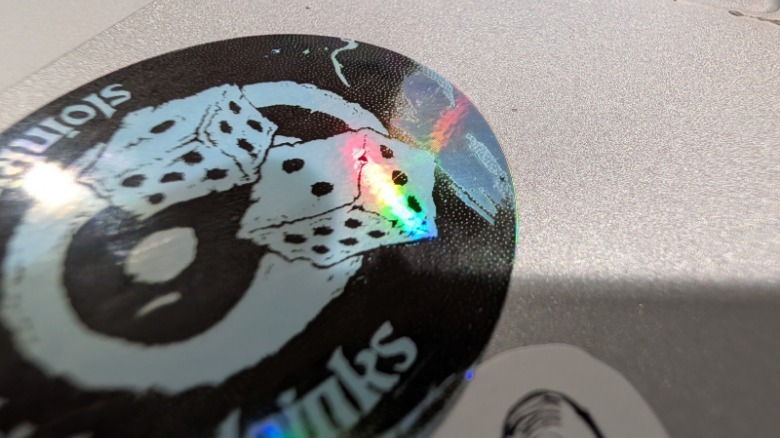
I've been using this machine for shipping labels for a few weeks — it's such a painless process that it makes me want to find reasons to ship just so I can print more shipping labels. I've also begun printing stickers of other sizes and shapes (as Munbyn provided rolls of their various types of label sticker paper), and it's been both entertaining and surprisingly user-friendly.
 Chris Burns/SlashGear
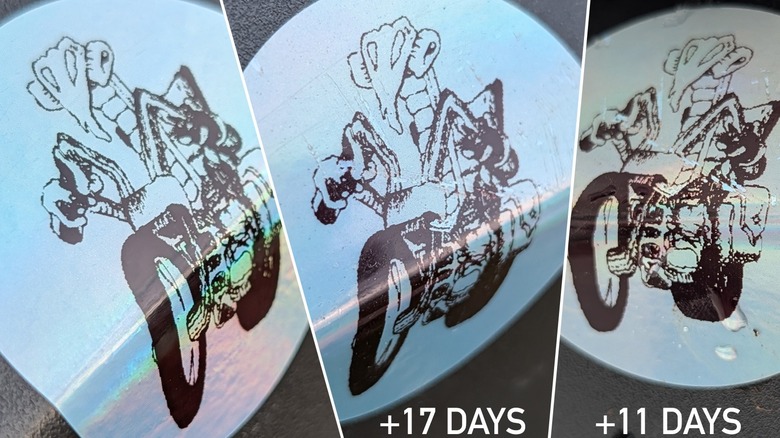
I've also been testing the viability of these labels in heavy-traffic locations and outdoor weather. Thermal-printed labels stuck to surfaces outdoors (in snow and rain and lots of direct sunlight) seem to have held up over the couple of weeks I've been testing them, for the most part. Labels placed on laptops and water bottles haven't done quite as well, especially if they're subjected to extended periods of warmth and/or friction.
Costs and value
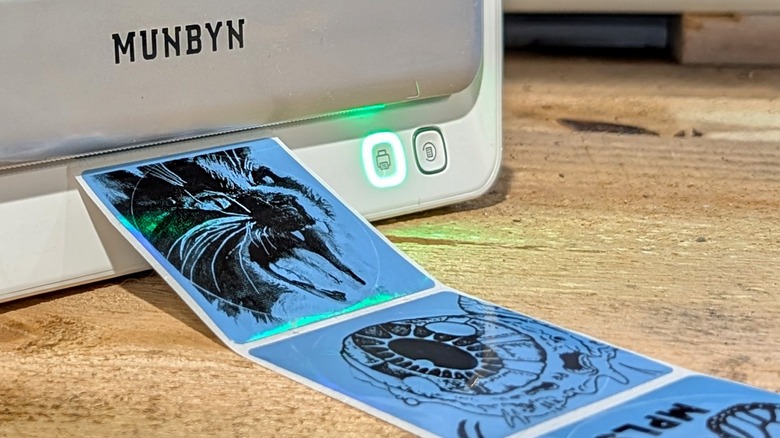
At publish time, the Munbyn RealWriter 405B is the newest piece of hardware from Mumbyn. At a price of about $170, it isn't the most expensive (nor the cheapest) model sold by the brand. Instead, this model is a good example of a fine balance between capabilities and cost.
There are two consumable products here. You don't need ink cartridges, but you will (if you plan on using this device 3+ years) want to consider buying a replacement print head — nothing lasts forever.
The other consumable product here is thermal-printer-ready paper. But fret not: this paper is not expensive. For example: If you're buying a roll of 1000 (one thousand) 2.25-inch by 1.25-inch sticker labels direct from Munbyn, you'll pay approximately $20 (2 cents per label), and that's if they're not on sale.
If you're looking to buy red/black or blue/black labels from Munbyn, you'll be paying a bit more. Two-color (red and black) 2-inch (diameter) circle sticker labels cost around $20 for 150 labels (approximately 13 cents per label). You also do not need to buy labels from Munbyn, as this printer supports any direct thermal label — and it's able to automatically detect whatever size label you insert (between 40-108 mm or 1.57-4.25 inches).
If your print jobs are primarily label-based, a thermal printer like the Munbyn RealWriter 405B is well worth the cash you'll pay to own an operate. You'll find this printer in the Munbyn Amazon store and in the Munbyn online store for a price of right around $170.