

Google Is Finally Letting US Users Change Their Gmail Address
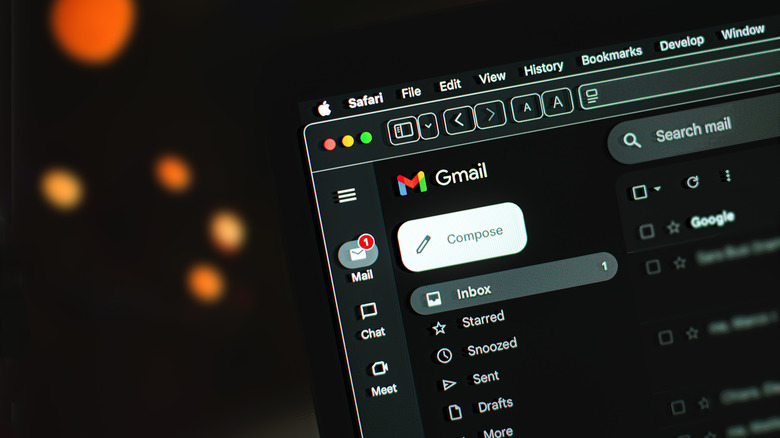
Ready to shed that embarrassing email address you've been stuck using for decades? Instead of abandoning it and opening up a fresh new inbox, Google's now going to let you simply change the address. After years of user frustration and confusing workarounds for forwarding services, just swap out the part before "@gmail.com" and keep all your existing data. You can continue to send and receive emails from the old address, as well.
Now, just because Google announced the update doesn't mean that you'll be able to start making changes right this second. The company will be rolling it out slowly over the coming weeks. To see if you're eligible yet, go to your Google Account, select "Personal info," then "Email." If you have it, click the "Google Account email" option to begin the process.
It's the best of both worlds: Everything from your Drive to your Photos to your YouTube account can stay exactly the same while you get to ditch your humiliating username. It's a relief for many, but also not too surprising for those who have seen the rumors. Reports back in January found support documentation in select regions, including Hindi-language pages, suggesting that Google had been testing the feature outside the U.S.
What does and doesn't change for Gmail users
The update does come with some restrictions, of course. For one, you can only change your Gmail username once every 12 months. Newly created addresses cannot be deleted during that time, either. Google's also limiting the total number of new Gmail addresses a single account can have. (It's currently capped at four.)
As mentioned above, changing your Gmail address also doesn't erase the old one. Instead, the previous address is kept as an alternate email tied to the same account. Messages sent to either the old or new address will continue to arrive in the same inbox, and you can sign in using either set of credentials across all Google services.
Google also noted that some app settings may reset with the change in usernames (like they would when you sign in on a new device). Certain recurring features, like calendar invites, may still display your old address. Out of precaution, you may want to back up your data to an external hard drive before making a change.