

Buying A Used iPad? Here Are 3 Pros & 2 Cons
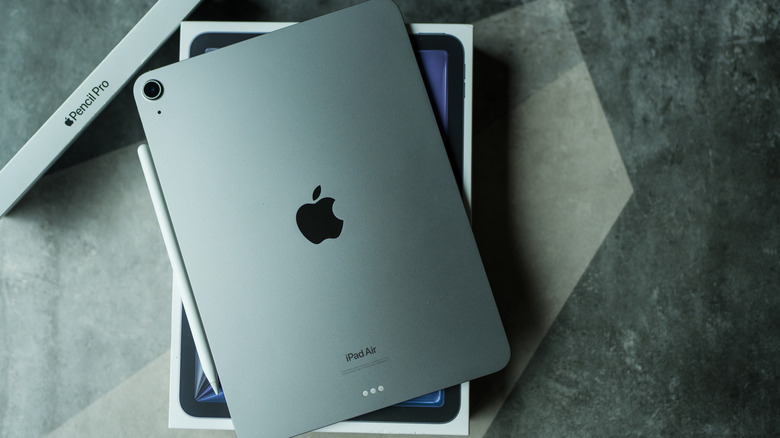
Keeping up with the latest tech releases can be an expensive hobby. The brand new iPad Air starts at an MSRP of $599. The iPad Pro? Depending on variables such as storage, connectivity configuration, and accessories like the Pencil Pro or Magic Keyboard, it can set you back anywhere between $999 and $1,499.
If you're conscious about budgeting, the used market tends to be a more attractive option than buying new devices. Where browsing listings in the past used to be akin to gambling, it's a lot more structured these days, no matter which end of the transaction you are on. There are peer-to-peer platforms like eBay and Swappa, retailer programs at Best Buy and Amazon, and even Apple's own certified refurbished storefront. In short, the cost-conscious buyer has many options to choose from.
However, buying a used gadget comes with its own set of tradeoffs. A device like an iPad has more non-trivial points of failure than, say, a pair of headphones. As such, it is important to understand the pros and cons of exploring the used market to make an informed decision. Not to fret, though, we've got you covered; we also have a list of Apple products worth buying refurbished.
Pro: Massive cost savings
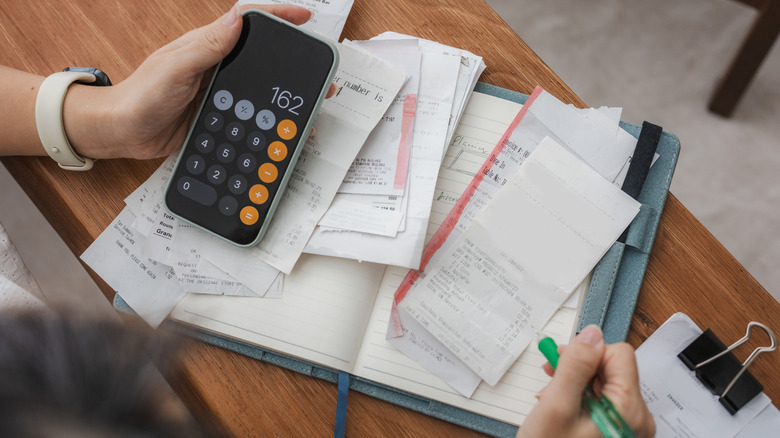
To be blunt, money is the reason most people are having this conversation. For many buyers, exploring the used market is more financially prudent than purchasing a brand-new device. Apple products retain their value over time, but that also means that older models command comparatively higher prices than their peers from other manufacturers. On the flip side, this status quo allows you to find capable, well-specced iPads at prices that make the brand-new entry-level model look overpriced.
Take the iPad Air, for example. A 5th-gen model with an M1 chip that still handles demanding apps with relative ease can be found on eBay for under $300, depending on the condition and storage size. You might even come across deals that bundle accessories such as the Apple Pencil with it for around the cost of a brand-new 11th-gen base iPad — which features the much weaker A16 chip.
You could even squeeze more bang for your buck, depending on what you want to use the iPad for. If it'll serve as merely a bigger screen to browse, stream, and read, the 9th-gen iPad can handle basic tasks for as low as $170. It gets even better if you know how to drive a hard bargain. If you spot a listing that has been up for weeks, the seller is likely to accept a lowball offer in a bid to get the device off their hands.
Con: Battery health and overall condition of the product
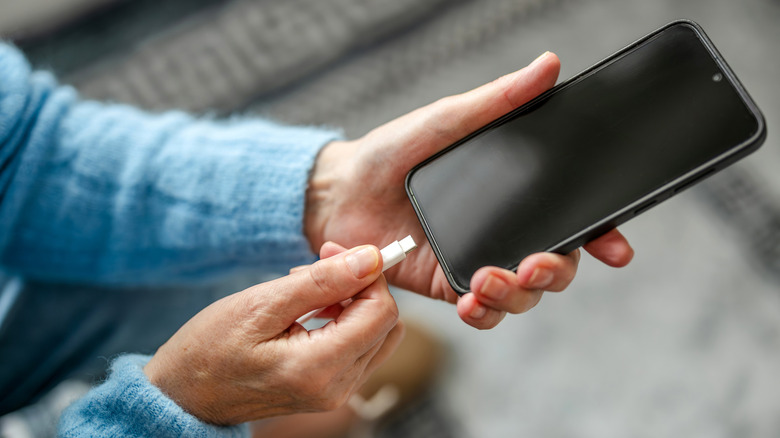
You may have noticed through other devices, such as your iPhone and laptop, that lithium-ion batteries are consumables. They degrade with every charge cycle, and a device that has been used for a couple of years could have significant battery wear with no external signs. What's more, there is no easy way to know the battery health of older iPads, as Apple only introduced battery tracking in 2024 with the iPad Air M2 and iPad Pro M4.
On newer iPads, you can check this out by heading to Settings, tapping Battery, then Battery Health to view metrics such as maximum capacity, cycle count, manufacturing and activation dates, just like you would on iPhones. However, if your budget can only accommodate an iPad produced before 2024, then you are largely flying blind in this respect. Here's how much battery health we estimate you'll lose in a year.
The overall condition of a used device can also be largely unpredictable. You may encounter a dead pixel here and there, or there might be scratches on the screen or body that would be well-hidden in a sale listing image. A finicky charging port is another possibility, which would lead to contact issues. If you're serious about buying used from an individual seller, rather than a certified program, you need to be aware that there is rarely any meaningful recourse if a quality issue surfaces after the transaction.
Pro: Quality assurance and customer support if you purchase from Apple or authorised centers.

There's a difference between picking up a used iPad from a stranger's Facebook Marketplace listing and purchasing a certified refurbished unit directly through Apple or an authorised platform. Apple's refurbished program puts every device through a thorough reconditioning process where any defective modules, outer casing, and batteries are replaced. Apple also ships refurbished units in plain white boxes rather than the iconic retail packaging, but your device still comes with the appropriate documentation and cables.
You also get a one-year limited warranty and an option to purchase AppleCare+ for extended coverage, as you would with a brand-new purchase. This gives you a safety net against the battery and hardware concerns we went over earlier. However, it is important to note that Apple's refurbished program has a relatively small roster of products.
Certified retailer programs also offer similar assurances, though the specifics of warranty terms and reconditioning standards vary by vendor. Amazon grades devices by condition and offers its own return window, while Best Buy has its own returns and consumer protection program. None of these is as comprehensive as going through Apple, but they offer better assurances than the volatile peer-to-peer market. However, the more assured the purchase, the closer the price edges to what you would pay for something new.
Con: A shorter runway for software updates
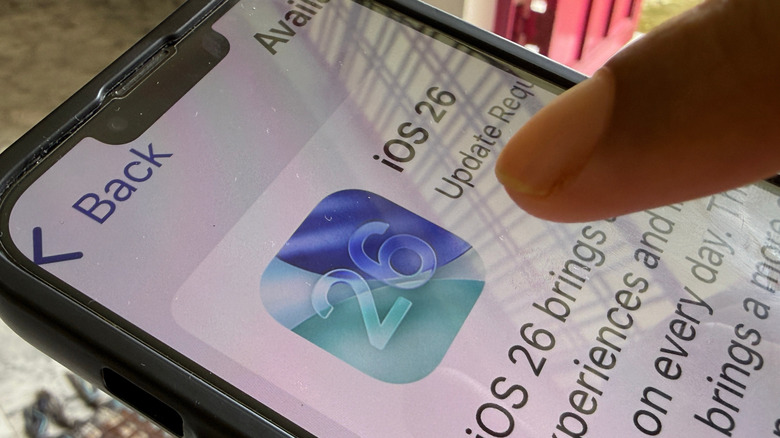
Apple has a reputation for software longevity, as it often supports its devices for years beyond what most Android manufacturers offer. However, that support does not apply equally across the entire iPad lineup and is bound to end at some point. Using the iPads that currently support the latest software as a case study, you can expect about eight years of updates from an iPad Pro, seven years from the Air and Mini models, and six years from the entry-level model.
This means that a used device, most likely already three or four years into its lifecycle, may have about two to four years left before Apple stops supporting it, depending on the model. Worse still, some third-party apps might lose compatibility as developers update their OS requirements. Other features that become standard across the ecosystem, such as Apple Intelligence, may not be available to you. Speaking of Apple Intelligence, here are a few features we recommend you try.
Whether or not this will pose an issue depends on the type of person you are. If you expect to change your device again within a few years, then you are likely to experience Apple's support throughout your time with it. However, if you tend to change your devices twice a decade, you should consider what limited software support might mean for you.
Pro: The more environmentally friendly option

Tech companies love to bring up their eco-friendly packaging and use of recycled materials during product launches. However, no matter how much effort they put into masking it, manufacturing a new device takes a considerable toll on the planet. Production is particularly resource-intensive, as it requires extracting rare-earth metals and other materials.
There are also several complex manufacturing processes involved, which generate a lot of harmful emissions and release them into land, water, and air. By extending the useful life of a device that has already been produced, you're essentially reducing the demand for manufacturing a new one, which, in turn, lowers emissions. Purchasing a gadget that would otherwise be disposed of in a landfill as e-waste also goes a long way to protecting the Earth. As of 2022, less than a quarter of all e-waste for that year was collected and recycled.
Improper e-waste management releases toxic chemicals, which contribute to pollution. Participating in the Circular Economy (Reduce, Reuse, Recycle) by buying used devices is a tangible, low-effort way to contribute meaningfully to sustainable development.