

Can An HDMI Cable Go Bad? Here's What You Need To Know
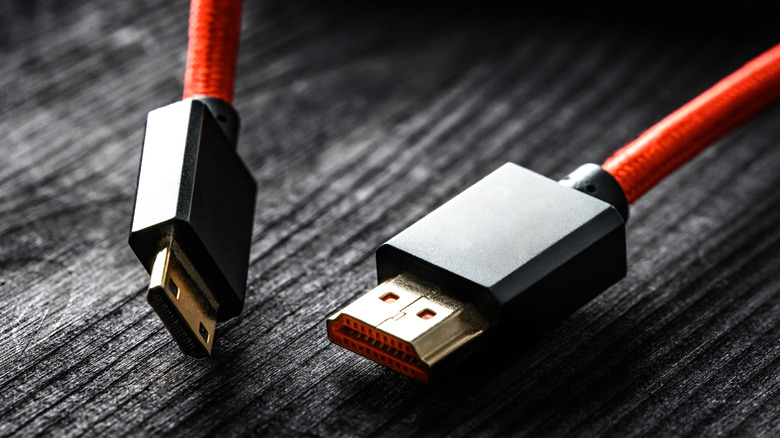
When diagnosing a problem with your TV, or home entertainment system, you often need to work backwards. That includes checking all the connections and if need be, disconnecting, then reconnecting, your HDMI cables. But if that doesn't work, you might be left wondering if the problem lies with the cables themselves. The truth is that while they don't necessarily have a preset shelf life, HDMI cables can wear down to the point of needing replacement.
This means that when cables "go bad," it can be due to excessive use, and even physical handling. The more they're twisted, bent, or pulled, the more the internal components can be affected, and even damaged. Additionally, if the cables are used in an environment that's too warm or too cold, the connectors can eventually become corroded thanks to moisture or dust. This can lead to damage as well, which can also affect the wiring inside.
But a major reason an HDMI cable can fail is due to an overall lack of quality. The cheaper the construction materials, the more likely the cable will not have the level of durability you need. Spending a ton of money on more expensive cables may not always be the answer, but cheap HDMI cables can also break down faster than their superior counterparts. This means they're actually more susceptible to exterior forces that can damage even the best cables. In the end, you could end up with a cable that either breaks, or loses function altogether.
Tracing and replacing a bad HDMI cable
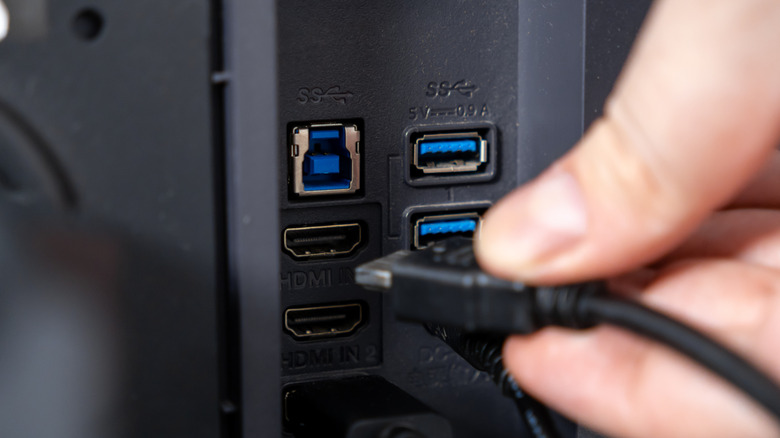
If you suspect your HDMI cable is going bad, there are some telltale signs to watch out for. First off, if your picture isn't right, that's a red flag. This includes pixelation, distorted images, or a blurry display. Choppy sound, static, and especially no sound at all, can be a sign as well. The best way to know is by switching out the cable. If the picture and sound improve, then you have the culprit.
A weak or dropped connection is also a dead giveaway. You may even get an error message on your screen when this happens. If so, try another port on your device, as different ports can do different things. If that doesn't work, you probably need a new cable. Of course if your cable is physically damaged in any way, that's an automatic replacement. Cracks in the jacket, exposed wiring, or loose connectors are all evidence that it's time to move on.
When you do, choose a quality replacement. Go for gold connectors to resist corrosion, and a sturdy jacket to protect the internal components. Keep your cables, and electronic devices, out of extreme temperatures and be sure the connector type matches your devices. Choose a cable that supports the resolution you need, and select the right type and quality. After installation, do a test run for picture and sound, and inspect it regularly.