

The Samsung Wallet Can Now House Your Home Key - Here's How It Works
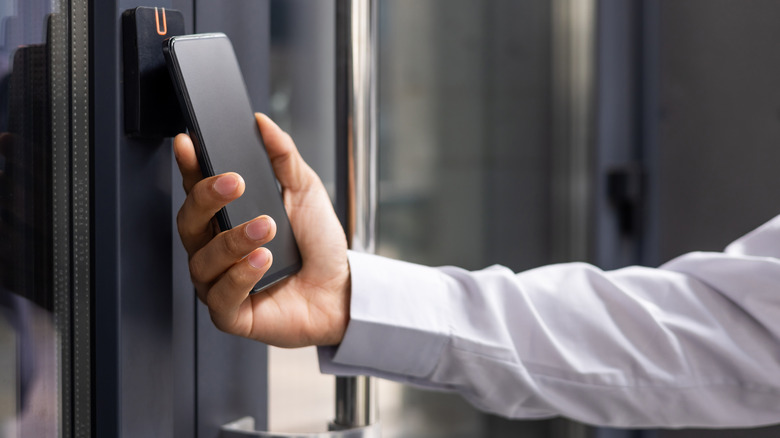
If you own a Samsung Galaxy smartphone, chances are you might have come across Samsung's own wallet app among the preinstalled apps on the device. It is labeled simply as "wallet" in the app drawer and is usually only a short search away for quick access. Samsung Wallet is primarily a payment service app that lets users make cashless digital transactions across online, in-store, and app channels using NFC. When launched in 2015, alongside the likes of the Samsung Galaxy S6 series and Note 5 series smartphones, it went by a simpler name: Samsung Pay.
Midway through its life, however, the app received several feature additions — some of which made its users unhappy. Despite these niggles, Samsung continued adding new capabilities and features to Samsung Wallet — the latest of which turns your smartphone into a key for your smart lock. In simpler words, going forward, you will be able to use any supported Samsung Galaxy smartphone to unlock smart locks installed on your property. If you find this feature cutting-edge, let us also inform you that Samsung Wallet already has a "digital key" feature that lets users unlock, lock, and start their cars using just a compatible smartphone.
Aside from these features, Samsung Wallet also doubles up as a full-fledged password manager. In some countries, it can be used to store government-authorized digital IDs, and it can also perform more mundane tasks, such as earning cashback awards, purchasing gift cards, and even viewing your crypto assets. Nevertheless, let us now understand how Samsung Wallet can become your house key, and what the requirements are to use this new feature.
Understanding the Samsung Digital Home Key feature and how it works
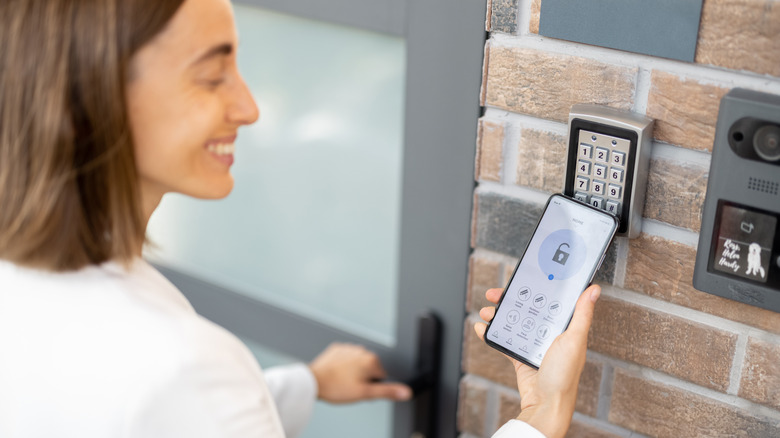
If you are all gung-ho about using your Samsung Galaxy smartphone to unlock your home's doors, please keep in mind that there are several prerequisites for this to work. To begin with, the lock needs to belong to a handful of smart lock brands with which Samsung is collaborating. The list currently includes companies like Aqara, Nuki, Schlage, and Xthings. These companies, along with Samsung, have adopted the Aliro standard, a communication protocol developed by the Connectivity Standards Alliance (CSA) for easy interoperability with multiple smart home lock brands and smartphone models.
A compatible smart door lock can be set up using the Samsung SmartThings platform, which also supports Matter, the widely accepted smart home standard. Once a lock is set up, there are multiple ways to lock or unlock it using the smartphone. The first — and perhaps the coolest — option is to simply tap the lock using the phone, and the smartphone's NFC chip would handle the rest. The second option lets users automatically unlock doors when they are in close proximity, much like some modern-day car keys. You just need the keys in your pocket. The third option (which is also a good fallback if the first two fail) lets you unlock the door by pressing an icon in the app.
Samsung is still in the process of rolling out Digital Home Key support to devices globally. The company has confirmed that more smart lock brands are set to join the alliance in the months ahead, thereby ensuring the feature becomes more accessible and robust.