

3 Cool Things You Can Do With Alexa On Your Fire TV
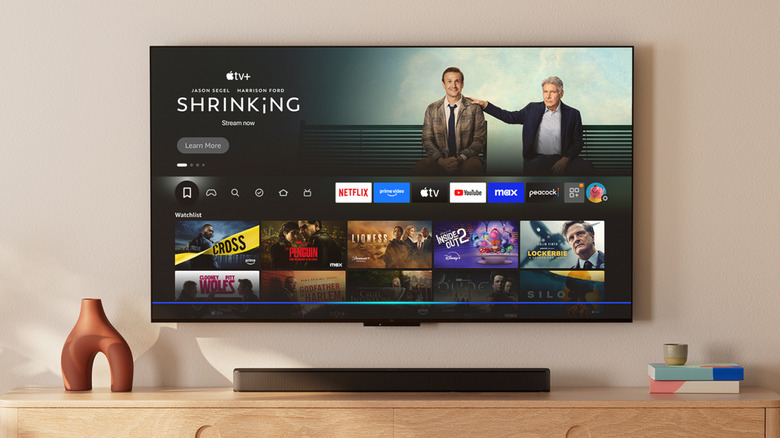
Amazon sells a variety of products, and the Fire TV lineup is one of the most popular in its catalog. It's the most convenient way to convert your regular TV into a smart one. Once hooked up to your TV, a Fire TV device can connect to the internet, allowing you to watch your favorite movies or TV shows on streaming platforms like Netflix, or listen to music on apps like Spotify. If you have an Amazon Prime subscription, you can even play games on the cloud via Amazon Luna.
Every Fire TV device comes with a handy remote, but you can also summon Amazon's smart assistant, Alexa, for better accessibility. To get started, all you need to do is press and hold the Alexa button on your Fire TV device's remote. You may already know that you can use voice commands through Alexa to launch apps, search for movies, or play music from a specific artist. Beyond simple application control, Alexa can also be used to manage your smart home devices through Amazon's Smart Home Dashboard on Fire OS.
Amazon is taking this experience a step further with Alexa+, which is a beefed up version of the smart assistant — now with generative AI features. It's available in the U.S. at $20 per month, but Amazon Prime members can use it free of charge. If you have a Fire TV, Alexa+ can be used as an on-screen assistant for faster content discovery and other useful actions.
Find what you want to watch more effortlessly

Netflix, Prime Video, Hulu, Disney+ — these are just a few of the many streaming platforms available today. Even if you're subscribed to a single service, the sheer amount of content ready to stream is mighty impressive, but it easily make you feel overwhelmed as well. Decision fatigue when it comes to picking a movie or TV show is very much a thing now, and if you find yourself scouring through Netflix just to find something worth watching, Alexa+ might have the perfect solution.
You can summon Alexa and ask for movie or show recommendations based on something similar you've watched recently. Instead of manually navigating to the comedy section in your streaming app of choice, simply ask Alexa to suggest a funny, family-friendly movie you want to watch for the night. Natural language search makes it easier for you to find stuff you're looking for, even when you can't find the right words to describe it.
For instance, if you thoroughly enjoyed "Marty Supreme," and want to discover similar sports drama films, just ask Alexa to do the job. If you like a specific actor, you can request Alexa to suggest films of a specific genre that have the actor in them. Since Alexa+ is powered by generative AI, you aren't restricted to using tried-and-tested phrases and can simply speak the way you naturally do.
Use Alexa as a real-time watch companion

We've all pulled out our phones while watching a film to quickly Google something about a specific scene or an actor. Prime Video has already been doing something similar for quite a while now with its X-Ray feature, which lets you in on fun trivia, music information, and cast details on a per-scene basis. Alexa+ can do this with greater freedom while you are watching a movie or TV show. You can ask Alexa for details about a specific character on screen, who plays them, or practically anything you'd expect a generative AI assistant to help you with.
If you watch a lot of live sports on your TV, this feature makes even more sense. Beyond the stats that the live event might already have on screen, you can ask Alexa+ for deeper context in real time. This could be information about how a player has been performing this season, or how they performed in the one before. Alexa+ can even curate highlight reels on request, which can come in handy if you've tuned in late to a game.
Amazon has also exemplified how you can use Alexa+ to skip to a specific timestamp in a movie or TV show, just by describing what happens. You could say something like, "Jump to the scene where Spider-Man fights Electro," and Alexa will attempt to locate that exact moment and skip straight to it.
Improved smart home control

You can already control your smart home devices on your Fire TV using Alexa, but the overhaul makes the process even slicker. Alexa+ brings a more personalized way to create complex automations for compatible smart home gadgets. You can create these automations using the Alexa app on your phone or an Echo Show device, and carry over control through the Amazon Smart Home Dashboard on your Fire TV.
If you have a Ring doorbell camera or smart security cameras installed, you can view a live feed on your television. You can add more context to your requests, like asking Alexa to show you footage involving deliveries on a specific day. Things like controlling your lights, viewing a live video feed, or adjusting your thermostat can all be done using natural language requests through Alexa+.
In a blog post highlighting the various new Alexa+ features, Amazon talks about how you can turn up your thermostat simply by saying "I'm chilly" to Alexa, like you might do with a lot of modern cars. Your TV is usually not the first device you think of when you need to control the lights, but having Alexa on standby is handy, especially if you don't want to break the immersion while watching a movie.