

3 Telltale Signs Your Fire TV Stick Is Dying
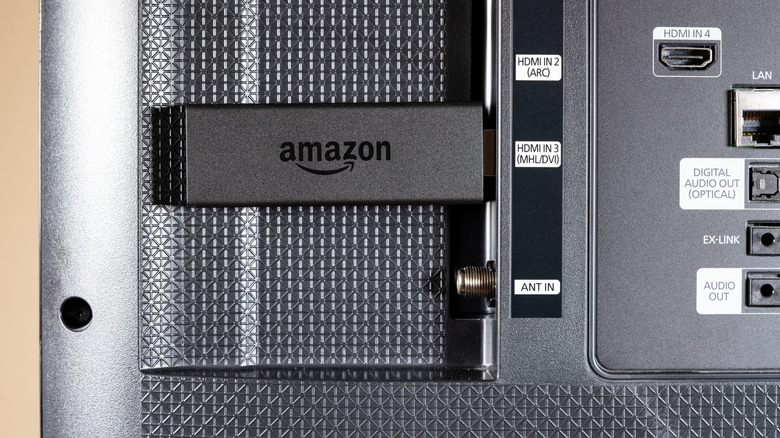
Nothing lasts forever, and that's especially true of our favorite streaming devices. Buy an Amazon Fire TV Stick, and you're entering into a silent agreement with your future self: You're probably going to have to replace it in four or five years, based on other people's experiences. But how will future you know when the time has officially come? There are a few obvious signs that you'll need to upgrade to the latest Fire TV Stick device.
The reason is simple. Because these devices are so cheap compared to rivals like the Apple TV 4K, Amazon is saying (without actually coming out and saying) that Fire TV Sticks are designed to be replaced rather than repaired. You're not going to find anything in Amazon's marketing materials that calls Fire TV Sticks long-lasting, and you're certainly not going to find official replacement parts out there for DIY repairs beyond new batteries for your Alexa Remote.
That's why it helps to know these three signs you need to go ahead and order that replacement. When a Fire TV Stick is nearing the end of its lifecycle, there's really very little you can do beyond that.
The HDMI connector is broken
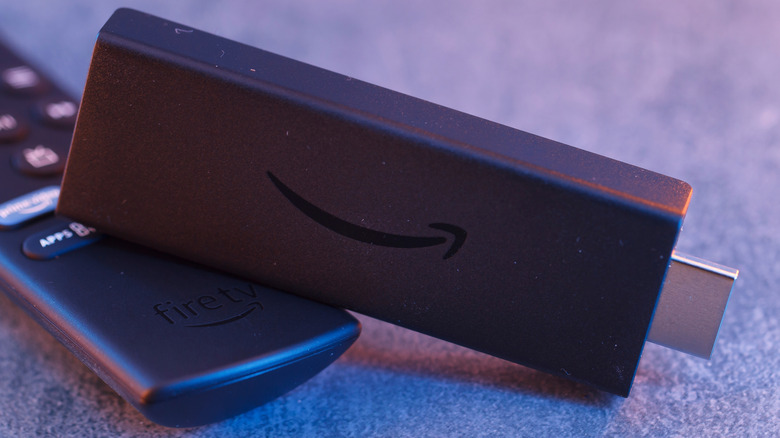
For a Fire TV Stick to work, it has to be hooked up to an open HDMI port (either on your TV or another compatible device). Because it's the Fire TV Stick's one and only point of contact with the display, it's one of the device's most vital yet vulnerable parts. If you've damaged your HDMI connector, there's nothing you can do short of replacing the Fire TV Stick altogether. This can happen after years of repeated insertion and removal, not to mention any pressure from wall-mounted televisions or the effect of gravity if you let it dangle from the included HDMI extender.
If your Fire TV Stick is experiencing intermittent signal loss, a flickering screen, sudden resolution drops, or all-out failure to show up on the display, you very well could be dealing with a broken or buggy connector. More proof: If the Fire TV Stick only works when you hold it at a specific angle, or if it loses signal any time it gets bumped, the HDMI connector's probably to blame. And unlike loose HDMI cables, a damaged HDMI connector on the Fire TV Stick can't just be tightened or repaired. Once it reaches this point, you just have to replace.
The power port doesn't work
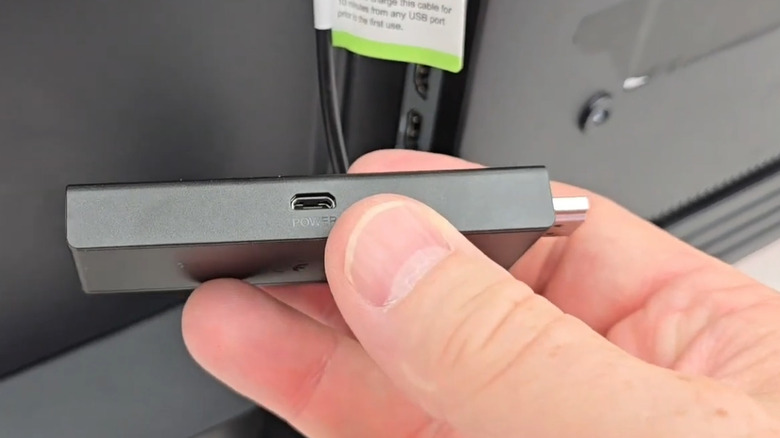
Like the HDMI connector, the Fire TV Stick's power port is a major part of how the device works. It needs a steady power connection from the micro-USB or USB-C port (depending on the model), and if it's not receiving that, then it's not going to work. It's not a cable problem, since those can always be replaced. It's the place the cable plugs into that's the problem.
When the power port begins to fail, the device might start randomly restarting or turn off altogether. That's because its internal components need that voltage to work, and even brief interruptions can stop the Fire TV Stick dead in its digital tracks. It's not anything you did wrong, either. Similar to the HDMI, repeated plugging and unplugging naturally loosen the hardware over time. The hardware's joints are what actually anchor the port to the circuit board, and if they get too loose, it's unfortunately going to stop receiving power. There's no easy or safe way to replace a failing power port, so you're just going to have to upgrade.
Your Fire TV Stick aged out of updates
Not every end-of-life sign is a physical one. Beyond HDMI connectors and power ports, Fire TV Sticks also need proper software support. If that's not there, then it's not going to be usable. As with most smart devices, Amazon has been known to stop updates for older Fire TV Sticks when the internal processor can no longer handle new versions of Fire OS. Beyond processing power, it's also about security patches and streaming app requirements.
Smart home devices are a very common point of entry for hackers out there. If your Fire TV Stick stops being able to handle the latest processing requirements, it's not even about your convenience or your streaming apps anymore. It's about safety. And if your Fire TV Stick is vulnerable, it could be a major cybersecurity risk for every device connected to your network.
If you've aged out of the latest update, some people have found success in hard-rebooting their Fire TV Stick and getting a couple more years out of the device. However, there comes a point when even that hack won't work. Once older Fire TV models stop meeting the latest requirements, you need to go ahead and upgrade.
Troubleshooting other common Fire TV Stick issues
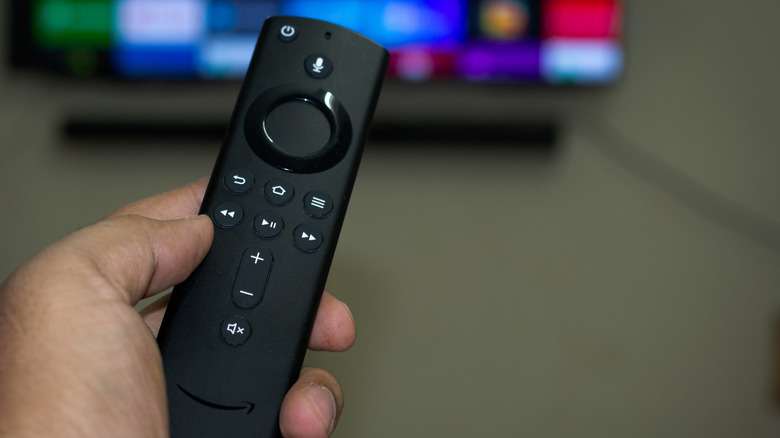
Of course, not every issue with your device is a death sentence. In fact, some symptoms can be fixed with some basic Fire TV Stick troubleshooting... and knowing the difference between a dying device and a fixable problem can save you time and money.
If you're experiencing laggy menus, screens that never load, or restart loops that go on and on, it usually just means you're out of storage or memory. In that case, there are a few things you can try. First, clear app caches. Second, try uninstalling unused apps. Last, do a full restart of the device. Also, make sure there's proper ventilation behind the Fire TV Stick, too, so it doesn't overheat.
If none of those things work, then there's not much else you can try. Amazon customer service might tell you to try other HDMI ports or other power outlets before throwing in the towel, but that's about it. If the problem keeps up, it might be worth it to just pay the price of a new device.