

HDMI Vs. HDMI ARC: 3 Differences Most Users Don't Know About
High-Definition Multimedia Interface cables have been connecting our media devices since their launch on December 9, 2002. Since then, the standard has been updated many times with the latest HDMI 2.2 specification supporting 16k resolutions and data transfer rates of up to 96 Gbps. On the face of it, the job that HDMI and its associated cables do is simple (at least in technology terms) — they transmit high-quality audio and video signals over a single cable. This has enabled easy connections between Blu-ray players, gaming consoles, monitors, and projectors.
In terms of versions, there have been nine releases, with HDMI 1.4, the last of the "version ones", released in 2009. This was the version that also saw the introduction of HDMI ARC. HDMI ARC, short for Audio Return Channel, isn't a newer or better form of HDMI in the conventional sense. Instead, it changes how audio moves through the HDMI connection.
Traditionally, audio and data flow in one direction through HDMI connections — from source to output. ARC allows compatible equipment, such as TVs, to send audio back down the same HDMI cable to a soundbar or AV receiver. Before ARC's introduction, connecting a TV to an audio output required optical or coaxial digital audio cables, which added extra wiring and often necessitated a separate remote control for the audio device.
Apart from this, there are other differences between HDMI and HDMI ARC worth knowing.
The main difference between HDMI and HDMI ARC
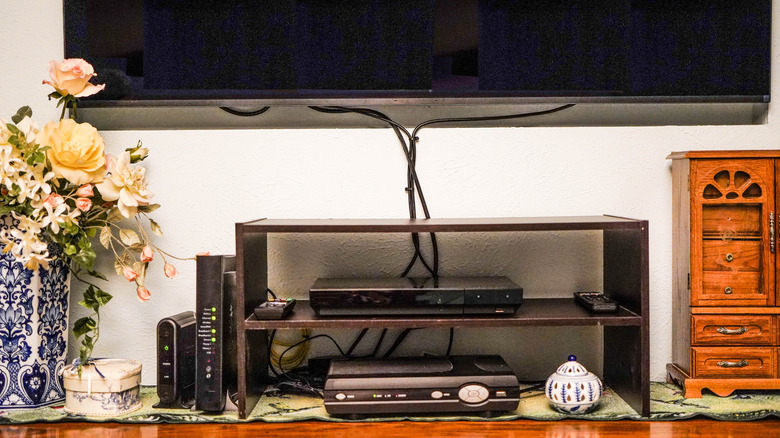
Until the introduction of HDMI 1.4, the standard was designed around a single assumption: audio and video flow in one direction, from a source device to an output device. For instance, Blu-ray players, game consoles, and streaming boxes all send their signal downstream to a TV, which then handles playback. That model worked well when TVs were largely passive displays, but it began to show its limitations as smart televisions became more common.
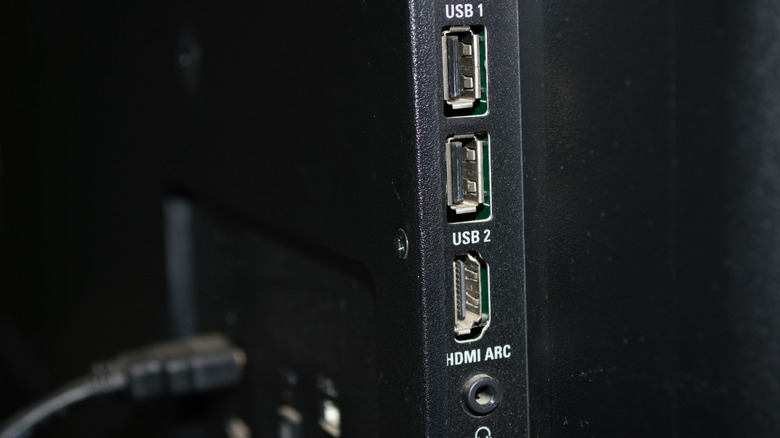
This was the gap that HDMI ARC was designed to address. As noted, the first version of HDMI ARC was released with HDMI 1.4 in 2009, and for it to work, it's necessary for both the source and the output device to have HDMI ARC ports, which are typically labeled as such. Essentially, the whole point of the system is to allow a compatible TV to send audio over an HDMI cable to an external sound system, such as a soundbar. This makes it possible for audio generated by the TV itself — including built-in streaming apps or broadcast tuners — to reach external speakers without requiring a separate cable.
This shift in audio direction is the fundamental difference between standard HDMI connections and HDMI ARC, and it's the change that enables everything that ARC is known for — both its convenience and its constraints. However, many of its limitations were addressed with the introduction of eARC, or enhanced ARC, which was introduced with HDMI 2.1 and supports higher-quality audio output.
HDMI ARC places limits on audio formats and bandwidth
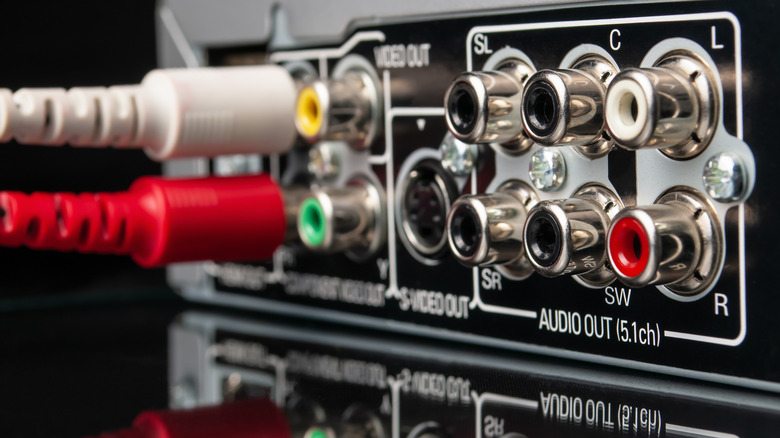
While HDMI is capable of carrying extremely high-bandwidth audio formats, HDMI ARC imposes bandwidth restrictions. This is because ARC wasn't designed as a "full bells-and-whistles" audio transport layer, but as a practical way for TVs to send sound back to external speakers using existing HDMI hardware.
As a result, HDMI ARC is limited to compressed audio formats. It supports PCM, Dolby Digital, and DTS in their core formats, but can't carry lossless formats such as Dolby TrueHD, DTS-HD Master Audio, or uncompressed multichannel PCM. These formats require more bandwidth than ARC's return channel can provide, even though standard HDMI connections elsewhere in the system may support them. Knowing these formats can help to understand the fundamentals of surround sound.
This is the limitation that often catches users off guard. A Blu-ray player connected directly to an AV receiver can output lossless surround sound without a problem. However, if you route that same player through a TV and rely on ARC, the audio format may be downgraded automatically. This is because ARC supports a narrower range of formats, and higher-bandwidth audio can be replaced with a compatible, lesser-quality format.
Importantly, this behaviour isn't a flaw or a configuration error — it's by design. It's a consequence of how HDMI ARC was specified and the compromises made to keep it compatible with a wide range of TVs and audio devices. Understanding this explains why ARC is convenient, but not always ideal for those building the ultimate home theater.
HDMI ARC relies on HDMI-CEC for control and reliability

HDMI ARC isn't entirely dependent on HDMI-CEC (Consumer Electronics Control) to carry audio, but CEC is important for making the feature work smoothly in everyday setups. The concept of HDMI-CEC is to allow for one device to identify and control the functions of another. Among the roles CEC fulfils are device discovery, automatic audio routing, and allowing basic control functions through your TV's remote. Just to muddy the waters a little, it's worth noting that some manufacturers have brand-specific names for the function, including Anynet+ (Samsung), T-Link (TCL), and BRAVIA Sync (Sony).
When HDMI-CEC or its brand equivalent is enabled, a TV can correctly identify a connected sound bar or AV receiver, establish an ARC connection, and manage audio output without user intervention — at least in theory. Disable CEC, and ARC may still pass audio in some cases, but much of the convenience that defines HDMI ARC will be missing or misbehaving, and in many cases, won't work at all.
However, HDMI-CEC has a reputation for not always working as intended. Manufacturers have the freedom to implement CEC in their own way, and because it must be enabled on all connected devices, some devices will simply refuse to communicate as intended. The reliance on CEC was dropped with the introduction of eARC, which can often negotiate the handshake between devices without having CEC enabled. This is why there are devices you should always plug into your TV's HDMI eARC port.