

Always Plug These Devices Into Your TV's HDMI 2.1 Port
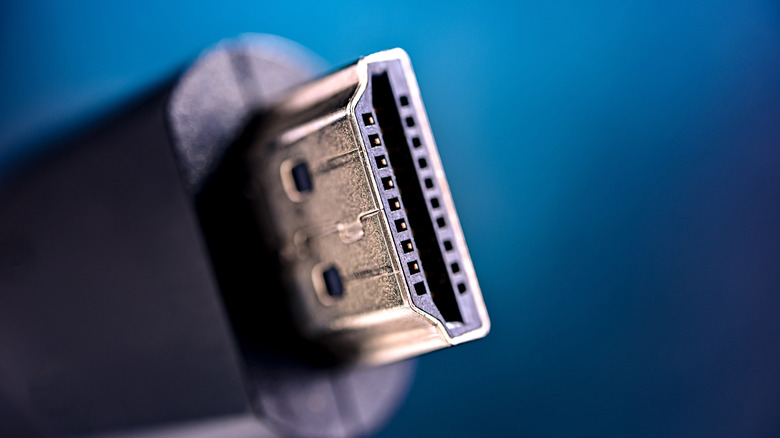
HDMI, short for High-Definition Multimedia Interface, has become the gold standard (in some cases literally) for display technology all over the world. Alongside DisplayPort, HDMI is the primary way to hook devices up to a television or monitor, and one of the best ways to connect monitors and televisions to computers or gaming consoles.
The original 1.0 version of HDMI first appeared in late 2002, and there were over 80 electronics manufacturers that banded together for its development. The main idea behind HDMI, other than high definition, is combining both the audio and video streams into a single standard, eschewing the multi-cable setup that AV and composite established.
One of the most recent revisions to HDMI is version 2.1, which first came along in 2017. Bandwidth — the rate at which digital data reaches the display — was increased to 48 gigabits per second, and it can support resolutions of up to 10K — full HD multiplied by 10 — and 120 Hz. So, it stands to reason that HDMI 2.1 ports on your display should be taken up by streaming boxes and video game consoles. Let's have a look at those.
HDMI 2.1 should be reserved for gaming and streaming
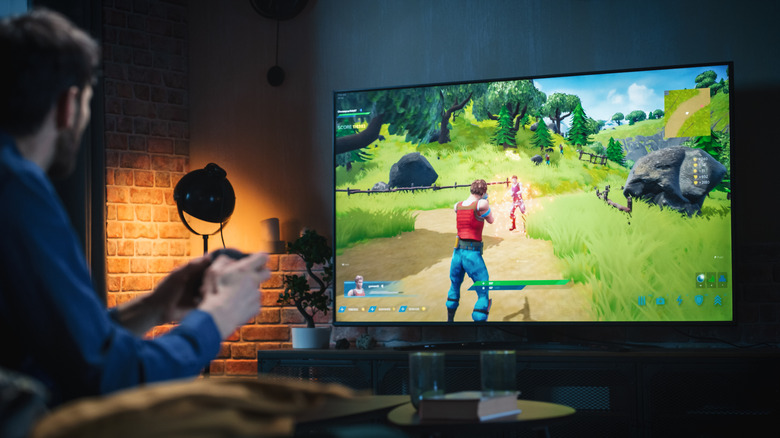
The main type of device that you should hook up to an HDMI 2.1 port is a game console. The PlayStation 5 Pro is the only current console that includes support for proper 8K output, but most run their games at 4K or 1080p, both of which the Xbox Series X and the Nintendo Switch 2 support. With the resolution headroom of HDMI 2.1 and its ability to run high refresh rates, your gaming experience will look just right.
Speaking of monitors, if your monitor has HDMI 2.1, it'll be a good alternative for your graphics card. Most GPUs include both HDMI and DisplayPort outputs on the back, and while DisplayPort is the go-to for PCs, HDMI 2.1 will mesh well with high refresh rate monitors, and while it might not be able to take advantage of 240Hz refresh rates, it'll do a decent job.
This is especially useful if you have a second monitor, as that way, both of them can be hooked up directly to the GPU. If you have a console-replacement PC setup that's hooked up to a television in your living room or gaming room, the same applies, as most modern televisions do not include DisplayPort.
Finally, if you still use a streaming box on your television, make sure that it's connected through HDMI 2.1 as well, as you'll be able to enjoy all your Netflix, HBO, and insert-obscure-streaming-service-here shows the way they were meant to be viewed. This one is a bit of a wildcard, as most modern televisions have built-in streaming apps, but say if you have an Apple TV or you have a set-top box with more options than what came from the factory on your TV, HDMI 2.1 is definitely the way to go.