

This Adapter Can Make Your iPad Charge Faster
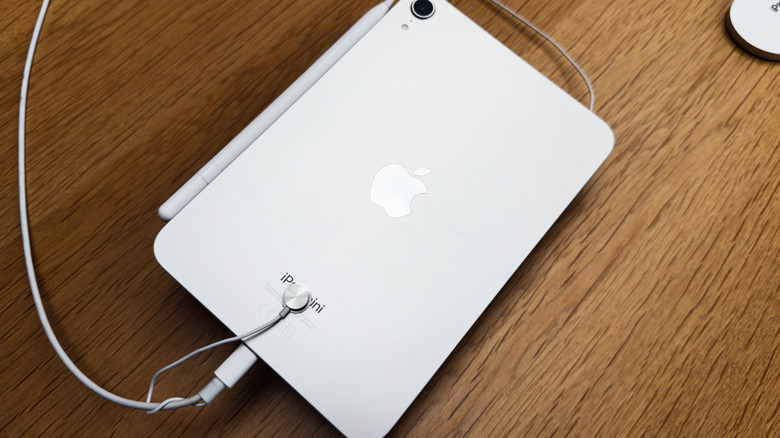
One unavoidable element of modern portable technology is charging. Even companies considered to be top-of-the-line, like Apple, can't prevent the batteries on its iPads from draining. While charging can take a while, assuming you're not dealing with the issue of your iPad not charging when plugged in for whatever reason, the rate at which your device's battery is replenished can be somewhat improved. For instance, a 20-watt charger is the standard for a typical iPad, and it charges reasonably quickly. Naturally, by going with a higher wattage adapter (30 W or higher), you can enjoy comparatively quicker charging.
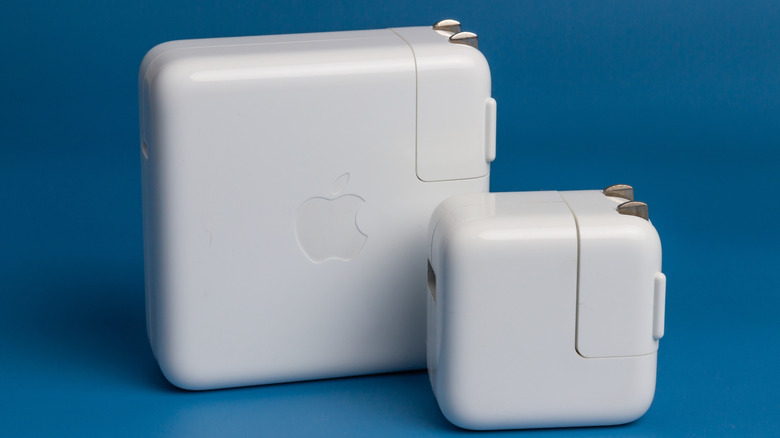
However2, faster iPad charging does come at a cost. Charging adapters can get expensive, especially if you purchase them from Apple directly, with them reaching as high as $100. Not to mention, using adapters with increasingly higher wattages doesn't guarantee faster charging with each upgrade. An iPad's maximum charging wattage ranges from 20W to 30W, depending on the model. That's to say an iPad will only take in what it needs at the quickest rate possible. If you go with one of Apple's highest wattage compatible adapters, like the 140 W unit, you will get similar performance to a lower wattage one, like a 35 W unit.
The exception to this is iPads that have Fast Charging capabilities, where a 60 W or higher adapter is needed. Of course, there's more to iPad charging speed than just the adapter you choose to use. It's also about the device itself, what settings are enabled, and your usage habits.
Other ways to help your iPad charge faster beyond adapters
Assuming you don't want to invest in a whole new USB-C adapter for charging your iPad, there are other tips and tricks to speed up the charging process. First, don't use your iPad while it charges. This gives it a chance to replenish and rest without the battery power simultaneously being drained. As it turns out, removing large, bulky cases can make a difference in charging speed, too. Thick cases can trap heat, which causes the iPad itself to heat up and slows down charging. Keeping it at room temperature makes charging much easier and quicker.
Additionally, there are changes you can make on the iPad itself to improve charging rates. Turning off features like Wi-Fi and Bluetooth connectivity and lowering screen brightness go a long way in decreasing power consumption, as does turning off location services. Digging into your iPad's settings, entering low power mode will, as the name implies, cause your iPad to use less power at the expense of background activity. Should your model have it, Optimized Battery Charging should be enabled, using your charging habits to limit battery charging and reduce wear and tear on the battery.
Of the many things to know before buying a new or used iPad, proper charging habits are key. Whether you upgrade your adapter or not, it's worth knowing how to make your iPad charging quicker and more efficient for the sake of your time, budget, and the health of the device.