

Is It Safe To Use WD-40 On Power Tool Battery Contacts?
We may receive a commission on purchases made from links.
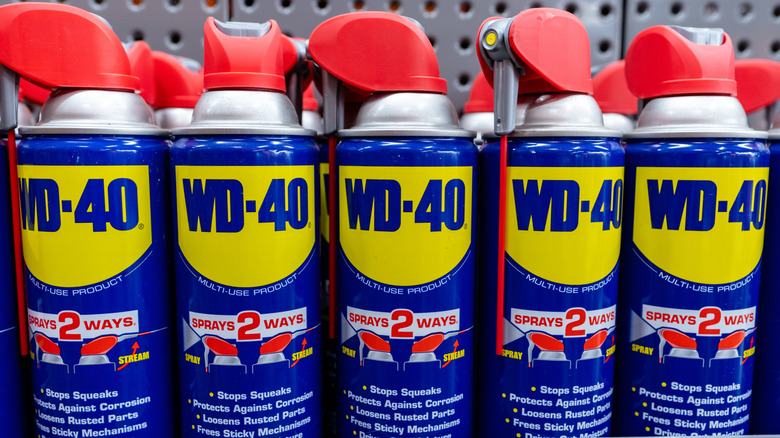
Many stand by the classic WD-40 formula, using it in workshops, garages, and jobsites to get stuck parts moving again. However, it's no miracle product, as there are plenty of surfaces the iconic product shouldn't be sprayed on. For example, if you want to clean up your power too battery's contacts, don't reach for WD-40. The original formula can leave behind residue, which is both a magnet for dirt and dust and can lead to electrical shorting or even fires when you use the battery. That's where one of the several different WD-40 products you've likely never heard of can come in handy: WD-40 Specialist Contact Cleaner.
This specific blend of WD-40 — remember, WD-40 is a whole brand, not just the multi-purpose product — is marketed for removing oil, dirt, flux residue, and condensation from electronic components without doing them any harm. The advertised use cases include the cleaning of printed circuit boards, controls, battery terminals, switches, precision instruments, and electric panels. Thus, if you have dirty power tool battery contacts, this is the specific product from the brand to use.
Bottles of this WD-40 contact cleaner also come with a spray straw for precision application, ensuring the solution makes it to small, hard-to-reach crevices like tool battery terminals. At the same time, if you're in a bind and need a cleaning solution quickly, you're not out of luck. You can clean your power tool battery contacts without WD-40's contact cleaner.
Other cleaner ways of cleaning tool battery contacts
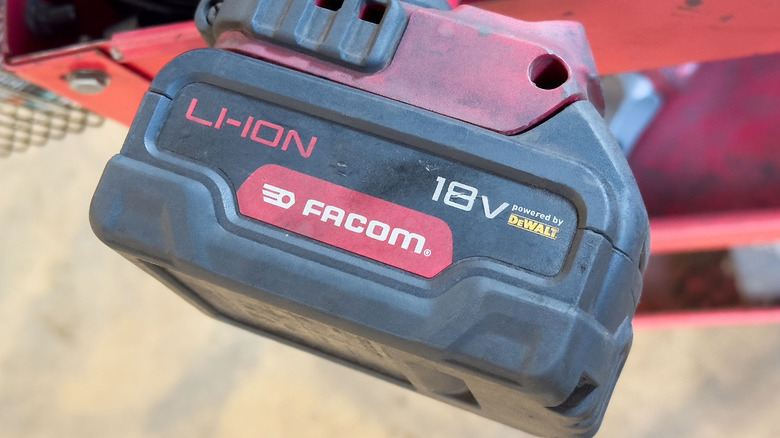
While it is an ideal choice for cleaning and improving the performance of the terminals on your power tool batteries, WD-40 contact cleaner isn't your only means of cleaning them. One easy alternative is to use a toothbrush or a small wire cleaning brush for this job. These brushes are good at reaching inside the narrow grooves of tool battery contacts, dislodging debris without damaging the surfaces themselves. That said, these are only a good choice for loose debris, with stuck-on gunk or corrosion requiring a different approach.
If that's the case, sandpaper could be a good cleanup method instead. Take a sheet of very fine sandpaper — you just want to remove corrosion, not leave deep scratches in the terminals — and run it between the contacts for a few seconds. Then, take a toothbrush or something similar to remove the dust left behind. All in all, power took batteries are bound to get dirty all over. Fortunately, there are several options to clean the terminals out, with WD-40's contact cleaner being one of the most effective.
With that said, if cleaning yields no improvement to your battery's performance, it may be time to replace it. Lithium-ion power tool batteries only last for so long, and while refurbishing may seem possible, the dangers of electrocution, fire, or even explosion upon cracking them open make replacement a much safer option.