

The Best Budget CPU Picks Vs. Old Flagships: Which Should You Buy?

During twenty years of running an IT services company, one of the questions I heard most often was: should I buy I used high-end processor or opt for a current-generation budget processor? On paper, the older flagship might seem like a better option. They generally have a higher core counts, bigger boost clocks, and an overall premium performance that would seem to knock the budget option out of the park.
That is in an ideal world. However, real-world upgrades are rarely that straightforward. A CPU is not an isolated component – understanding what CPUs are is essential, because they're tied to a chipset, a socket, a memory type, and often to power and cooling requirements — all of which change from generation to generation. I've lost count of the number of times a client walked in thinking a $100 processor was all they needed, when in reality they needed a new motherboard, or the RAM wasn't compatible, or the rest of the machine simply wasn't worth spending money on.
That's why the real comparison isn't simply down to the performance of a CPU — it's a balancing act that compares total cost, platform, existing hardware, and the user's requirements. For instance, someone with a reasonably up-to-date gaming machine that supports a decent processor range could certainly get a performance boost from an upgraded 'old flagship' CPU. Conversely, I've also seen plenty of situations where the smarter move was to bite the bullet and abandon an aging motherboard altogether; a new budget CPU on a fresh motherboard was the better option.
When is an old flagship CPU the better option?
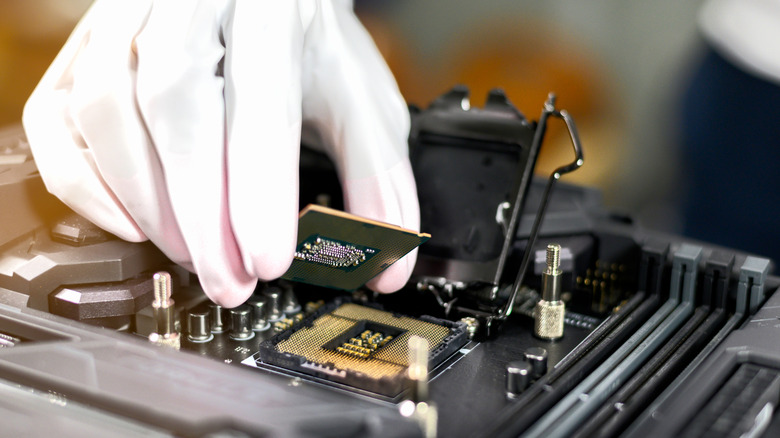
Let's assume that you can just drop an upgraded processor into your existing mainboard. In this instance, an older flagship CPU can still deliver exceptional value. Over the years, some of the easiest and most effective upgrades I performed were simple CPU swaps, and it's one I've used to great effect on my own machines.
For instance, while there are plenty of differences between the Ryzen CPU range generations, a system that's running a Ryzen 3 Pro 1300 can still often accept a used Ryzen 7 Pro 1800X. For another example, we can look at the Intel chipsets. A PC built around an entry-level i3-9100 or Pentium G5420 can frequently be upgraded to an i7-9700K or even an i9-9900K, which can offer a significant performance boost.
Now, you may have noticed the "frequently" or "often" language I used. That's because it's always sensible to check what processors your existing motherboard can take before taking the plunge. You can find your board model and manufacturer in the Windows System Information tool, and finding your motherboard's serial number might also be useful. Armed with this info, a quick internet search should let you know what processors your board supports.
Finally, we need to look at reliability and the lack of warranty. In my experience, the CPU is one of the most reliable PC components, and in my time, I can recall only a handful of CPU failures. However, with any second-hand kit, there are no guarantees, and failures do happen, especially if the CPU has been overclocked or allowed to overheat.
When a modern budget CPU is the right choice
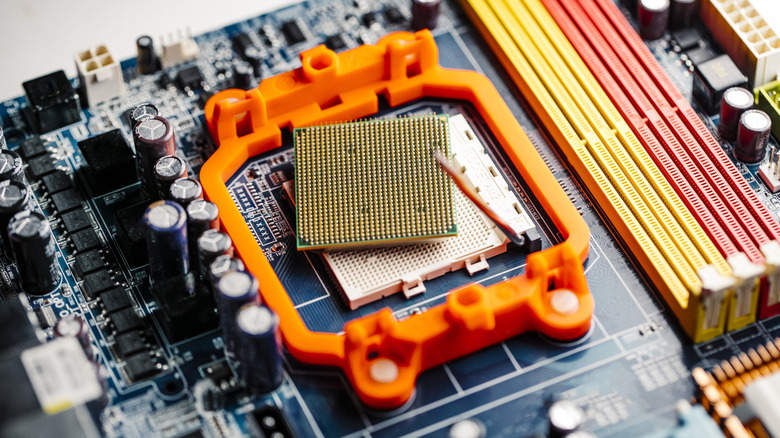
It's easier to begin this by saying who won't benefit from a true budget CPU. If you're a gamer chasing high frame rates or anyone who pushes heavy workloads on their PC, then this route is best avoided, or a digital life of perpetual frustration awaits. However, for a large number of people, a budget CPU is more than capable of meeting their computing needs and could well be the best option.
Everyday tasks like web browsing, social media, office tasks, and light streaming simply aren't demanding enough to require all that raw processing power. It could be likened to putting a Ferrari engine into a city runabout that never leaves a 30 mph zone. In these scenarios, modern budget processors deliver more than enough performance. In fact, they can often be faster than many older processors thanks to the generational improvements in single-core efficiency.
The other advantage is how much cooler and more efficient newer processors are. They draw less power, put less strain on the cooling system, and generally make for quieter and more efficient PCs. However, there is a catch: a budget CPU is only a budget option if you don't have to replace half the machine to support it. But if you're already considering a platform upgrade, then a new processor and associated hardware removes all the uncertainty that comes with buying used hardware. Additionally, a modern motherboard leaves the option open to upgrade your CPU at a later date.