

Why Are Some Ethernet Cables Blue?
We may receive a commission on purchases made from links.
If you're even moderately familiar with computers and networking, you've probably fiddled around with a cable that connects your PC or laptop to the Wi-Fi router. This is what allows you to use wired internet on your device, through technology known as Ethernet. While Wi-Fi is great, switching to a wired connection is one of the most effective ways to speed up your computer's internet speed — especially if your Wi-Fi is spotty.
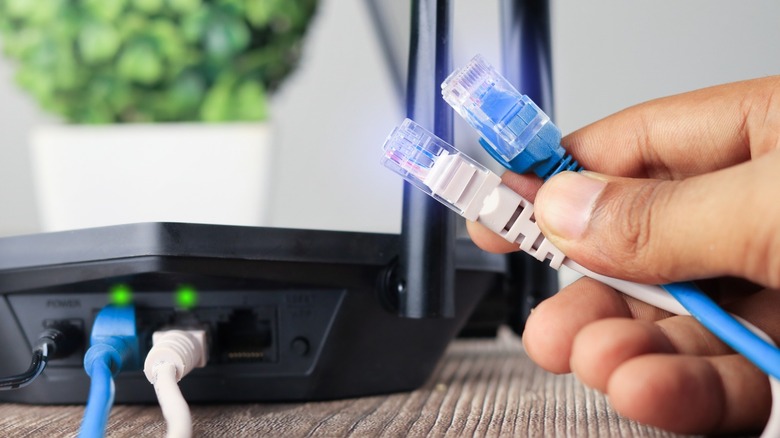
If you're dealing with a typical desktop setup, you'll realize that most of the cables and connectors are painted black — perhaps except one. Blue is a common colorway for Ethernet cables, and you may have wondered what it means. The short answer is that it doesn't really mean anything. An Ethernet cable's color is just that: a color. So, whether you're looking at a jet black Ethernet cable designed for gaming or a blue one, know that its color has nothing to do with performance.
That said, colored Ethernet cables do serve a purpose — that of organization. In complex setups with multiple devices, color-coded Ethernet cables make it easier to tell which connection goes where. While home setups may use at most a few Ethernet cables for networking, offices or server rooms typically have dozens of them running side by side. Here, colored Ethernet cables, including blue ones, help distinguish different connection types at a glance.
The point of Ethernet cable colors
A quick search on Amazon for an Ethernet cable will return mostly black cables. That makes sense, as it's a color that will probably blend in nicely with other cables and not stick out like a sore thumb. Black Ethernet cables are ideal for personal setups that normally only require a single connection from a router to a computer.
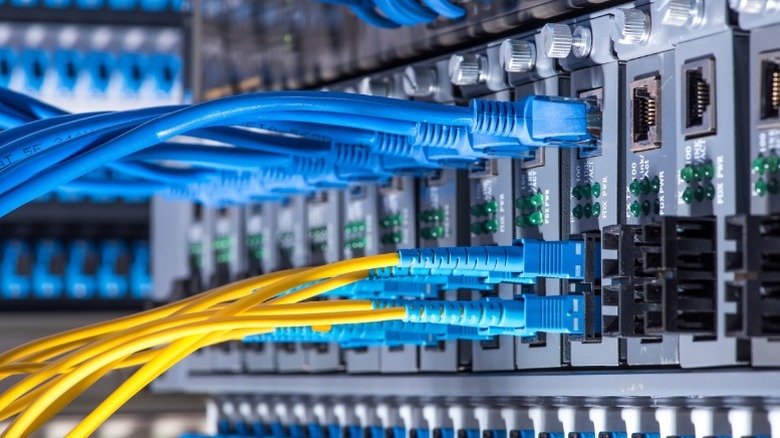
Industrial or commercial settings, on the other hand, often use cables of multiple colors, including blue, white, and yellow. These bright colors help make them more visible and distinguish Ethernet cables from other kinds of cables. Furthermore, assigning colors to specific purposes helps technicians trace an Ethernet connection quickly when necessary.
For instance, a company may use blue cables for regular network connections to devices like desktop computers and laptops, and reserve red cables for admin systems. This way, technicians don't accidentally yank out the wrong Ethernet connection while troubleshooting. There's no set standard for which colors should be used for what purposes, and organizations often have their own way of assigning colors based on their preferences and workflows.
Factors that affect Ethernet cable quality and speed

So cable color has nothing to do with performance or quality — but which parameters actually do? To choose the right Ethernet cable for your setup, you need to pay attention to the cable's category. Common kinds of Ethernet cables include Cat 5e, Cat 6, Cat 7, and Cat 8. Newer generations feature higher maximum speed limits. For instance, Cat 5e cables support speeds up to 1 Gbps, while Cat 8 cables can hit speeds up to 40 Gbps. If you're shopping for a new Ethernet cable, you'll want one that supports the fastest speeds that your network, router, or internet service provider can offer.
Ethernet cables also come in shielded and unshielded varieties. The former provides better protection against electromagnetic interference (EMI), but comes in at a higher price point. By contrast, unshielded Ethernet cables don't offer much protection against EMI, but are more flexible and easier to install. A cheap Cat 5e cable should be more than sufficient for most home setups, but you can also future-proof your setup and go for a higher-grade cable if you want. The Ugreen Cat 8 Ethernet Cable, for example, is quite affordable at $9.99 for a 10-foot cable and a popular pick on Amazon.