

Can You Add More Antennas To Your Wi-Fi Router?
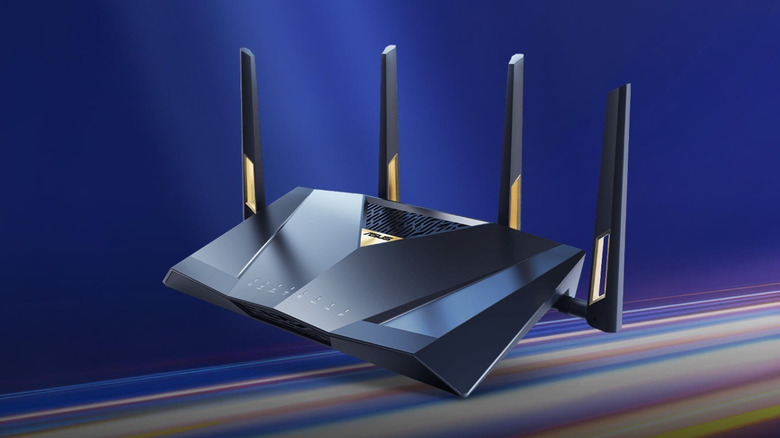
It doesn't sound too wild at first: Since antennas help boost Wi-Fi signal, shouldn't adding more of them help speed things up further — or at least increase range? It also helps that on many models, the antennas outside can be unscrewed. Unfortunately, it isn't that simple, since every antenna on a router is connected to the radio inside.
Each antenna sends the router's signal out and catches replies from your devices. Now, while routers do run several streams at once to move all that data, the radio count is still fixed since it's tied to the router's chip. Broadcom's BCM6726 chip, for instance, holds radios for four Wi-Fi 7 streams. That's why Broadcom labels it 4x4, shorthand for four transmitters and four receivers. A router built around this chip therefore gets one antenna per radio. Add another antenna, and it would remain disconnected since every existing radio already has its own antenna.
That said, some routers do carry more antennas than radios — though the goal with those is diversity. Since Wi-Fi signals bounce around indoors, having more antennas helps the router use the one that catches the cleanest signal. But even if you could add another antenna, it wouldn't translate to faster speeds since catching a cleaner signal isn't the same as moving more data. Some antenna limits come from the other end, too. Since a link can run only as many streams as both ends support, your phone would need more antennas as well to achieve the maximum possible speed.
Replacing antennas is a different story
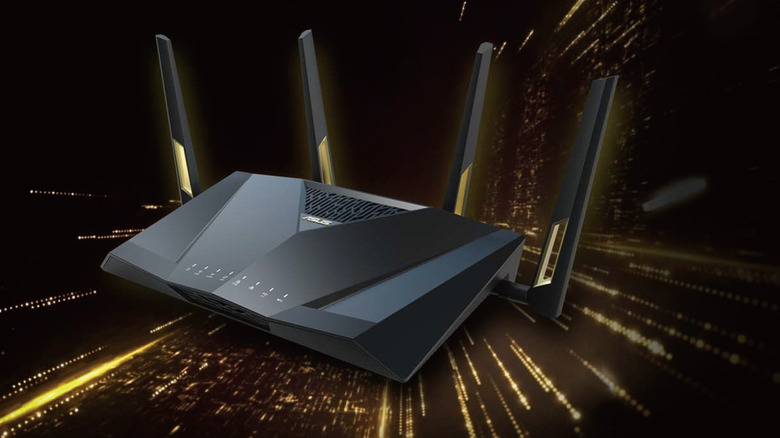
In the U.S., FCC rules add another hurdle. Routers are specifically required to be designed such that only antennas designed by the makers themselves fit. That said, even if you can't add more antennas, you can still replace those. Detachable units almost always ship with an RP-SMA, a specialized radio frequency connector plug. Because it's so universal, any antenna sold with that plug will fit.
However, a swap is limited in its scope and only changes where the signal goes. And where that signal goes depends on how tightly the new antenna focuses it. Many original antennas send their signals out sideways in a doughnut range. An antenna with a higher gain would flatten that doughnut, helping the signal reach farther across the same floor. The downside to this, however, is that rooms upstairs and downstairs end up getting a weaker signal. Some of this can be compensated for by tilting the stick sideways, optimizing the antenna position, so that more of the signal reaches upstairs or downstairs.
Networking site SmallNetBuilder actually experimented with this and saw some pretty interesting results. They swapped a Linksys router's stock antenna for Linksys' own high-gain set. In doing so, they found that in a room that received weak signal on the same floor as the router, 5 GHz downloads jumped from 7.7 Mbps to 28 Mbps. However, things got worse upstairs, with the new antennas doing worse in three of four tests. Ultimately, they concluded that the new set, which cost $100, wasn't worth the money and that investing in a range extender is a better investment.