

How Many Watts Should A Multiport Charger Have For Optimal Charging Speed?
We may receive a commission on purchases made from links.
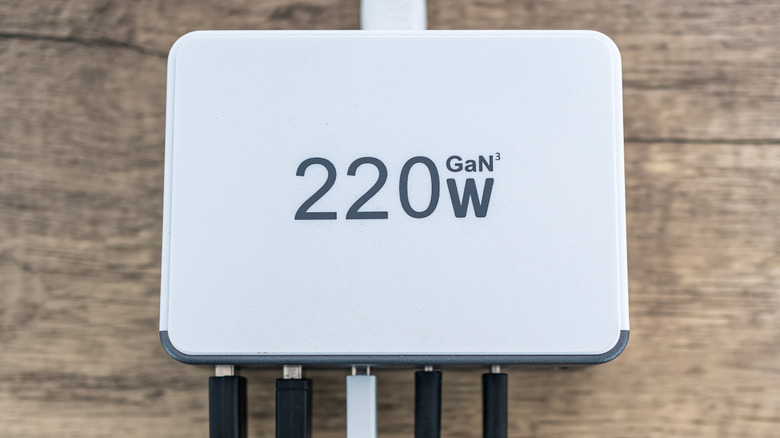
Because we're so reliant nowadays on electronic devices, we need them constantly charged. This means we need a charging bank either plugged into an outlet or a portable one if we're on the go, but not just any charging bank will do; we need one that has many different ports. That way we can plug in multiple devices to be charged all at once. What's important about this is that your charger needs to have the capacity to deliver a great deal of power if all or many of the ports are being used.
There are two major factors you need to consider when selecting a new multiport charger. The first is figuring out how much total wattage you need to charge all of your devices at once. This depends on how many devices you use and what wattage those devices require for charging. For instance, your average smartphone require anywhere from 20 W to 30 W to properly charge, though some more premium models require 45 W or maybe more. Tablets require somewhere between 30 W and 45 W, and laptops typically need at 65 W or more.
If you have a new iPhone 18 Pro, you can have standard charging with 35 W and fast charging with 60 W. Add onto that a MacBook Pro with an M5 Max chip, and that can have either 70 W or 96 W charging. If these are your only devices, you need a charger with a maximum wattage of at least 156 W for the fastest charging. Adding an iPad Air increases the requirements by 20 W. For a multiport charger, just make sure it's enough wattage to go around.
Not every port has the same output
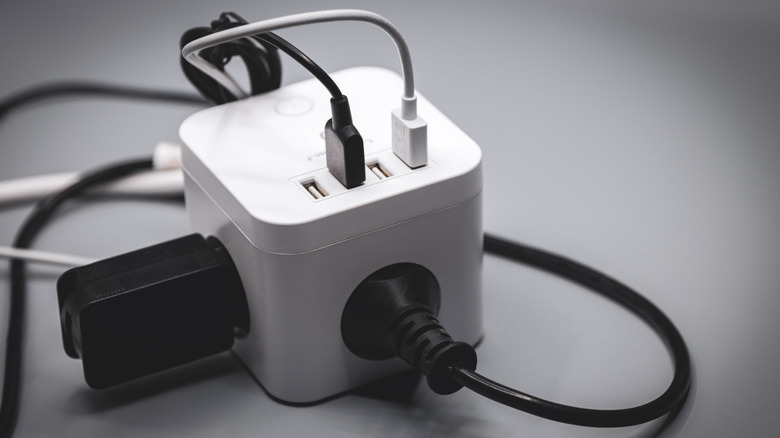
While having a multiport charger that has the total wattage necessary for the amount of devices you have is obviously important, it's just as important to know just how that wattage is being allocated through each individual port. If you have a 200 W charger with four ports, that doesn't necessarily mean that each port has an output of 50 W.
As an example, let's use this Anker Desktop Charger that goes for $39.99 on Amazon. It has a total wattage of 114 W and features six ports, including three USB-C and three USB-A ports. However, if you're wanting to charge a laptop that requires 65 W to properly charge, you're going to be out of luck: Even though the total wattage exceeds that, no port on this charger has an output to match that. The most wattage available is 30 W for a single USB-C port, and the USB-A ports max out at 18 W apiece. For many devices that don't require too much wattage to charge, this is a great choice, but it's not for everyone.
This doesn't also mean you should buy really expensive multiport chargers where every port can handle 100 W of output. If your iPad Air uses 20 W to charge, that port is only going to be using those 20 W, leaving 80 W totally unaccounted for. It's not going to magically fast charge using all 100 W. Fast charging capabilities are determined by your device and not the wattage output of a charging port. When buying a new multiport charger, you need one with the right overall wattage and the right individual port output wattages.