

What To Know Before Buying An Ethernet Switch For Your Home
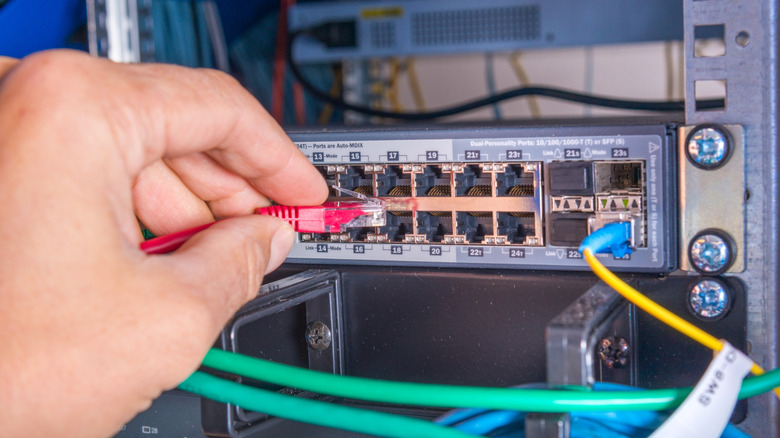
An Ethernet switch, also called a network switch, can be a valuable addition to your home network if your router is running out of ports. Home routers typically have four to five Ethernet ports, and for anyone who prioritizes wired connectivity, this can be a problem. That's precisely where an Ethernet switch comes into the picture, expanding the port count and allowing you to add more devices. However, for seamless connectivity and a streamlined experience, it's important that you pick the right Ethernet switch. With so many options available, finding the right one can feel overwhelming.
From the number of ports on the switch and supported speeds to the Ethernet switch type and PoE support, there are a lot of different aspects to consider. In advanced setups, say when you want to segregate your IoT devices from the more critical ones, you will also need to consider whether the switch has any built-in security features. Additionally, your expertise in networking, the amount of effort you are willing to put in, and the kind of setup you want to create are all just as important.
So, you can't simply buy the cheapest or the most expensive network switch, because neither is guaranteed to complement your home network. Keep in mind that buying the wrong network switch isn't just money down the drain, but it can also become a bottleneck, impacting the performance of other devices.
Port count and supported speeds
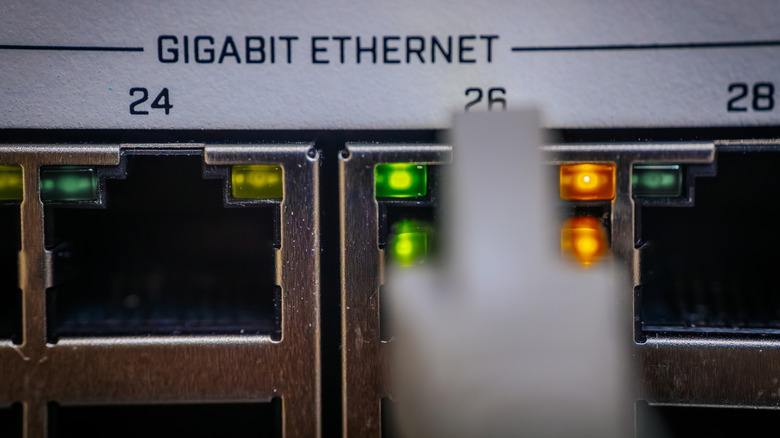
One of the most important considerations when buying an Ethernet switch for your home, and perhaps the easiest to identify, is the number of ports. You can find switches with as few as four to five ports and as many as 48. Generally speaking, an eight-port switch should suffice for home use. But if you have more devices that will benefit from wired connectivity, you can, of course, go for one with a higher port count. There are two things worth remembering here. First, always subtract one from the total port count since you will also need a connection between the switch and your router. So, with a five-port switch, you can connect four devices. Apart from that, aim for a few extra ports because you might add more devices to the network in the future. With a few additional ports, you are essentially future-proofing the home network.
Next up is the supported speed, which is one of the most crucial factors. A slow Ethernet switch will act as a bottleneck, while one that is faster than what your router and connected devices can handle is simply wasted money. And don't just think of network speeds from the streaming or basic workload standpoint. Communication and file sharing between devices on the network are just as important. For the average home user, a 1GbE network switch should do fine. If your router has a 2.5GbE port and the devices support those speeds, you could go with a 2.5GbE switch. For heavier workloads, consider a 10GbE Ethernet switch, though for the average user, it's overkill.
Switch type, PoE, and cost
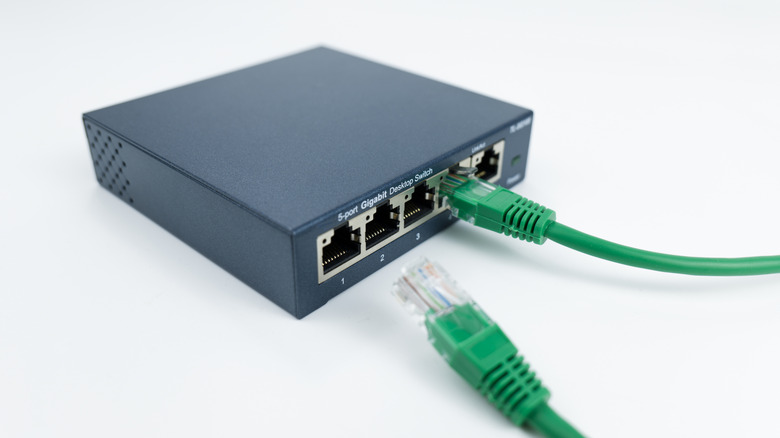
When it comes to Ethernet switches, there are two types: unmanaged and managed. For home use where you simply want to expand the port count and connect more devices through an Ethernet cable, an unmanaged switch should work. It's basically plug-and-play. You can connect one port to the router and the others to your devices, and everything starts working. On the other hand, managed Ethernet switches give you more control over the network, with features such as Quality of Service (QoS), VLAN support, better monitoring, and port-level security. But they are also more expensive than unmanaged switches. As we said earlier, if you just want to connect more devices, an unmanaged switch will do; for more complex setups, like running VMs and using a NAS at home, a managed switch is a better choice.
Power over Ethernet (PoE) is also worth considering if you are connecting IoT devices like cameras, VoIP phones, or single-board computers (SBCs) to the switch. You will find PoE support on both managed and unmanaged switches, though as was the case earlier, a managed switch will give you more control.
Lastly, consider the overall cost. Given the different types and feature sets, the prices can vary dramatically. For instance, you can find a standard 5-port, 1GbE Ethernet switch without PoE support for as low as $15 to $20. On the other hand, a 1GbE managed switch with five ports and PoE support (up to 120W) can cost you $100 to $150. So, if your budget matters as much as everything else, explore all available brands and products. Once you know your options, buy an Ethernet switch that fits your needs without being overkill for your home network.