

Want iOS 27 Early? Here's How To Download The Beta On Your Phone
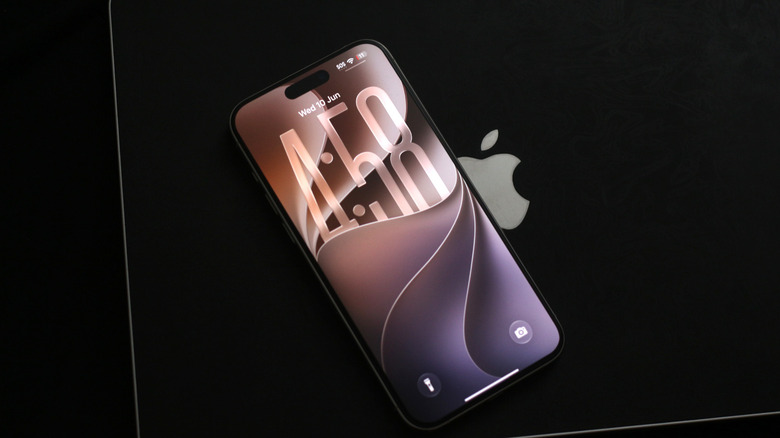
iPhones are often easiest to recommend if you're looking for a device that just works, with software that's reliable. That said, iOS 26's many issues pushed Apple to finally focus on performance and stability with its next big release. At WWDC 2026, the company unveiled iOS 27, which is set to roll out to the masses in September. If you're keen to try out the new update, however, you can always install the beta build on your iPhone. Public betas are often more stable, while developer beta builds tend to get all the new features earlier.
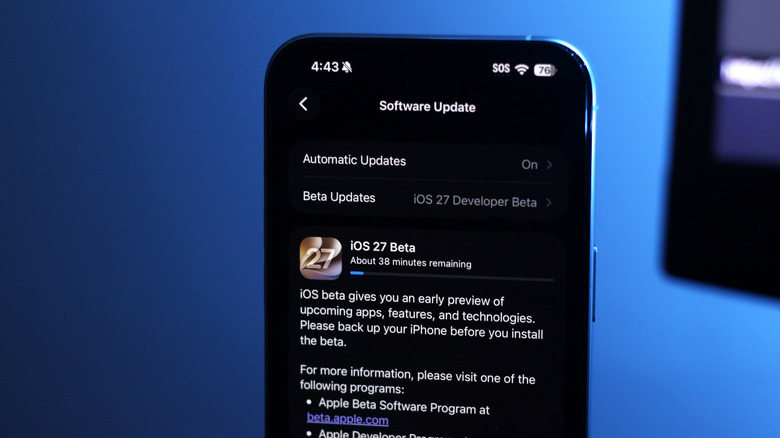
Apple no longer requires you to pay a fee to test its beta builds, as it did a couple of years ago. All you need to do is head to the Apple Beta website and sign in using your Apple ID and password. On the terms and conditions page, click on "Agree." Restart your iPhone and navigate to Settings > General > Software Update, and you should now be able to see a new "Beta Updates" section. Tap on it and select "iOS 27 Developer Beta." Give it a quick second, and your iPhone should now let you download and install the newest beta version of iOS.
Depending on your internet connection, the process may take anywhere from a few minutes to an hour or more. While you won't lose any data, it's highly recommended you make a backup of your iPhone prior to installing any beta builds.
Pros and cons of installing iOS 27 early
Apple seldom makes major changes with its products, so when iOS 26 got a facelift with the Liquid Glass design system last year, everyone was excited. It did come at the cost of iOS 26 slowing down iPhones, making iOS 27's emphasis on performance and stability improvements its biggest saving grace. We've been testing the first developer build of iOS 27 and can confirm that it already feels snappier than iOS 26 ever did — but this isn't a good enough reason for everyone to rush out and install the beta.
Though you get to try out the cool new things, including Siri AI, a developer beta is meant primarily for testing purposes. We do not recommend installing a preview build on your iPhone if it's your primary device, since there's a chance that things may break or not function as they're supposed to. It's also worth mentioning that the hallmark feature — Siri AI — seems to be rolling out in phases, with many early testers still stuck on a waitlist.
Battery life is also almost always poor with early beta builds, so that's another thing to keep in mind. It often takes a few developer beta updates to get the noticeable bugs ironed out. Apple usually releases the public beta version by the end of July, which should be considerably more stable if you're still keen to try iOS 27 out before September.