

Can Your HDMI Cable Output 4K? Here's What To Look For
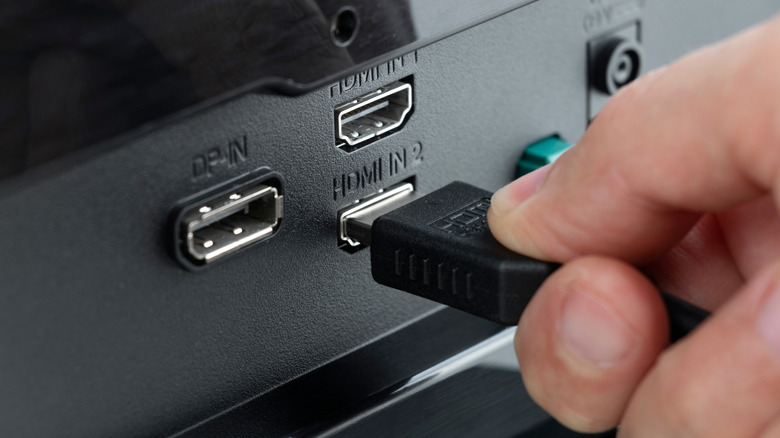
All HDMI cables support high-definition outputs, but not all can actually support full 4K resolutions. If you want to make the most of your 4K TV or monitor, you'll need to make sure you have the right HDMI cable to set it up. Otherwise, you'll find yourself stuck at a lower resolution regardless of the visual quality of what you're trying to watch or play.
It's not always immediately obvious what your HDMI cable is capable of. However, there are a few things to know, and a couple of things that you can look out for to help you get to the bottom of things. For starters, you can check which generation your HDMI cable belongs to. HDMI cables can only output at 4K if they're from generation 1.4 or later. Your best bet for checking this is your cable's packaging or any proof of purchase, which will typically label exactly which generation your HDMI cable belongs to. Look out for cables labeled with 1.4 or above, and especially for HDMI cables labeled with 2.0 or 2.1.
Don't despair if you don't have the packaging or proof of purchase lying around. If you look closely at the cable itself, most reputable brands print the speed rating directly on the rubber jacket. To get 4K output, look for cables with the words 'High Speed' (which aligns with HDMI 1.4 capabilities), 'Premium High Speed' (HDMI 2.0), or 'Ultra High Speed' (HDMI 2.1) printed along the wire. Or, if you bought your HDMI cable at any point since 2009 and it wasn't secondhand, there's a very good chance it can output up to 4K resolution when connected to the right device since HDMI 1.4 launched around then.
Which HDMI generations work best for outputting 4K?
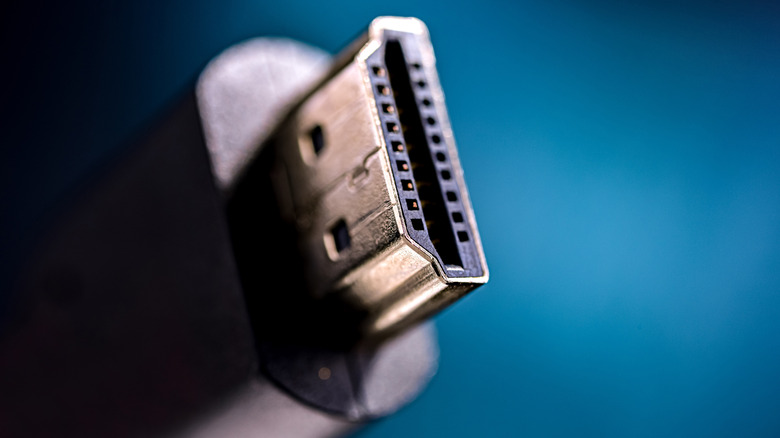
You could easily assume that all HDMI cables and ports are created roughly equally. After all, they all have broadly the same purposes: to transmit video and audio information. However, it's not that simple. Since HDMI launched back in 2002, it has received a long list of specification updates that have tweaked the connection and cable capabilities to allow for higher definitions, faster frame rates, and new features.
Choosing the right HDMI cable for your 4K TV or monitor is important for achieving the best experience possible, and one way to do that is by being selective about which generation of cable you use. HDMI generations are linear, meaning the newer the generation — and in turn, the higher the number associated with it — the better quality the image is. So, it's a good rule of thumb when buying a new HDMI cable to grab the newest generation option available to you.
Even though 1.4 can output at 4K, it's worth looking for a 2.0 or 2.1 HDMI cable if possible, as they can support higher refresh rates at 4K than their predecessors can. HDMI 2.0 cables support 4K at 60 Hz, while 2.1 cables can output 4K at 120 Hz, assuming your device supports it. Meanwhile, 1.4 cables can only output 4K at 30 Hz for standard UHD TVs. Higher frame rates can make videos look smoother by showing more images per second, in turn improving the overall picture quality and helping your 4K visuals shine.