

Here's How To Store Your Car Keys On Your Apple Watch
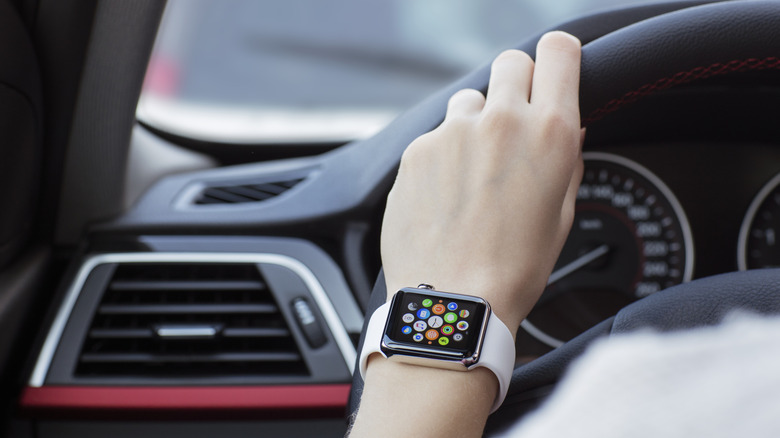
The Apple Watch has matured a lot in terms of design and features over the last ten years. Newer models come with bright edge-to-edge displays, advanced health tracking features, and support for faster charging. You do need an iPhone to get the most out of your Apple Watch, but once you have everything set up, you can reap all the benefits of Apple's well-integrated ecosystem. One of the perks includes being able to use it to lock, unlock, and even start your car.
There are several car brands that let you store digital keys on an iPhone. Once added, you don't need to do anything else for your car keys to also show up on your paired Apple Watch. You do need an iPhone XS or later, or an iPhone SE (2nd generation) or later, and an Apple Watch Series 5 or later, or an Apple Watch SE to use this feature. The process of creating a digital car key will vary depending on your car's make and model, but it isn't too complex.
In most cases, you can start setting up a digital car key using your vehicle's companion app on your phone or your car's built-in infotainment screen. Follow the on-screen instructions and tap on "Continue" when the Apple Wallet app launches. When prompted, place your iPhone near your car's key reader or the center console where the NFC chip is. Pairing may take a few seconds, but you have now successfully added your car keys to your iPhone and, subsequently, to your Apple Watch.
Using your Apple Watch to lock or unlock your car
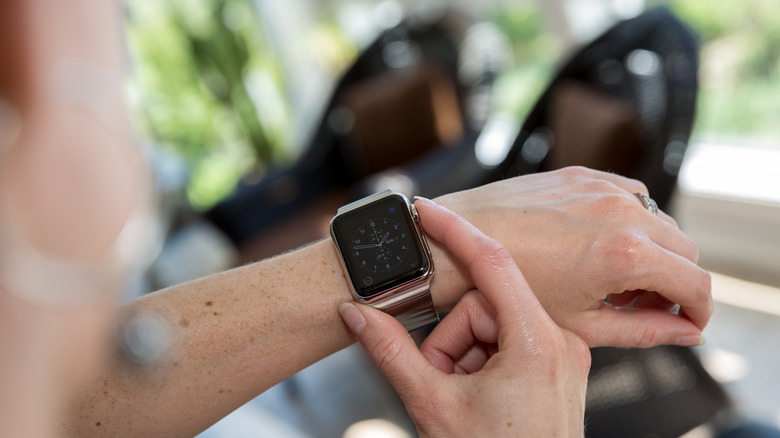
Apple often integrates features into its products in a way that doesn't require much thought from the user. Car keys added to your iPhone or Apple Watch are a great example of this. If you own a compatible car, Express Mode is turned on by default for its digital car keys. This means you don't need to authenticate using Face ID, Touch ID, or your passcode to lock or unlock your vehicle using your Apple device.
Apple Watch Series 6 and newer also support passive entry, which unlocks your car automatically as you approach it. Walking away will lock your car and send you a notification via the Wallet app, too. Alternatively, you can gently touch your Apple Watch to your car's door handle or key reader to unlock or start it. Passive entry requires an iPhone 11 or newer and a paired Apple Watch Series 6 or later. It isn't compatible with the iPhone 16e or SE models.
Even if you're used to using your iPhone as a digital car key, your Apple Watch can be a reliable backup in case your phone runs out of juice — not to mention, it's a faster way of getting in your car. If you can't get your watch to work with this feature, addressing connectivity issues between your Apple Watch and iPhone usually does the trick. Also, ensure you're on the latest versions of iOS and watchOS.