

7 Useful Features Your Car's Key Fob Might Have (And How To Check)
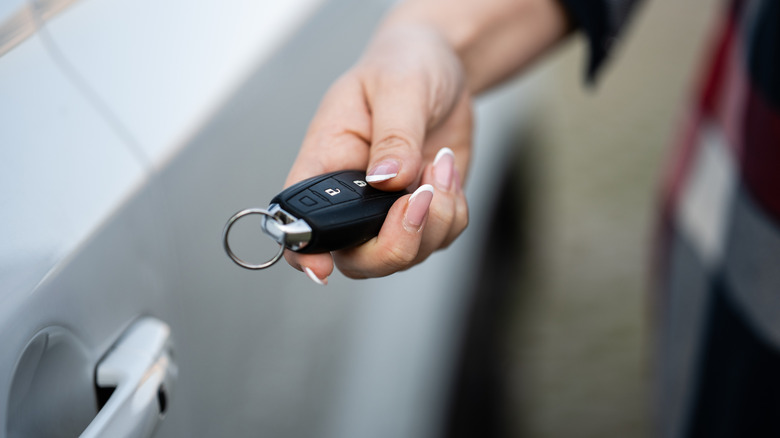
It might not occur to you that your car's key fob has more uses than simply opening and locking your car doors. After all, that was the original purpose behind the invention of keyless entry: so that drivers didn't have to insert and turn their keys in the door every time they wanted to get in and out of their cars. It's evolved beyond that binary configuration, however, and there are some features embedded in your car's key fob that you probably don't know about — features that could save you time or, in a pinch, even serve as a security tool.
Speaking of security, key fobs aren't without their own risks. The old way of doing things may have been inconvenient, but you had to either lose your keys through pickpocketing or have your car stolen with some lockpicking maneuver. Now, thieves can copy your key fob's unique signature. Some cars are more of a target in this respect than others — we have a list of the most stolen keyless cars in America.
That being said, while security is paramount, that doesn't mean you shouldn't have convenience in your life, and we'll shed more light on useful features your car's key fob might be equipped with, as well as a brief rundown of how to check for and use them.
Lowering all the windows at the same time
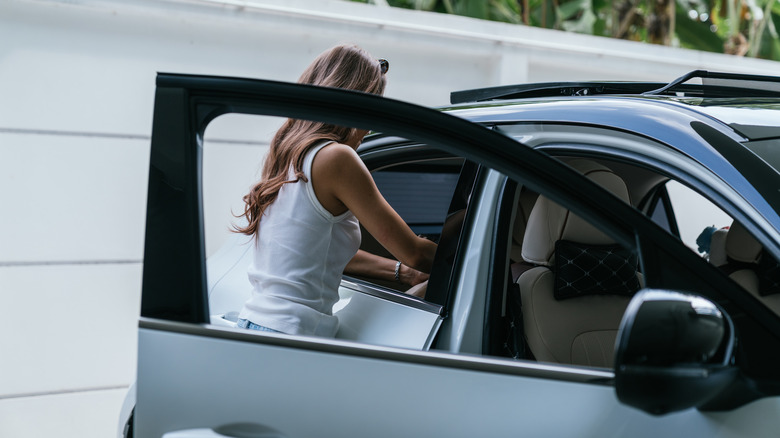
This feature comes in particularly handy in hotter climates or during the summer. If you roll your windows all the way up in sweltering heat, your car is not only at risk of becoming stuffy — in extreme cases, the windows themselves might shatter. That's because uneven temperature change is at play; in direct sunlight, glass and metal surfaces heat up at different rates, and when your windows reach their stress limit, they either crack or, if they're made of tempered glass like your rear windows, shatter completely.
Instead of cranking down your windows one at a time to combat this, you could use your key fob to speed up the process. For instance, if you drive a Ford, press and hold the unlock button on your key fob for at least three seconds. This maneuver not only opens all your windows at once, but it also vents your sunroof. You can also close the windows and sunroof using the key fob — just hold the lock button instead for a minimum of two seconds. If you change your mind at any point and want the opening/closing to stop, press the lock or unlock button, as the case may be.
For Hondas, the technology is similar but with a slight twist; you still need to hold the unlock button to lower the windows, but you can release the button at any time for the windows to stop at a desired level. Rolling up is only available on select trims, though.
Remote starting
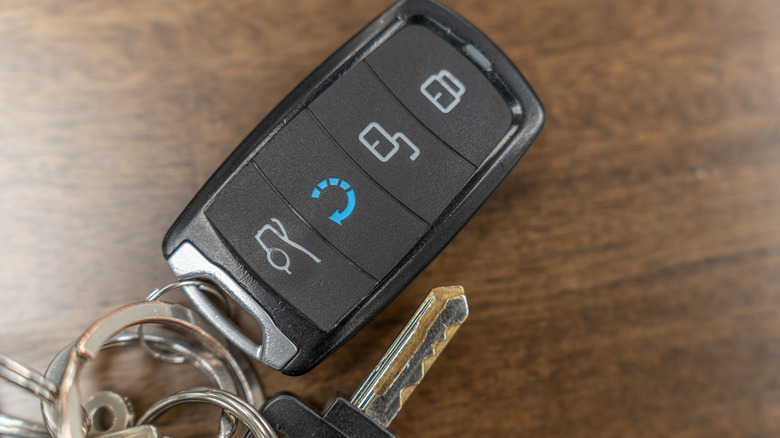
Don't fancy starting your car yourself? Or, say, you'd like to cool or heat your car before you hop in. That's where the technology of remote starting comes in — it starts your car for you, so you can get the cabin temperature to your preference while sipping a cup of coffee in your house. If your car's equipped with the remote starting feature, a glance at the key fob is usually how you'd know about it. According to Consumer Reports, the button for remote starting is typically labeled with a circular arrow. However, it's not always so obvious, as some manufacturers keep this feature more hidden.
BMW falls into this category. Most modern BMWs (those manufactured after 2019) are equipped with remote start. You can start your engine and keep it running for up to 15 minutes by pressing the lock button on your key fob three times in quick succession. Now, you're probably thinking, "What if someone takes this opportunity and just drives my car away?" Well, BMW has you covered there; it's not possible to drive the car without the key fob or the BMW Digital Key present in the interior.
If you drive a Ford, you'd need to press the lock button on your key fob first before activating the remote start. This is done by pressing the button labeled "Remote Start 2X" twice in quick succession. The entire process, from locking your car to pressing the remote start button, must be performed in under three seconds.
Side mirror folding
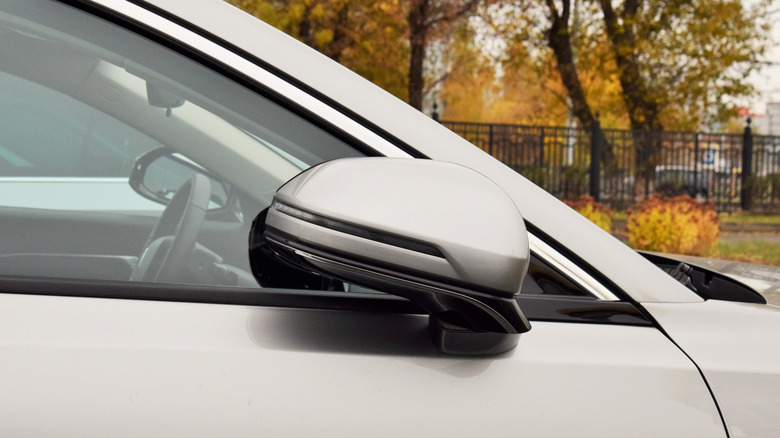
One of the most annoying things to encounter as a driver is side mirror collisions — especially when your car is parked. When there's clumsy driving in your vicinity, mostly during parking maneuvers, your side mirrors are one of the primary targets for damage. You can avoid this by using the side mirror folding technology that automakers embed in key fobs.
For brands like Chevrolet and GMC, hold the lock button on your key fob for one second to activate this feature and fold your mirrors. That's in theory; in practice, some drivers have reported an iffy success rate with this method. Some models, like the Silverado, can unfold the mirrors as well. Hold the unlock button and watch the mirrors fold outward so you don't have to manually pull them in or out (and risk your fingers accidentally changing your mirror orientation in the process).
Some other brands, like Ford, offer mirror folding but with a bit of a difference: It's automatic as a power option. Once you, the driver, park, these power-folding mirrors fold in by themselves and unfold again when you open the car door from the outside to re-enter the vehicle. If you don't own any of these vehicles, you can still check if your car is equipped with the functionality. Cars with power folding mirrors typically have a dedicated fold button on the driver's side door panel; that'll be your first clue. If that's not available, you'll want to either go through your manual or test what holding the lock button does.
Self-parking
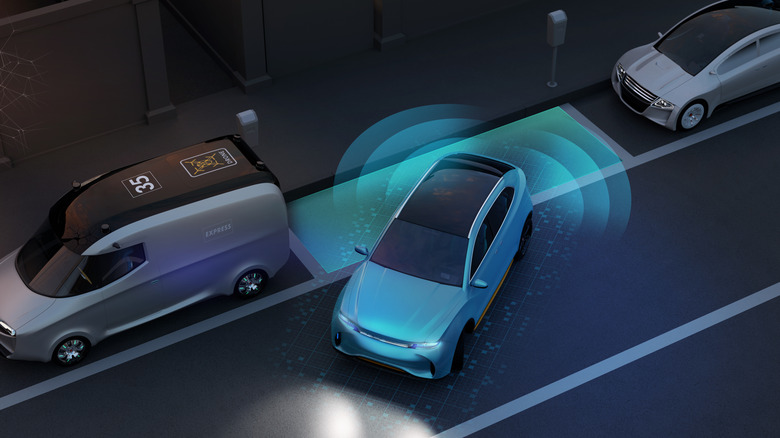
If you're not a natural at parallel parking, you'll take any help you can get to pull your car into tight spaces. Well, many cars now come with some form of parking assist, and although this works as a vehicle feature in brands like Tesla, you can also use the key fob to operate it. Ford used to have the feature too, but it got dropped; here's why. To check if your car has this functionality, look around the dash for a "P" symbol or check your center display settings.
The first thing you have to do, regardless of car brand, is stop the car near a parking spot and align it correctly for parking. Now, to actually park the car, you'd need to leave the interior and stand at a reasonable distance. For Hyundai vehicles, you need to press the lock button on your key fob first. If you switched off your car before exiting it, use the remote start button to fire up the engine. Then all you have to do is hold the forward or backward button on the key fob to guide your car into the parking spot.
Kia's Remote Smart Parking Assist technology has basically the same configuration. Tesla differs slightly with its Summon feature for its Model S cars; you'd need to pair your phone with the vehicle via Bluetooth and stand within six meters of your car. On the Tesla app, press the Summon button, then use the forward or reverse buttons on your key fob.
Panic alarms
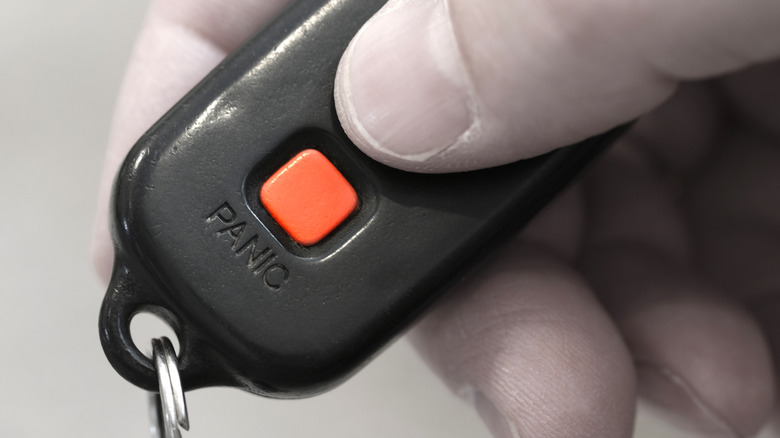
Ever gone shopping at a mall only to discover you can't remember where you parked? You're not alone — locating your car in a shopping mall parking lot or one of those tiered garages can be difficult, especially if you're not familiar with the area. Not to worry, car manufacturers have a solution for this that you can activate with the tap of a button on your key fob: the panic button.
At first glance, the panic button looks like something you should only press when you're in an emergency; the letters or the surroundings are usually painted a shade of red, no matter the brand you're driving. We consider this an emergency, though. Press and hold the panic button on your key fob — it'll trigger your car's horn to beep loudly at regular intervals, and your hazard lights will flash as well. The droning and light beaming will last a few minutes unless you press the button again or start the engine with the key.
The panic button on key fobs operates in the same manner across car manufacturers. The point of this is for both sound and visual signals to help you locate your car. The use case extends beyond geolocation, though. It can serve as a security system of its own. In a scenario that requires urgent attention, like medical emergencies or break-ins, you can trigger the panic alarm to draw attention to your car. Here's our in-depth explanation of what your panic button is for.
Memory seat recall
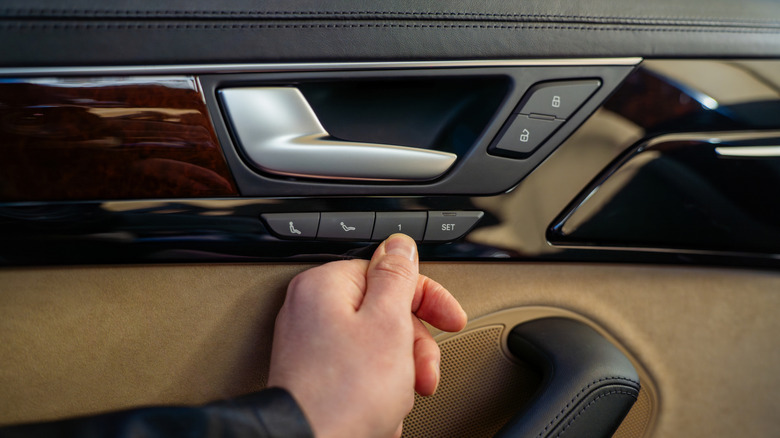
If you've co-used a car with a person whose physical attributes differ significantly from yours, you probably know how important seat adjustments are. You can use your key fob to sidestep this annoyance if it's equipped with the memory seat recall feature. You'd need to set your memory seat positions first, though, and this process is basically the same for Ford and GMC vehicles. For starters, your ignition needs to be turned on (for Chevrolet, the gearshift must also be in park).
Adjust the driver's seat, mirrors, and steering column to your liking, then press "Set" on your door panel. Chevrolet and other GMC vehicles only need you to press and release, but Ford requires you to hold the button until you hear a beep. Once that's done, press and hold the preset memory button you want to save the settings to until you hear a beep. For this part, if your car is a GMC, the Driver Information Center will show you the key fob you're using, so you can pick the corresponding number when saving your settings. Ford, however, requires you to press the lock button on your key fob to link the presets to your key.
You should note that memory recall is largely a car feature that's linked to key fobs and not an innate key fob feature. That is, if your driver's side panel doesn't have the "Set" and numbered controls, your car probably doesn't support the feature. You could confirm this by consulting your owner's manual.