

Here's Why Backing Up Your Data On An External Hard Drive Beats Using The Cloud
We may receive a commission on purchases made from links.
Cloud storage seemed like a miracle when it first arrived, and in some ways, it still is. It allows you to access your data from anywhere, as long as you have a device that's connected to the internet. In those early days when Dropbox was the hot new startup on the block, I even helped companies and professionals move their data to the cloud in my capacity as a freelance IT consultant.
But these days, I rarely recommend relying on cloud storage, especially if you envision it as your only backup. Over the years, the issues with cloud storage have become more apparent: it's not only costly, but has a whole host of privacy and security headaches that don't exist with physical media. Not only do you need to worry about the usual malicious actors and security threats that come with any online account, but cloud providers themselves are increasingly adversarial toward users who would prefer not having their private files combed through.
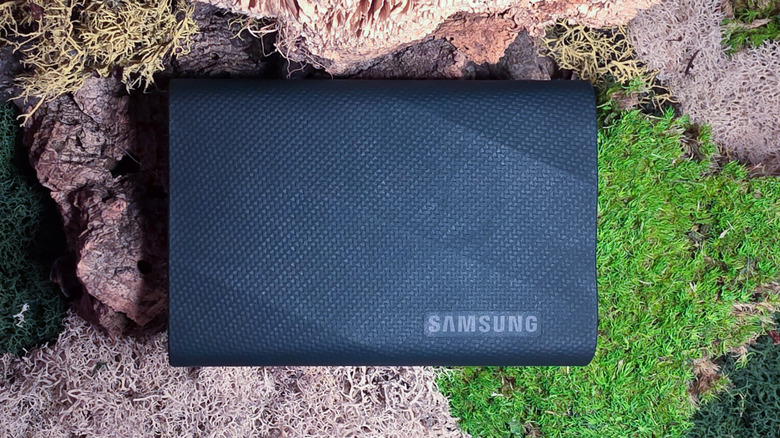
Physical storage, such as an external hard drive or SSD, is one of the best ways to back up your PC data. This is down to the enormous storage capacities of hard drives and the increasing robustness of flash storage technology. Of course, there are professional-grade physical storage solutions like RAID or a NAS, but even a common SSD has its advantages. Unlike a cloud account, physical storage isn't vulnerable to remote attacks (provided your drive isn't connected to the internet), and you own it outright rather than renting the space from a third party. So, here's why backing up your data on an external hard drive still beats using the cloud.
Physical drives can be more secure
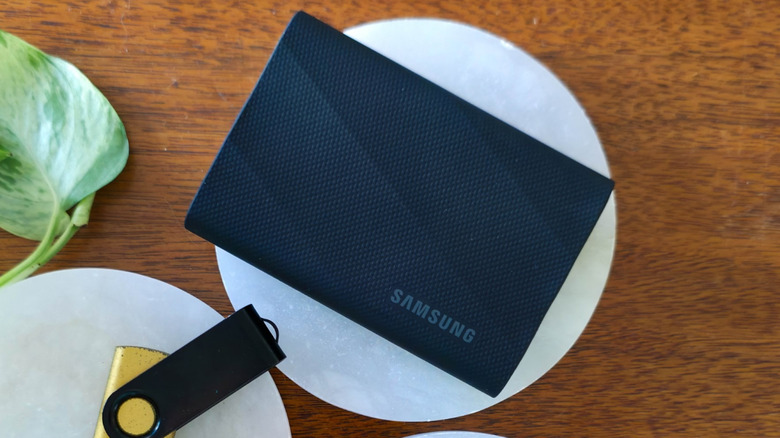
If you're looking to keep your data safe, physical drives have several benefits over cloud storage. The first is the simple fact that, so long as it is not plugged into an internet-connected device, an SSD or hard drive cannot be remotely accessed. Cloud storage is vulnerable to remote attacks, and all that stands between a hacker and your private files is your account password. Yes, there are things you can do to keep your personal data safe, cloud storage included, but the chances of a breach are never zero. It is far more likely that someone will try to remotely attack your Google Drive or Dropbox accounts than break into your home or office looking for storage drives.
In some cases, the entity most aggressively attempting to access your data may be your cloud provider itself. Google's privacy policy states that it collects information from any files you give it, including photos, videos, documents, and spreadsheets you save. Privacy-focused cloud providers such as Proton Drive do exist, but having tested it, I found Proton's storage isn't as easy to use and lacks several features.
Some people may believe that permanence is the Achilles heel of physical storage media. After all, a few drops of water can completely fry an unshielded SSD. But cloud storage is not a panacea — just ask anyone who has lost files in the cloud thanks to a bug or a sync error. Cloud providers also reserve the right to delete your files or account, and this can happen through no fault of your own. For example, a 2022 New York Times report outlined how some Google users had their entire accounts deleted after Google's AI erroneously flagged innocent photos as violations of its guidelines.
Cloud storage is more expensive in the long run
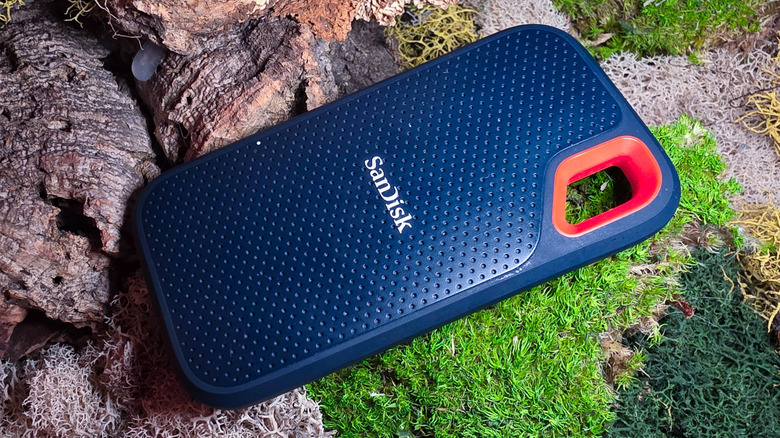
One of the most attractive aspects of cloud storage can be the low monthly fees. As of this writing, a 2-terabyte Google One plan is just $10 a month if you choose the option without AI perks. Dropbox is similarly priced. But those fees add up. In a year, you will have spent $120 on cloud storage or more. Granted, AI has made common PC components painfully expensive in 2026, which changes things somewhat. A 2-terabyte Samsung T9 SSD that was $200 in 2025 sells for $400 in 2026. Many people may well choose to spend a small fraction of that cost each month for cloud storage rather than cough it up all at once for a physical drive. For many, a cloud provider is now the only affordable option for mass storage.
Even so, there's no guarantee that cloud pricing will stay low, as any rise in hardware costs may present cloud providers with the opportunity to increase subscription costs in turn. If you already own enough physical storage to meet your needs, moving to a physical backup is an easy way to cut down on subscription slop and avoid unforeseen price hikes.
Many experts suggest a so-called 3-2-1 backup strategy: backing up your data in three places, including the original copy, on two different storage solutions, with only one copy on-site to guard against unforeseen disasters. For example, you could store your tax documents on your computer and two different SSDs, one of which is kept in a safe or a bank deposit box. You could also utilize both a physical drive and a cloud backup, with the latter being off-site by definition.