

Does An Ethernet Splitter Reduce Speed?
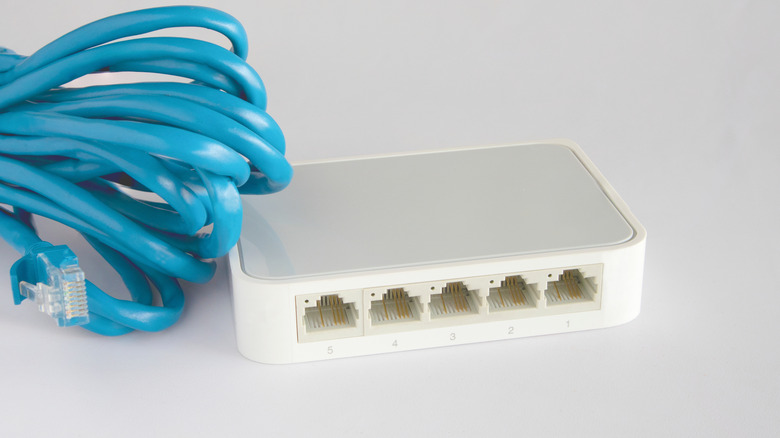
Ethernet is important for people who need fast and stable internet connections at home or at the office. But if Ethernet is shared in multiple rooms with a splitter, which is different from an Ethernet switch, it could present a problem. Network speed will slow down because of the additional wires being run. In fact, using an Ethernet splitter could actually restrict you to 100 Mbps, even if your network handles much faster connections.
The problem is that when multiple devices use a passive Ethernet splitter, each one only gets a portion of the total available bandwidth, and you may not know how much you need. So "sharing" is precisely what's happening, and it can often lead to high-speed networks getting throttled. All devices connected can feel the pinch and slow down to the point of ineffectiveness. While this may not happen every time, it is more noticeable on modern connections designed for gigabit speeds.
Ethernet splitters work by utilizing the extra wires inside a standard cable. So while a typical 100 Mbps connection only uses four of the eight available wires, a splitter allows two separate signals to travel through the same cable at the same time. This is made possible with the use of a splitter at both ends of the cable. The issue is that internet signals aren't boosted through this setup, leaving any devices connected vulnerable to slower speeds.
Alternatives to Ethernet Splitters
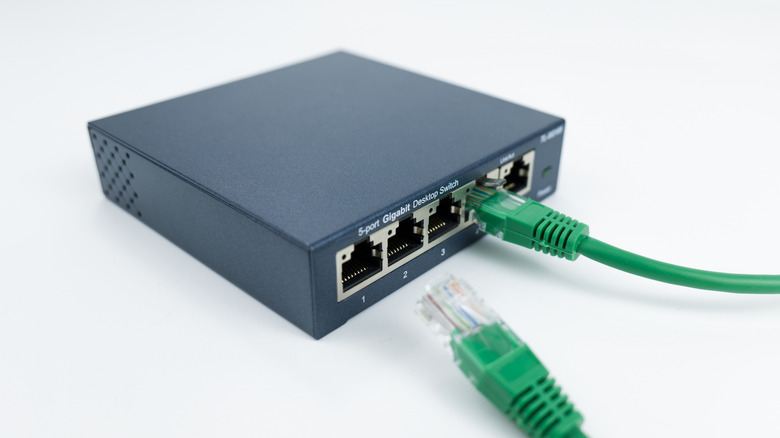
If you need to use a splitter but want to avoid losing internet speeds wherever possible, there are a few things you could do. First, be sure you're using cables rated specifically for your network speed, like Cat5e or Cat6. Next, use shorter cords, and be sure that your devices are compatible with split signals. You should also avoid connecting more devices than the splitter is designed to handle. While you still won't be able to fully achieve high speeds with a splitter, you could possibly reduce slowdowns, at least in the short term.
Using a switch is a more reliable way to utilize existing Ethernet. Unlike a passive Ethernet splitter, a switch actively manages network traffic in real time and only sends data to the device that needs it, meaning multiple devices can perform at full speeds simultaneously. Plus, most modern Ethernet switches can support gigabit speeds with several ports. Using a switch will expand your network without requiring you to spend money on replacing your current equipment.
Other options to extend your Ethernet connections include Multimedia over Coax Alliance (MoCA) adapters, which use existing TV coaxial cables to give you wired internet without running Ethernet cables. This means you can get high-speed connections in rooms that are otherwise hard to reach. There are also Powerline adapters, which plug into your wall outlets, creating wired internet connections over your home's existing electrical wiring.