

Can You Hide Your Amazon Orders? It's Complicated
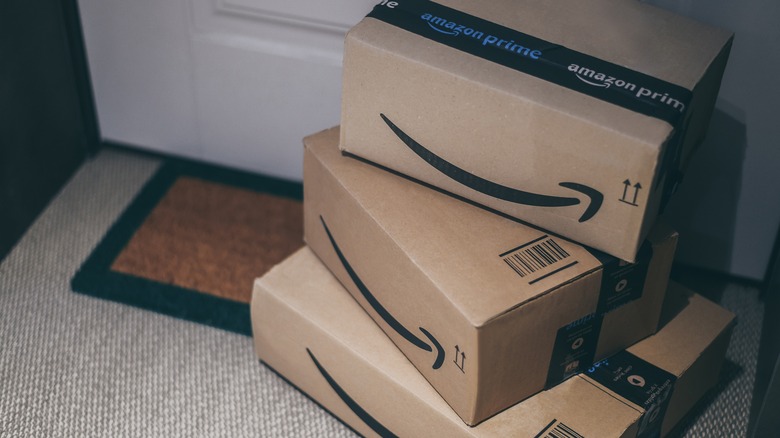
While Amazon has provided a welcome platform for people to purchase items conveniently and at budget-friendly prices, there are certain drawbacks to purchasing from an online retailer. There's the lack of that warm, nostalgic feeling of browsing for products in person, for one, but there is also an incredibly specific thing that Amazon has made it difficult to do. Namely, hiding your purchases from other members of the household.
For many families or couples, sharing an Amazon account makes things easier, as they share the same bank account, address, and potential Prime account. However, this can cause problems around birthdays or other holidays, as you typically want to purchase gifts with which to surprise your family members. Unfortunately, Amazon makes this incredibly difficult, as it keeps a running list of every purchased item. Amazon used to have a feature that let you archive orders, which removed them from the account's main purchase list, but that feature was discontinued. Now, the only way to shield those sensitive orders is through a feature called Amazon Family.
This program launched in October 2025 and is an evolution of the now-defunct Prime Invitee Program. Amazon Family lets you create a household of up to two adults and four children who can all share Prime benefits, such as video streaming, free shipping, and more. This setup gives every person their own separate account, and while the adults can see the orders of the children, as there are strict parental controls in place for purchases on those accounts, the adults cannot see each other's purchases. Luckily, setting up an Amazon Family account is rather easy.
How to set up an Amazon Family account
Not only is setting up an Amazon Family account easy, but it is also free. Here is how you can add another adult and children to your Amazon Family if you already have an Amazon account.
- Go to your account settings page.
- Click on the Amazon Family option.
- Select the "Add New Member" button.
- Choose whether you are adding an adult or a child.
- If adding an adult, choose whether you want to link a separate Amazon account or create a separate profile within the same account.
- If linking an existing account, enter that person's name and e-mail address to initiate the link. If creating an adult or child profile, simply add that person's name to set up their profile. For child profiles, a birthday must also be added.
If you do not already have Amazon accounts, you can go to the Amazon Family landing page on the website. You then have the option to jointly create adult accounts for a new Amazon Family.
Something you will notice is that Amazon designates adults as 18 years and older, while children are 12 and under. Amazon also has teen accounts for ages 13 through 17, but Amazon stopped allowing new signups for these accounts after April 7, 2025. New teen signups will resume on January 1, 2026, although Amazon's wording indicates that they won't be available in all territories. Regardless, teen accounts are still subject to adult supervision, so there's no hiding orders there. Those powers are strictly with the two adult accounts.