

What Does The Phone And Wi-Fi Symbol Mean On A Samsung Phone?
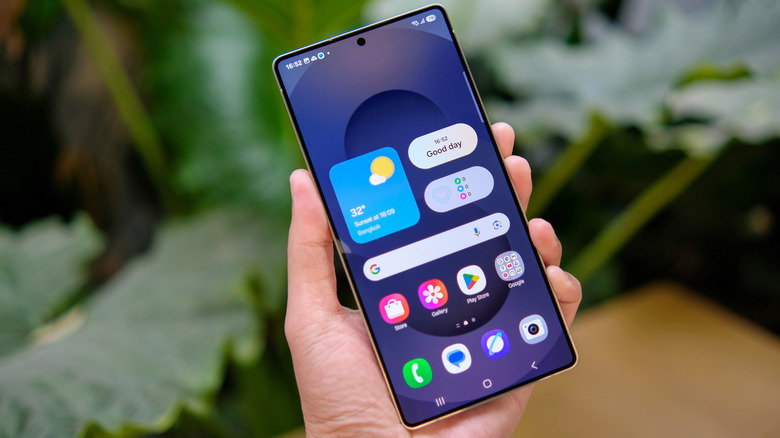
Samsung phones certainly have a lot of different icons and indicators to remember. Some of them you probably see all the time and know the meaning of like the back of your hand. For example, the Wi-Fi symbol shows when you're connected to Wi-Fi and the familiar B lets you know that Bluetooth is turned on. However, others aren't as common, so you may not know what they mean.
One example is a phone symbol with a small Wi-Fi icon in the upper-right corner. That lets you know that Wi-Fi Calling is activated. Wi-Fi Calling is a useful feature that allows you to make phone calls or send texts over a Wi-Fi connection, without relying on a cellular connection. As a result, you can still use your phone even when you don't have cell service.
Despite the fact that Wi-Fi Calling works without a cell connection, you still need to have your SIM card inserted or a built-in eSIM enabled to access it. Your Wi-Fi connection also has to be pretty strong for it to work properly. You can enable it in your phone's settings, if the feature is supported by both your cell carrier and your device's operating system.
There are a couple of other indicators that are easy to mix up with Wi-Fi Calling, too. For example, the Wi-Fi Sharing symbol looks like two sideways Wi-Fi symbols, and the S Pen connection icon shows a stylus with two rounded bars next to it. Like the Wi-Fi Calling icon, all of these indicators appear in the status bar.
How to turn Wi-Fi Calling on or off on a Samsung phone
Turning on Wi-Fi Calling is pretty easy. Basically, everything you need, including the feature's settings, is in your device's Connections settings. To access that, you need to:
-
Make sure you have your SIM card installed or eSIM enabled.
-
If you haven't already, connect your phone to Wi-Fi.
-
Unlock your phone and navigate to Settings.
-
Select Connections.
-
Tap Wi-Fi Calling to toggle it on or off.
You can also toggle Wi-Fi Calling on using the Quick Settings panel. To access the Quick Settings panel, swipe down from the top of the screen twice and tap the icon. Some models also let you turn it on via the Phone app's settings, which you can access through its three-dot menu.
If you have an AT&T phone, then you need to have VoLTE enabled to turn this on. VoLTE means "Voice over Long Term Evolution," and it helps to improve how your calls sound. You can also find the toggle for this in the Connections menu, similarly to how you found the Wi-Fi Calling switch.
Exactly how you change your Wi-Fi Calling settings differs a little depending on which carrier you use. One way you can find them is by opening Settings and heading to Connections, then tapping Wi-Fi Calling. If you can't find the calling preferences there, depending on your carrier, you might find them under Roaming network preference or When Roaming.
From there, you can update your preference for either Wi-Fi Calling or regular cellular calling. Changing that indicates which function your phone should default to where possible. You can also use the Wi-Fi Calling settings to update which address your carrier uses for emergencies, in case you ever need to call emergency services.