REGISTER LOGIN

Worth Reading?

NoYes

+61 [69 votes]

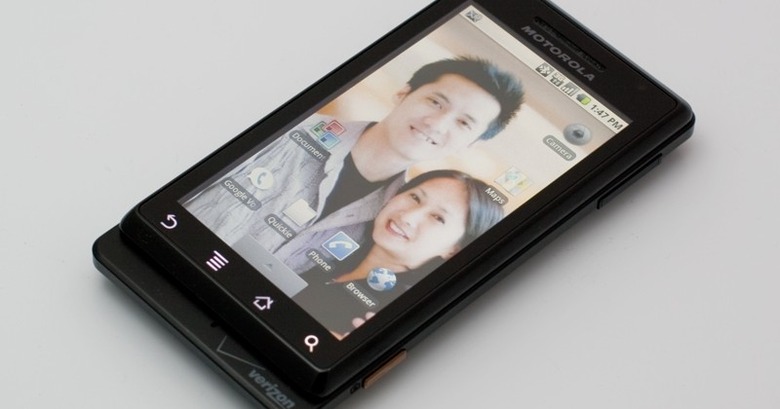
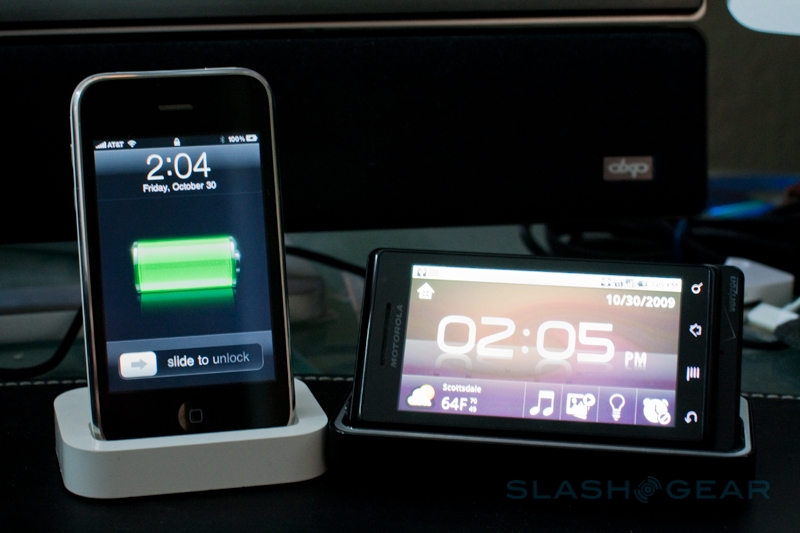
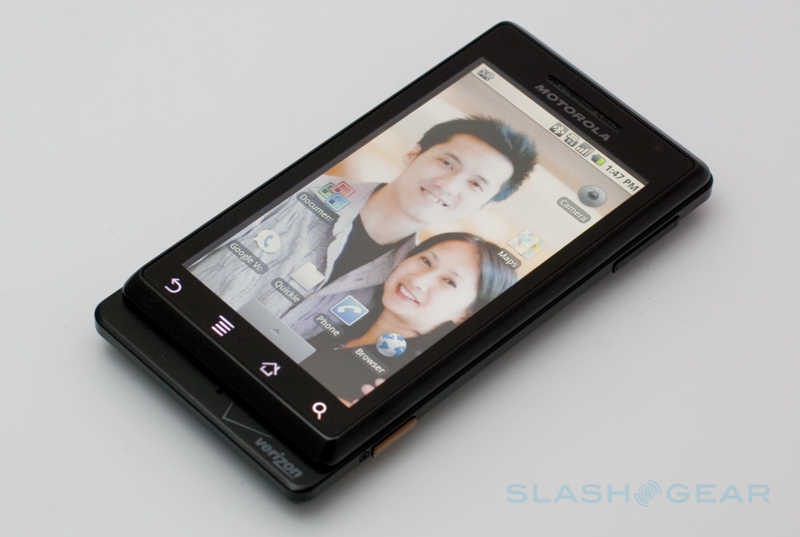
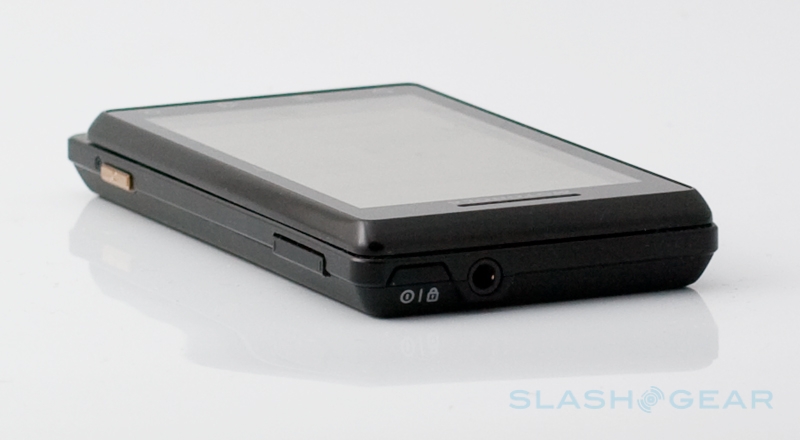
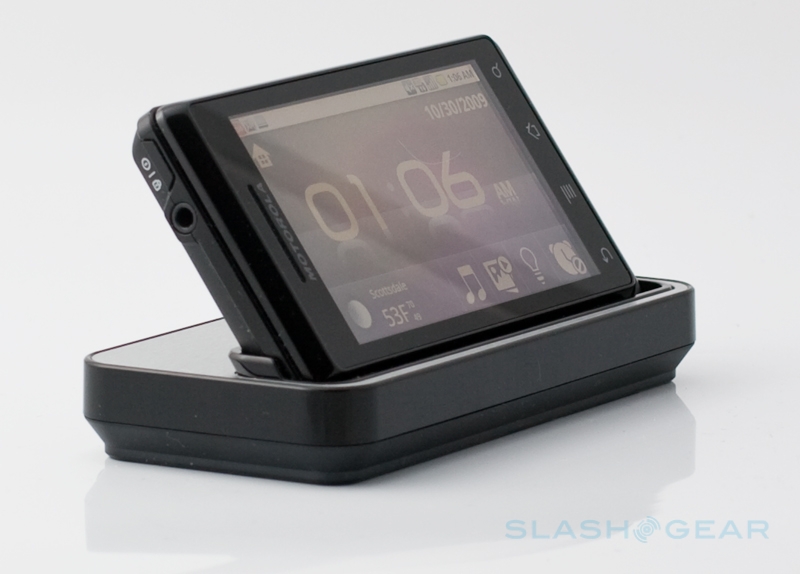
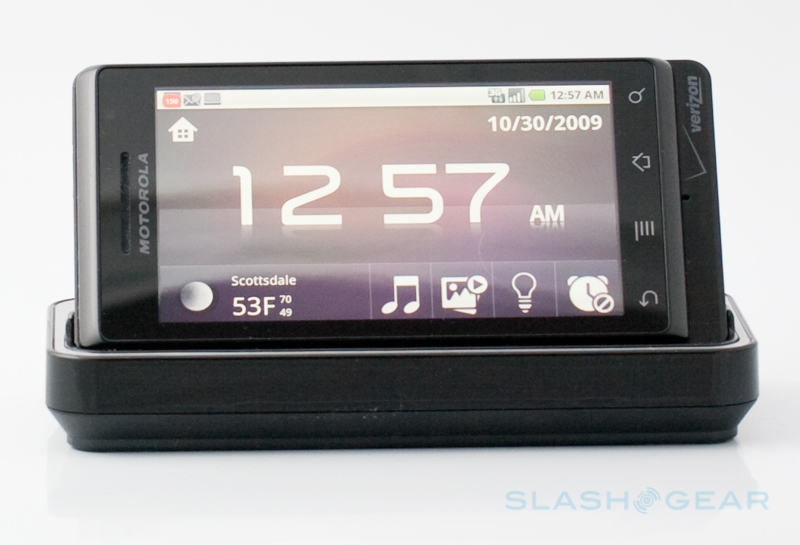
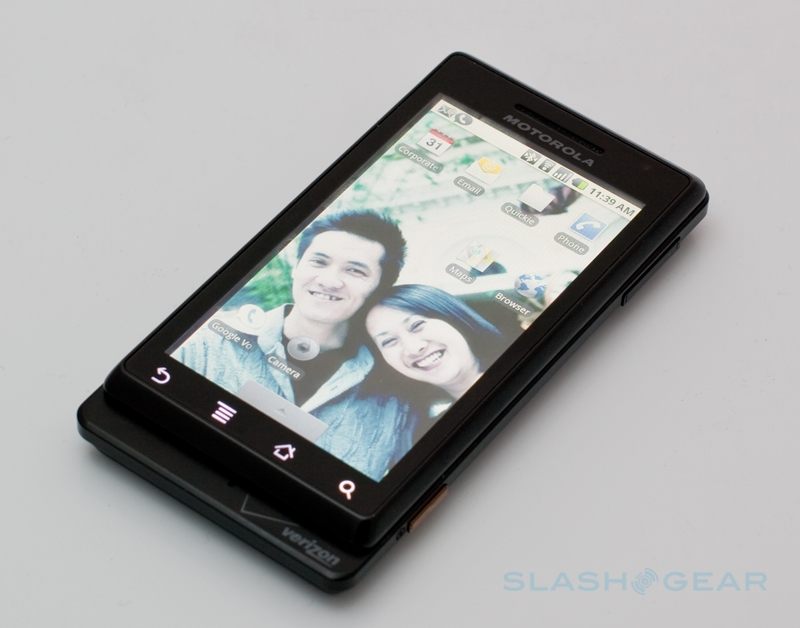
We’ve been avidly playing with the Verizon DROID by Motorola since its launch on Wednesday, and while we think it’s still too early to give a definitive opinion on the Android smartphone either way, we wanted to share some highlights.  The Motorola DROID could be one of the most important smartphones of 2009, so check out our early thoughts on battery life, the QWERTY keyboard, some camera disappointments and more, after the cut.

droid vl r3media 540x362

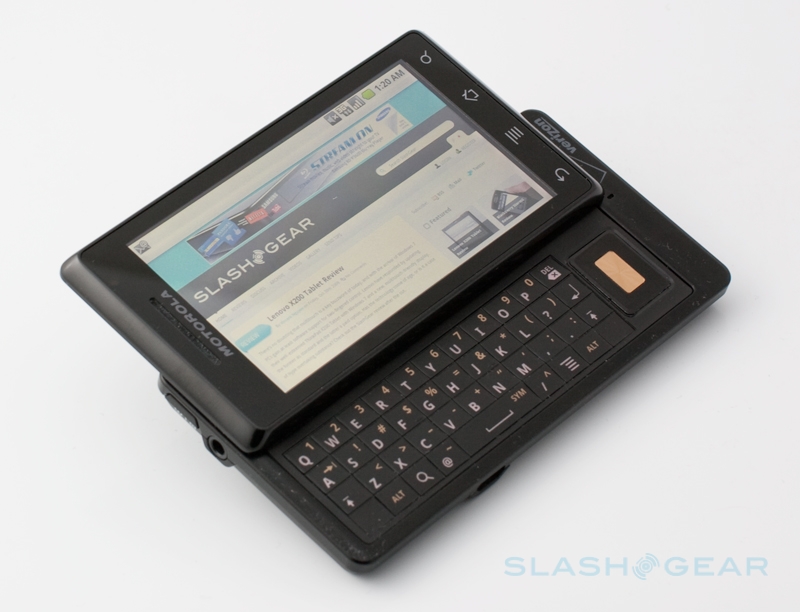
The DROID’s keyboard is less spacious than that of the Samsung Moment that we reviewed earlier today, and we’re still not convinced about the positioning of the D-pad where it forces you to stretch your thumb.  Auto-correct doesn’t appear to work with the hardware keyboard as it does in HTC’s system on the Hero and other HTC Sense devices.  Backlighting is even, though, and we prefer the keys to those on the T-Mobile G1.

droid web open kbjpg r3media 540x413

Battery life is the stand-out surprise at this stage, and we’re especially enamored by Android 2.0’s new gauges, which show what has been consuming the most power.  After over eight hours use, with push email and Exchange active, WiFi and Bluetooth turned on, and plenty of use, we were still seeing 30-percent remaining charge.  According to the battery app, it’s the display that’s the most power hungry component: 51-percent of the power had been chomped through by that, with voice calls at 16-percent and the Android System itself accounting for 8-percent.  Interestingly, despite reasonably heavy use of messaging and internet access, WiFi and email were both at 4-percent and the browser at just 3-percent.

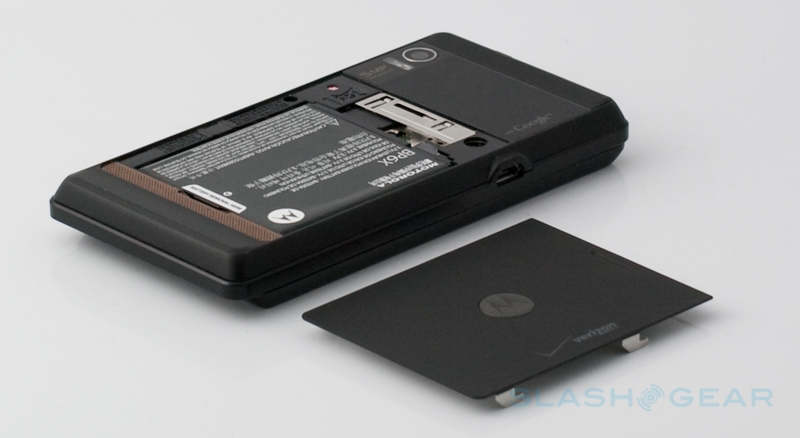
droid back cover r3media battery 540x295

YouTube Preview Image

An obvious way to save power, then, would be to turn the display backlighting down, and we’ll be experimenting with that over the weekend to see what sort of difference it makes.  While we’re on the subject, the 3.7-inch 854 x 480 LCD is incredibly bright and crisp, while the capacitive touchscreen is reasonably responsive.  The omission of multitouch, which has no provision anywhere natively in Android 2.0, is frustrating.

droid 2 r3media 540x374

On the downside, we’ve found a few moments where the DROID seems to bog down.  There may only be three homescreen panes – another thing we’re unimpressed by, when HTC Sense offer you seven, plus fancy widgets to fill them with – but there’s some sluggishness in panning between them occasionally.  Similarly pulling down the status bar or – a common Android trouble point – pulling up the launcher menu can be a lumpier experience than you’d expect from the smoothness of the rest of the system.  We’re talking to Motorola about this, and we’re not sure if it’s an Android issue, something to do with the DROID specifically, or something else.

droid front dock closed r3media 540x367

Another disappointment so far has been the camera optics, particularly in the still photos we’ve taken, and it’s difficult to tell whether you’re getting more value with the extra megapixels over, say, the iPhone 3GS.  Sample images have been grainy and the DROID is slow to lock focus, though the situation is better in video recording.  Android 2.0 offers a new set of photo settings to be tweaked, so we’ll be experimenting with those to see if we can improve the results.

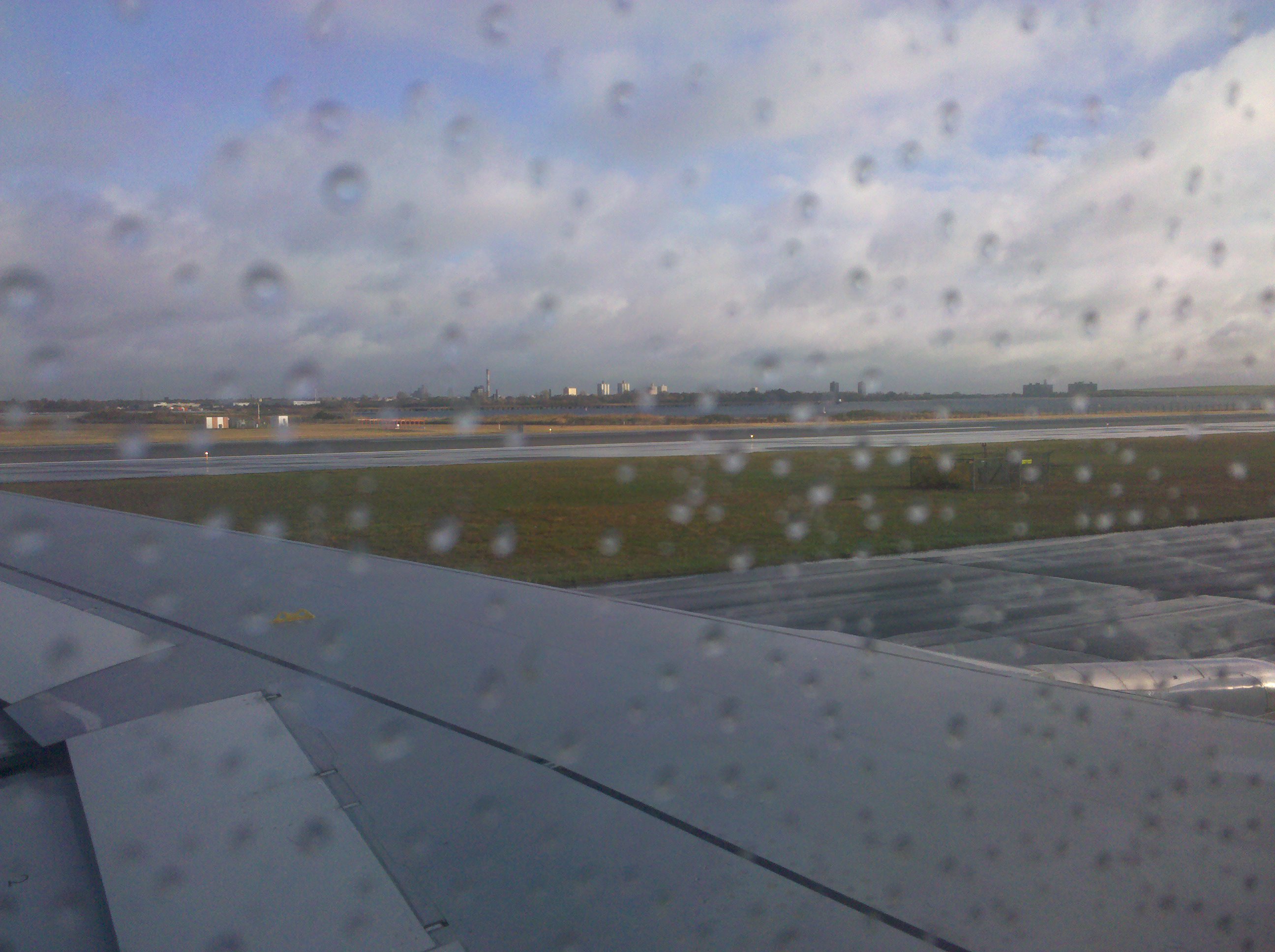
2009-10-28 16.27.27

Sample video taken with Droid – taking off from JFK airport

As for Android 2.0 itself, the new OS is less obvious in its changes than we expected from the run-up to the release, and much of the functionality seems to have been borrowed or previewed by the work HTC and Motorola have done on distinguishing their own Android handsets.  Still, that’s not to say it doesn’t work, and we’re particularly enjoying the unified inbox – which, despite the billing, still keeps Gmail separate from everything else – and the pop-up menu tapping on a contact’s name brings, offering the various ways you can communicate with them (email, call, SMS, Facebook message, etc).

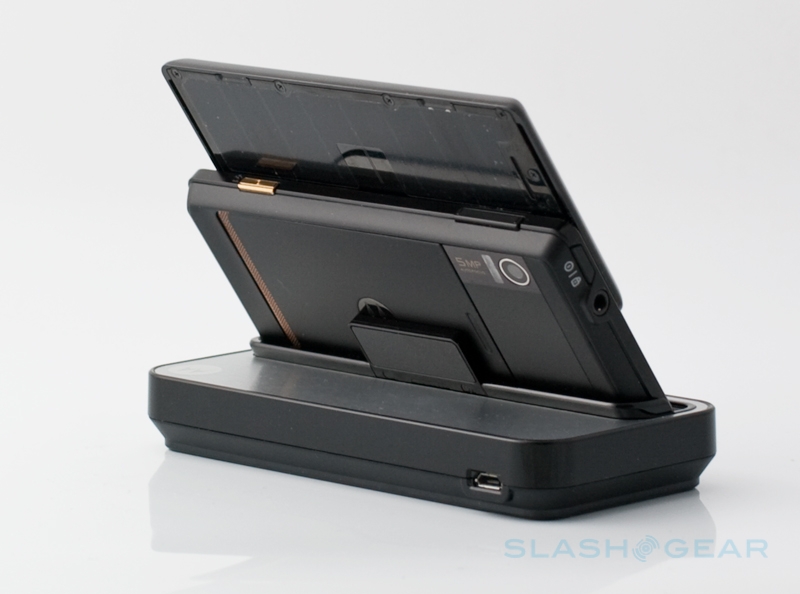
droid back dock open r3media 540x400

We’ll be continuing to explore the Verizon DROID by Motorola this weekend in the run-up to the full SlashGear review next week.  If you’ve any questions about the smartphone that you’d like to see covered in the review, leave us a note in the comments below.  We’ll try to cover as much as we can.
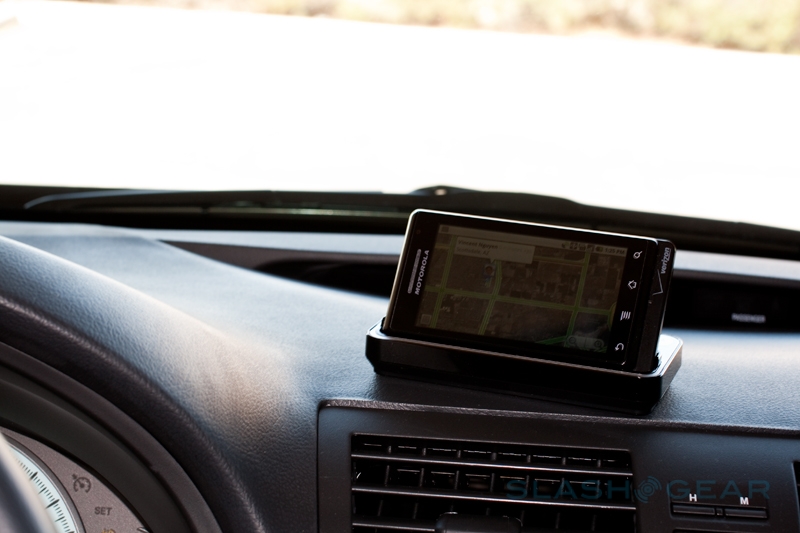
droid iphone doc r3media 540x359

Subscribe via RSS or Email | Read 18,317 times

20 Responses to “Verizon DROID by Motorola highlights”

  1. NeedfulToyz October 30, 2009

    Was that video studdery or was the the lag from my connection or slashgears video bandwidth?

    Neutral  Add karma Subtract karma  
    • Ewdison Then October 30, 2009

      It started instantly for me (on Mifi – verizon)

      Neutral  Add karma Subtract karma  
    • Chris Davies October 31, 2009

      Instantly for me, too; I’m guessing it’s your connection, NeedfulToyz. Perhaps let it all download before starting to watch it?

      +1  Add karma Subtract karma  
  2. LongIslander October 30, 2009

    I’m a Windows Mobile user who hadn’t considered Android till now. The Droid Does website claims you can browse the web while on a call. I haven’t seen anyone mention this in reviews and I thought this was not possible on Verizon’s network. Not being able to take an incoming call while the GPS still works is a deal breaker for me. Have you tested this on the Droid?

    Neutral  Add karma Subtract karma  
    • Ewdison Then October 30, 2009

      I tested it just now, you CAN’T browse the web while on call unless you are on wifi.

      As for GPS, incoming call works just fine while GPS is active.

      +3  Add karma Subtract karma  
  3. adamman41 October 30, 2009

    3 things. First, coming from a sidekick, do you think I will be able to adjust to the new physical qwerty keyboard. I feel like it’s just something you have to get used to before you can type well on these things.

    2. I don’t use facebook but if I wanted to pull contacts down onto the phone from a friends account and then delete the ones I don’t want in my contacts list, is that possible?

    3. This device does not work out of the U.S right? Why didn’t they make it a world phone like other verizon phones? It seems silly not to have that functionality for such a high end device…

    -3  Add karma Subtract karma  
    • district5 October 30, 2009

      I think you’d get used to the keyboard. Every phone has a slightly different one, you adjust.

      The one thing that really annoys me about Android (1.6) compared to Sidekick/HiptopOS is that when you go to the Dialer (Phone) screen and start typing letters, it interprets them only as numbers. So if you want to type “bo” and have it search your contacts and display Bo, Bob, Bonnie, Bozac, etc you have to first switch to the Contacts tab. If you type “bo” on the default Dialer screen it just displays “26″ and leaves the rest of the screen blank instead of simultaneously searching your contacts and displaying partial matches. Similarly, if you type “123″ it doesn’t show you any partially matched phone numbers that contain “123″. Completely frustrating coming from Sidekick where dialing was smart & intuitive. Hopefully Android 2.0 is different but I’m not holding my breath.

      +1  Add karma Subtract karma  
    • Chris Davies October 31, 2009

      I’ll leave Vincent to address 1. and 2. (though for the latter I’m thinking that it would probably delete the Facebook contacts if you remove the account). As for 3. no, the DROID won’t work outside the US. I can only assume either that Motorola had trouble fitting both CDMA/HSPA radios inside, or that Verizon didn’t want them to; neither is a particularly positive situation, frankly.

      Neutral  Add karma Subtract karma  
    • Vincent Nguyen October 31, 2009

      1. coming from a sidekick, do you think I will be able to adjust to the new physical qwerty keyboard. I feel like it’s just something you have to get used to before you can type well on these things.

      Answer: I’ve been using the iPhone the first day it arrived and haven’t used any other phones with a physical qwerty keyboard for a long period since then. I acclimated to Droid’s physical QWERTY keyboard quickly with ease. That being said, the keys are rather flat but that’s a small price for keeping it super thin.

      2. I don’t use facebook but if I wanted to pull contacts down onto the phone from a friends account and then delete the ones I don’t want in my contacts list, is that possible?

      Answer: Yes. There’s an option under settings in Facebook app to sync contacts.

      Neutral  Add karma Subtract karma  
  4. Lon Chin October 30, 2009

    What type of power connector does the Droid have … the standard micro USB or something else? Hopefully nothing proprietary.

    Neutral  Add karma Subtract karma  
  5. Facebook User October 31, 2009

    Hi,

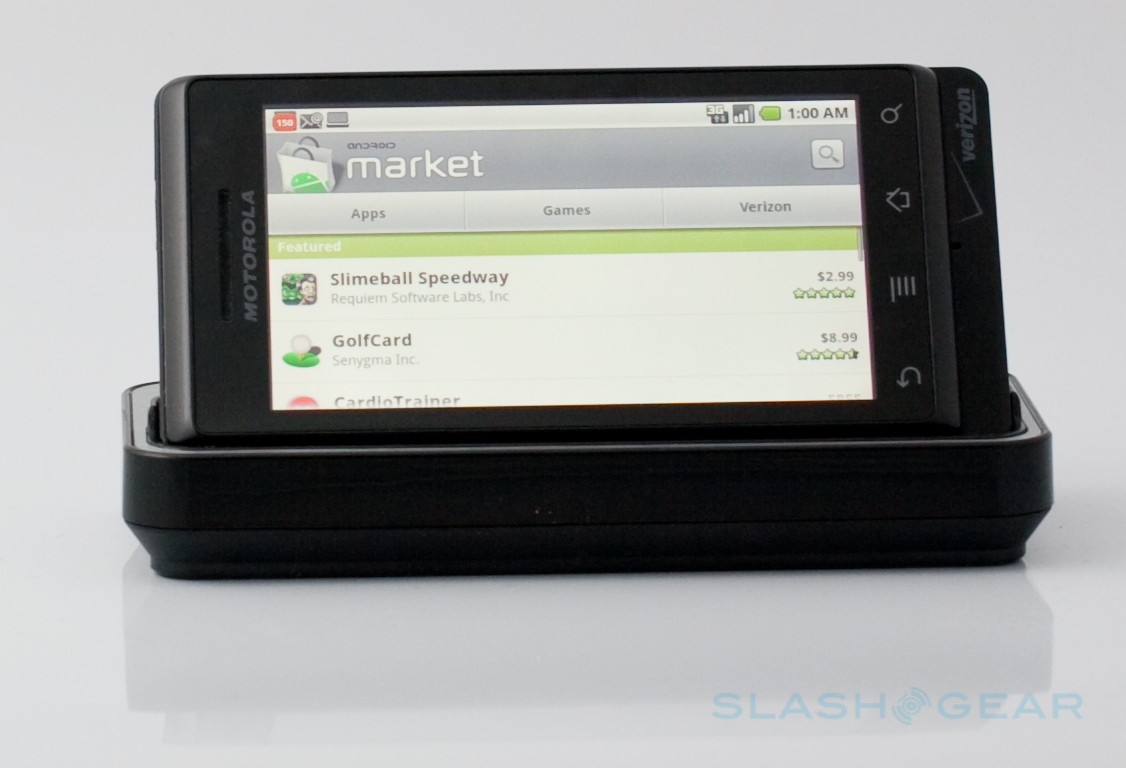
    Is this the normal Android Market on the phone or is it a special market from google? I’m a little bit confused, just read both variants.

    Neutral  Add karma Subtract karma  
  6. 3d October 31, 2009

    Amongst all of the many early Android reviews on the internet, very few adequately review the Android’s call clarity and reception.

    When on a call with someone on a landline how is the reception? Is there any hollow echo? Can you swap phones with the caller and you (the reviewer) LISTEN to the Android yourself during a call while you are on the landline. Does the reception get better or worse with a headset. How about voice clarity in slightly breezy conditions. Maybe in a moving car. Speakerphone clarity? Does the phone get hot because of all that metal during a one hour call?

    Do you get reception in a typical windowless office surrounded by cubicles and computers? How about in stores at the mall? Basement one level underground?

    Thanks!

    Neutral  Add karma Subtract karma  
    • Ewdison Then October 31, 2009

      I think many reviewers understood it depends on how well carrier tower gives coverage on certain zone, so it’s really hard to determine call clarity based on phone only. since carrier plays major part on it

      but thanks for the suggestions, it might be something we can standardized in the future

      +1  Add karma Subtract karma  
  7. Lon Chin November 1, 2009

    Do you know if you can tether, i.e., connect another device through it for Internet connectivity?

    Neutral  Add karma Subtract karma  
    • slashmnt November 2, 2009

      According to one (p)review I read, Verizon confirmed that it is not available on the Droid now but will be available soon. Boy Genius Report I think.

      Neutral  Add karma Subtract karma  
  8. yee November 3, 2009

    I am struggling with Droid, HD2 and the sooooooon coming X10. Between WM6.5-featured HD2 and the new-comer Droid, which one would you recommend? So far as you have experienced, is Droid as smooth as iPhone 3GS when running the apps? Sorry for so many questions, since Droid doesn’t have its own unique UI, do you think later, technically, it will be possible to transport the HTC Sense UI to Droid?

    Neutral  Add karma Subtract karma  
  9. justinCO November 5, 2009

    You said the camera was subpar on the Droid, how does it compare to the G1? I currently have a G1 and the camera takes great pictures, with good light of course. The Droid seems like a great upgrade to the G1 on paper so I’ve been thinking about switching over from t-mobile (contract is expired to gtg).

    Neutral  Add karma Subtract karma  
  10. district5 November 6, 2009

    Does it really cost $140/mo for unlimited voice & data on Verizon? Ouch. I pay $100 on T-Mo.

    Neutral  Add karma Subtract karma  

Post a comment

Please login to leave a comment. If you haven't signed up, you can do so free here. Lost your password? Reset it. With SlashGear account, you will be able to participate on SlashGear Forums.