
ASUS Eee PC Touch UI for T91 multitouch netbook: Video Demo
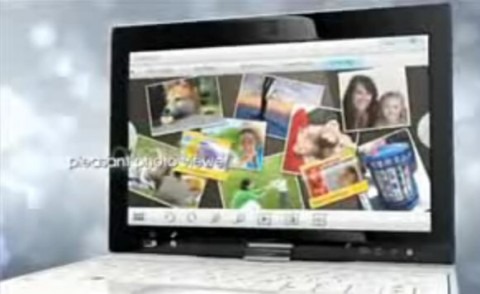
With ASUS' touchscreen netbook hardware now out in the open, it's time for the company to share their new Eee PC Touch UI. The interface was partially revealed back at CES, but now there's a video demo of how image browsing and editing, on-screen text entry, video content and more can be navigated with your fingers. It all takes place on the Eee PC T91 Tablet, which has a multitouch-capable 8.9-inch display.Check out the demo video after the cut
As with ASUS' Easy Mode launcher for the original Eee PC models, and the upscaled version of Easy Mode for the Eee Top touchscreen nettop, the new Eee PC Touch UI sits on top of the underlying OS – in this case Windows XP – and can dock into a small launcher bar at the top of the display when you want access to apps normally. Shift to finger-control, however, and the Touch UI occupies the whole screen; it's also far more developed than any GUI we've seen on the Eee PC range before, with multi-pane desktops, gesture control and whole-word handwriting recognition.
The T91 is likely to be the first opportunity to try out the new ASUS interface, when it launches later this year. A convertible netbook, it's powered by Intel's Atom Z520 CPU and has built-in GPS and a TV Tuner.