

Is 1080p High Quality Enough For A Dash Cam?
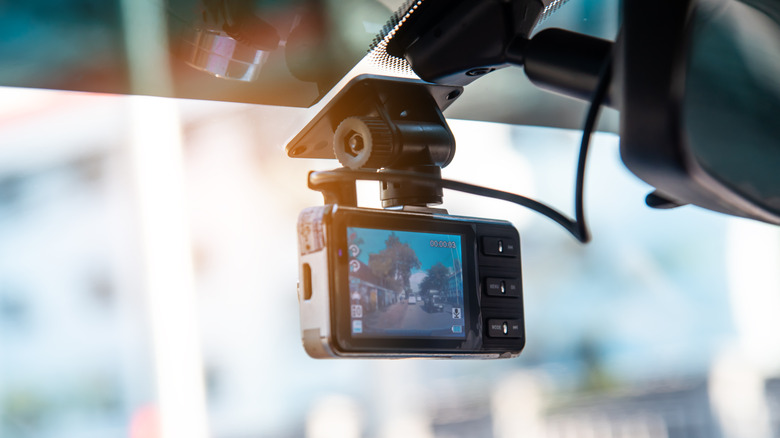
A lot of interesting things can happen while on the road, so it's always nice to have an eyewitness who can offer an unbiased account of an incident. The incident can be an accident at a four-way stop, a hit-and-run, or a parking lot swipe. That's why a dash cam is a must-have upgrade for your car. However, resolution matters a great deal when making out the details, especially when it comes to insurance and law enforcement investigations. So if you have a 1080p (Full HD) dash cam, which has a resolution of 1920 by 1080 pixels (about 2 million pixels), will it have enough quality to capture the details you need?
For everyday driving scenarios, where you just want to prove that an incident happened, it's going to be enough. But if you need to focus on the small details that aren't directly in front of you, such as number plates, faces, and road signs, then the images can look blurry. Furthermore, the faster you go, the less detail you will see because the image will become soft. It can be worse at night, as the image can get noisy in low-light conditions.
Still, 1080p dash cams are considered standard since they're the most widely used, especially by those looking for an entry-level unit. But if you want better quality and details that truly make a difference, go for higher resolutions. Ultimately, if the video is good quality for your needs, you don't need to splurge on an expensive dash cam.
Should you buy a 2K or 4K dash cam?
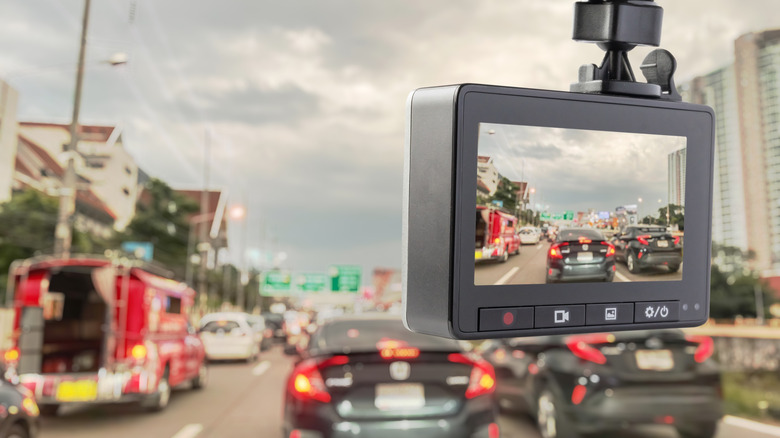
If you want the distant details to be more visible, then a 2K (Quad HD) dash cam will suffice while still being affordable. This gives you a resolution of 2560 by 1440 pixels, which is about 3.7 million pixels. Sometimes a car can swipe you from the side and then come into view of the dash cam at a distance. With an FHD dash cam, you can make out what type of car it is, but zooming in on the number plate can reveal a blurry mess. With a 1440p dash camera, however, it will most likely be easier to read. This is true in challenging light conditions, especially if it has High Dynamic Range (HDR).
A 2K dash cam is the perfect middle ground for clarity and detail, but if the details are farther away in the distance, it can still come off blurry and hard to read. That's where 4K (Ultra HD) dash cams come in, offering 3840 by 2160 pixels. That's about 8.3 million pixels, which is a lot of detail. So, number plates, faces, and road signs that you can barely make out in QHD can be easier to make out in 4K UHD, even under varied road and lighting conditions. Apart from costing more than a 1080p or 1440p dash cam on average, you'll probably also need a higher-capacity microSD card to store footage of the same length.
How many GBs would be enough for a dash cam?
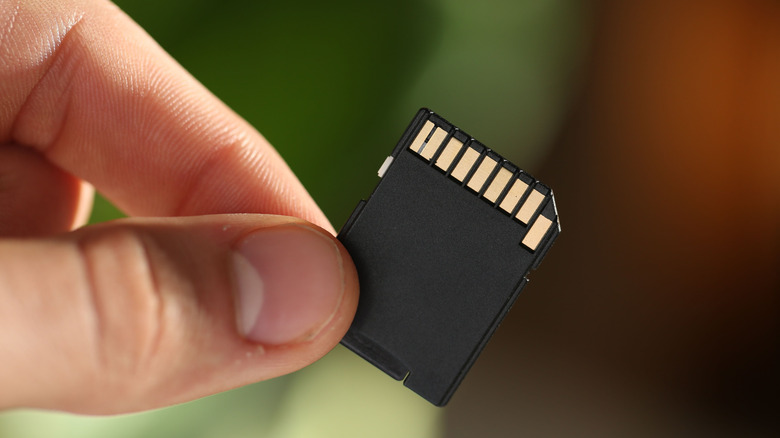
Many dash cams don't come with internal storage and store their recordings on a removable microSD card or in the cloud. They usually save them in one- to three-minute segments, with the oldest segments getting deleted as the storage gets full. For a 128 GB microSD card, you can save about 16 to 20 hours of footage at 1080p. If it's a 4K dash cam, this goes down to eight to 10 hours. But if you want to record comfortably, go with a 256 GB microSD card since it effectively doubles the number of hours you can record. If you're recording 1080p videos and drive two to three hours every day, the footage can stay in storage for about two to three weeks before it's overwritten.
It's worth noting that even if your storage becomes full, it doesn't mean that the dash cam will overwrite the earliest footage it recorded. Many of them can lock the footage of an incident when it happens, preventing it from being overwritten. That's because they're outfitted with a gravity sensor (G-sensor), which can detect sudden movements and impacts. The sensor can even activate the dash cam when a car is parked (using a hardware kit), with some of them recording up to 30 seconds of footage to ensure they get the full context of the incident.