REGISTER LOGIN

Mio Knight Rider GPS Review
By Ewdison Then on Wednesday, Nov 12th 2008 2 Comments

Worth Reading?

NoYes

+23 [31 votes]

A GPS unit with classic 80s Knight Rider styling and the original voice of K.I.T.T. to give directions: Mio could’ve filled the box with rocks and still sold thousands to loyal fans of the TV series. Mio insist though that, behind the gimmicks, there’s a solid PND (Personal Navigation Device); SlashGear strapped on a chest-wig, unbuttoned our shirts to the waist and released a hit record in Germany to find out.

mio knight rider 2 slashgear 480x319

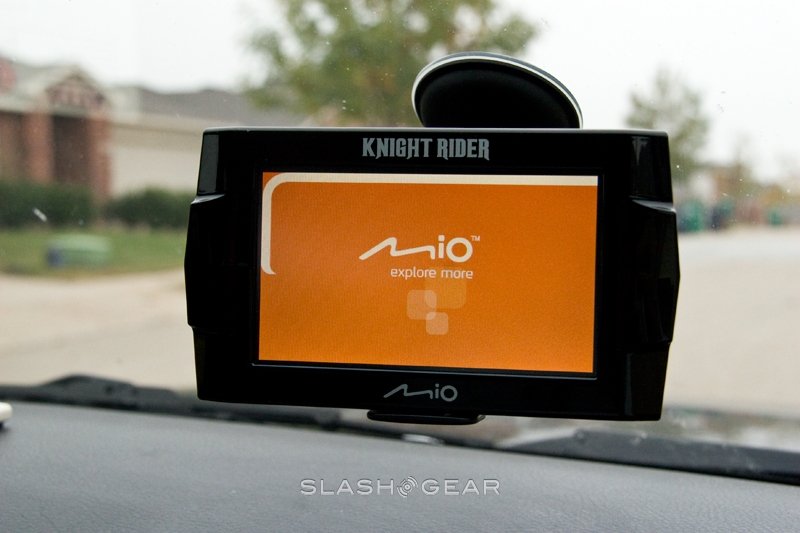
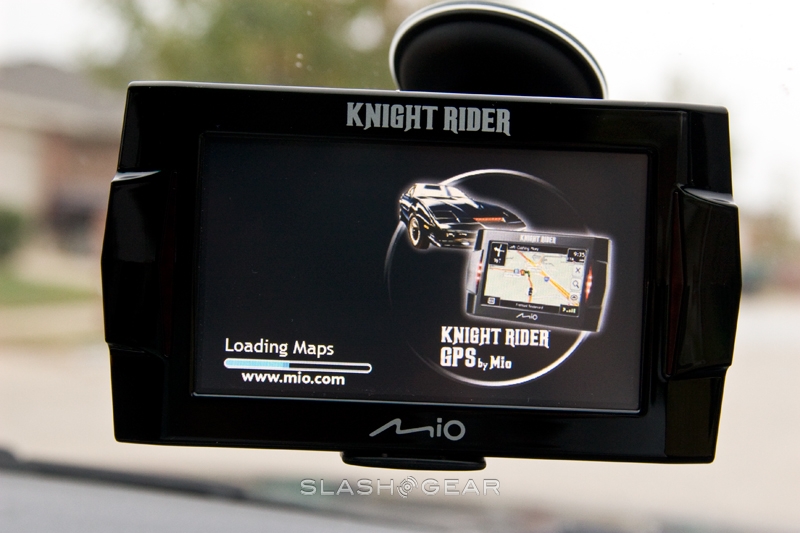
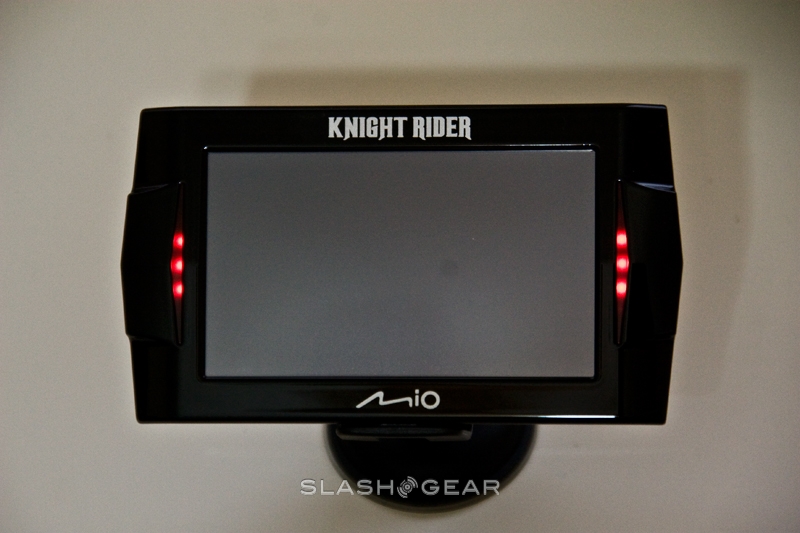
First impressions are mixed. The Knight Rider GPS looks good, perhaps the one time we can say that about glossy black plastic, as it’s modeled after the original Trans Am coupe K.I.T.T. masqueraded as. The initial eye-catcher is the 4.3-inch 480 x 272 touchscreen, but that’s soon forgotten when the flashing red chaser LEDs get going. Mio have worked with Universal Studios to get William Daniels, original voice actor for K.I.T.T., to provide the navigation directions, and as he talks the lights flash in synchrony.

mio knight rider 3 slashgear 480x319

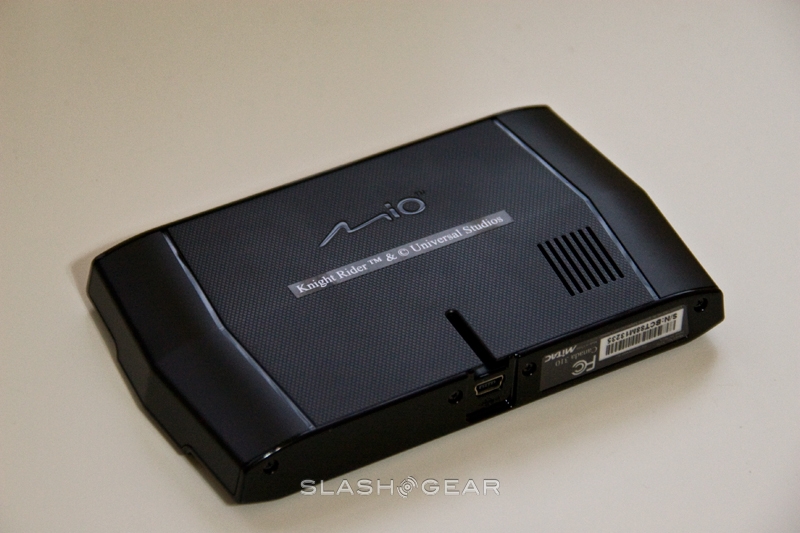
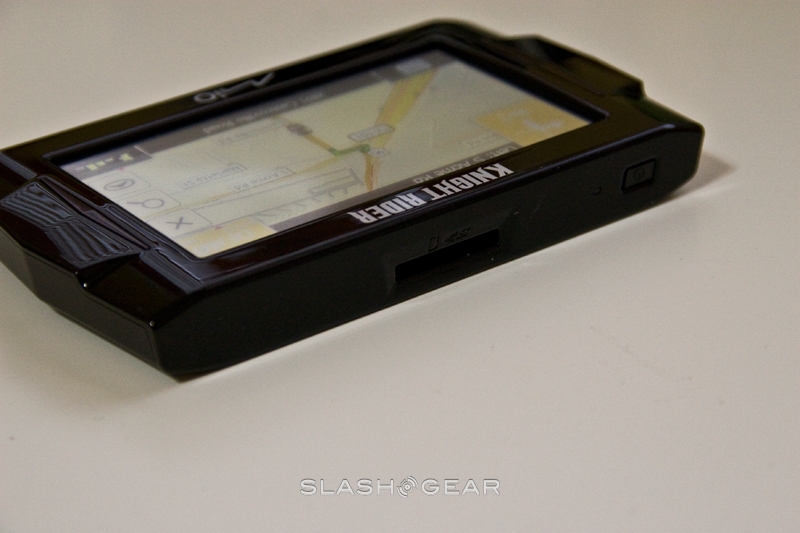
Moving around the PND, there’s the power button and an SD card slot on the top, together with a mini-USB port on the bottom. Mio include a car mount (suitable both for dashboard and windshield use), a USB cable and car charger, together with instruction guides and a CD containing other voice guides.

mio knight rider 18 slashgear 480x319

mio knight rider 16 slashgear 480x319

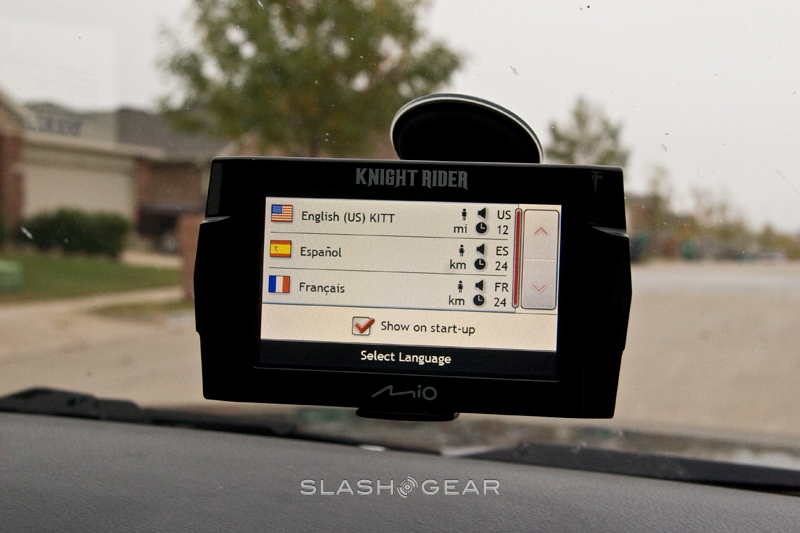
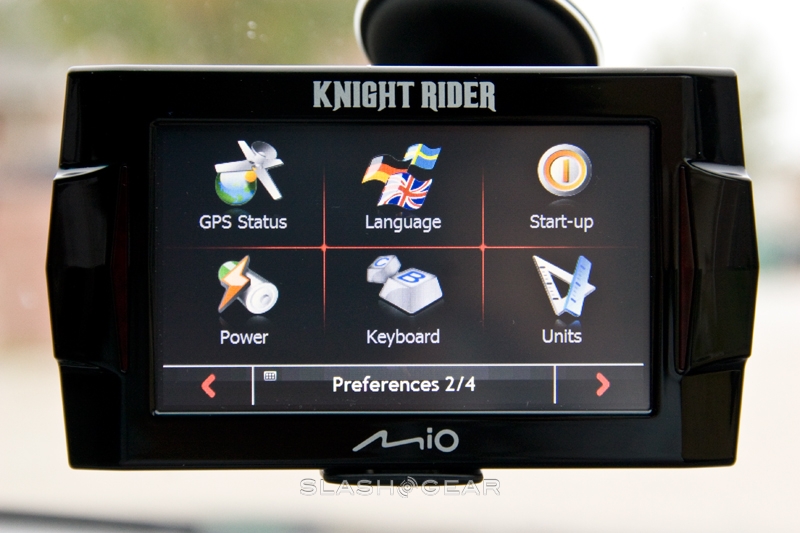
Replacement voice guides are necessary because, while K.I.T.T. will tell you which exit to take and when to turn, there’s no Text-to-Speech (TTS) support. The Mio supports TTS, but Daniels didn’t record the necessary road names; instead, you have to delete one of the pre-installed voices (K.I.T.T., French or Spanish) and replace it with a new voice profile from the CD. It’s a relatively straightforward process using a PC and the supplied USB cable, but it does detract from the Knight Rider theme.

If you can live without TTS, you can instead have the joy of being greeted by name. That is, assuming your name is one of the 300 (equally split between men and women) pre-programmed into the PND. Once set, you’re greeted with a random phrase, such as “I’ll power up all systems” every time you turn the Mio on.

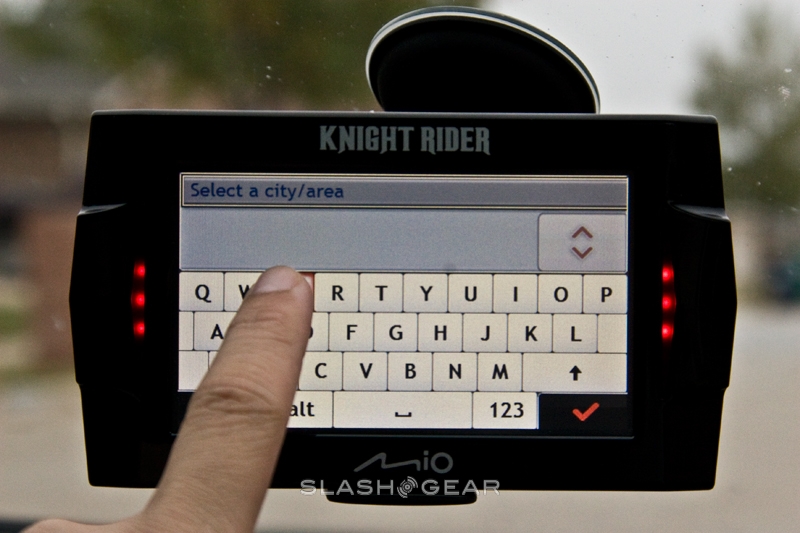
Address entry is via an onscreen keyboard (in either ABC or QWERTY layouts) with no provision for speech recognition as we’ve seen in other recent PNDs. The Mio has predictive text, which suffers a few pregnant pauses but generally works well, and routes are calculated quickly. Multi-stop journeys can be set, with stops programmed at the start or added by tapping the map, and there’s both a favorites list and a history of recent destinations. The Mio can handle street addresses, zip codes, city centers or intersections, and route prioritizing distance, freeway or toll-road avoidance, or journey speed.

mio knight rider 14 slashgear 480x319

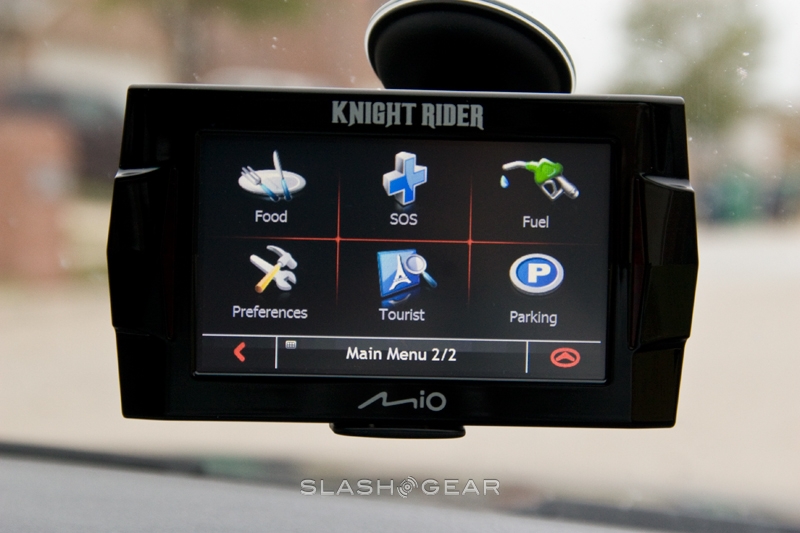
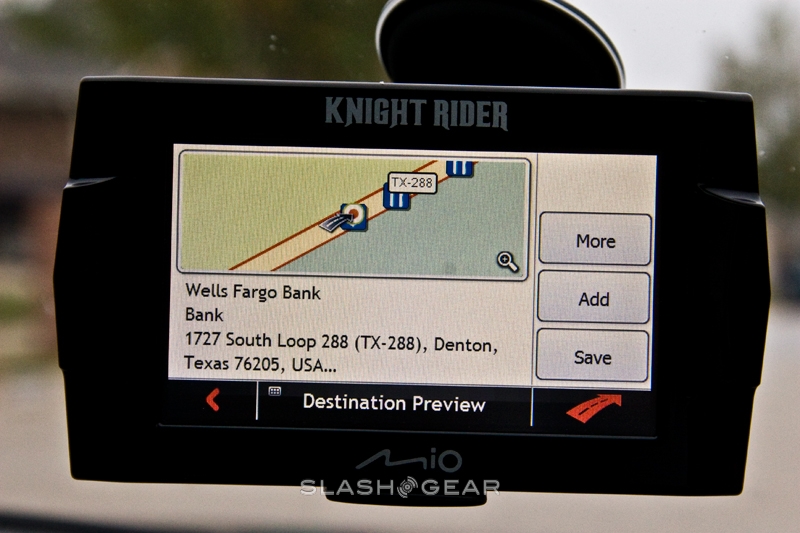
There’s also a database of around four-million Points of Interest (POIs), organized into the usual categories. Since the Mio Knight Rider is not a “connected” GPS such as the Dash Express or new Telenav Shotgun, there’s no automatic update of POIs. Also missing is traffic updates or a pedestrian mode; obviously David Hasselhoff never had to walk anywhere.

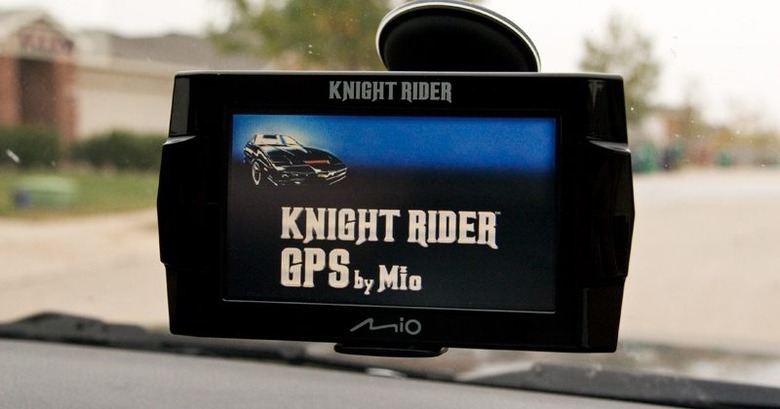
In use, the Knight Rider GPS lacks much of the visual glamor of other recent PNDs, but it does mark your position with a tiny picture of K.I.T.T.; whether that’s enough to make up for the absence of photo-realistic intersections, signs and 3D cityscape is up to you. There is the option to switch between 2D and 3D mapping, together with the usual panning and zooming, with the current road indicated at the bottom of the screen and the upcoming turn at the top. Pull-up menus show ETA, distance and time left, current speed and a clock, together with direction, GPS signal strength, battery and volume status, and you can select one icon from each group to remain on-screen at all times.

mio knight rider 6 slashgear 480x319

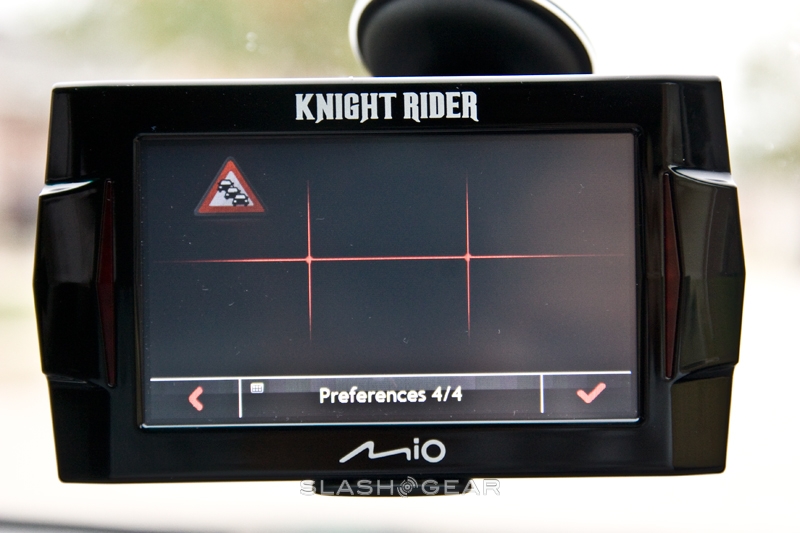
Unfortunately, we found the touchscreen to be less responsive than other PNDs we’ve tried, and it’s particularly susceptible to glare. The included mount does offer a fair degree of repositioning, but we’d prefer the screen itself to have a more-effective anti-glare coating. During the day the flashing, pulsing lights are great. At night, however, they become a serious distraction. You’re able to turn them off in the preferences menu, but it’s a chore; we’d prefer a physical switch somewhere, or, even better, an option to turn them off when the GPS flips into night mode (which changes the maps and menus into a darker color scheme).

We found GPS signal acquisition times to be good, aided no doubt by the Knight Rider GPS’ use of SiRFInstantFixII technology. Initial lock was obtained in a little less than two minutes, with future ‘warm’ locks found in seconds. It also proved tenacious at keeping a signal while in urban, built-up areas. Less successful were the re-routing options, being slower than rival PNDs.

The Mio Knight Rider GPS is a reasonable, entry-level PND, at least when it comes to the spec sheet. The obvious draw here is the Knight Rider theme, and fans of the original series will likely find it appealing. You’re paying no small amount for it, however, which makes it a less reasonable proposition for anyone less enchanted by 80s cult television. One for the fans, yes, but everyone else will get more for their money elsewhere.

Unboxing Video

YouTube Preview Image

Photo Gallery

Subscribe via RSS or Email | Read 7,267 times

2 Responses to “Mio Knight Rider GPS Review”

  1. Slipstream November 12, 2008

    The Knight Rider GPS is awesome. It looks great, sounds great and does everything you need your GPS to do. Navtones.com provided the voice for the unit so you know it’s the real deal. Navtones does Mr. T, Kim Cattrall, Dennis Hopper and more as real celebrity voices for GPS. Now they have KITT I hope they go on to get other cool, real voices, Transformers or something like that would be cool.

    Anyway, I love the KR GPS and I think your review is quite fare. Thank you.

    Neutral  Add karma Subtract karma  
  2. BishopLord June 14, 2009

    I want to comment on the text to speech. You don’t necessarily need to install any of the extra languages from the DVD/CD to get the TTS working. From the preference screen, you select Language and then choose the language you would like to use. Preinstalled are William Daniels (KITT), USA male and female voices, and male and female voices for both Spanish and French languages. For example, I selected the U.S. male voice and unchecked the William Daniels voice. HOWEVER, when doing so, you are still greeted in the William Daniels voice at power up and in my opinion, when you’re using the GPS unit for what it was meant to be used for, meaning you set a destination and click the button to navigate you to that destination, you will hear the male robot voice for TTS, BUT it sounds more like KITT than William Daniels voice! I kid you not. After a while, you won’t be able to tell the difference, nor will you care. I tried using one of the female voices, but it was very robotic sounding and didn’t sound like a real woman at all. The U.S. male voice IMO sounded like the real KITT.

    So again, where the reviewer above mentions, “If you can live without TTS, you can instead have the joy of being greeted by name.” This is incorrect. You can have both! I just bought me a Mio Knight Rider unit this weekend and used it on a trip to Monterey and back home to Sacramento and not only was I greeted by name (you have to enter this from the installed name database, if you’re lucky enough to have your name on this list), but I was able to use TTS, too. You make the selection from the language option and you don’t need to install any of the other voices, unless you don’t speak American, Spanish or French. There’s a whole bunch of other languages on the disc, but I don’t speak any of those besides English, so I don’t care about them.

    Initially, I bought a store returned Mio KR unit. It was a little bit cheaper and was the only KR unit in stock. This was before I took my weekend trip, so I didn’t know what I was doing and I uninstalled some of the languages (like the reviewer said above) and the unit got jacked up. It didn’t work any more after I did this. Even after holding the power button down for a few seconds to reset it, and then powering it back on, the screen was still blanck. I even attempted to re-install the software twice, but the unit still didn’t work. This was about to dampen my weekend, but I called one of the stores in the Bay area and they had new ones in stock, so I took this broken one with me and exchanged it for a new one. I COULDN’T BE HAPPIER! Brand new out of the box, I used the cigarette power adapter to get it going, and then selected the language option (that is how I found out you didn’t need to uninstall anything) and set my destination for Monterey and clicked the go icon. Man, it was awesome having my first GPS unit! I bought it new for $159+tax at a local store.

    Rerouting works good, too. For example, on the way home from Monterey, we were about a mile from home, and instead of taking my usual turn, inwhich the unit also had as the direction to take, I proceeded to continue going straight, which makes the distance about a 1/2 mile longer, and instead of telling me to make a U-Turn when safe, it just re-calculated the new route and instructed me to take a right turn on xxxxx street in 1 3/4 miles.

    Although I understand where the reviewer mentions sun glare, it wasn’t all that bad. I just tilted the unit slightly and the sun wasn’t a problem at all. As a matter of fact, I seached through Google and was able to find 3rd party adapters that you can clip the GPS unit to your air vent or even clip the unit to your bicycle! I ordered both. Ain’t nothing like having a big ‘ol GPS unit on the bicycle to replace that old speedometer. This will make bike riding far more entertaining. This being my first GPS unit, I don’t know anything really about the other GPS units, but this one does have a speedometer on it, plus, when you enter a destination for the unit to course or chart, you can set the on screen display to show how long it will take to arrive, based on your current speed and it also shows your current time and the approximate time you’ll arrive. The satellite speed gauge is far more accurate than my vehicle’s speedometer. The KR unit’s speedometer and the Caltran’s speed meter on the side of the road where both reporting the same speed while my vehicle’s speedometer showed I was going 3 mph slower.

    Neutral  Add karma Subtract karma  

Post a comment

Please login to leave a comment. If you haven't signed up, you can do so free here. Lost your password? Reset it. With SlashGear account, you will be able to participate on SlashGear Forums.