REGISTER LOGIN

Worth Reading?

NoYes

+135 [145 votes]

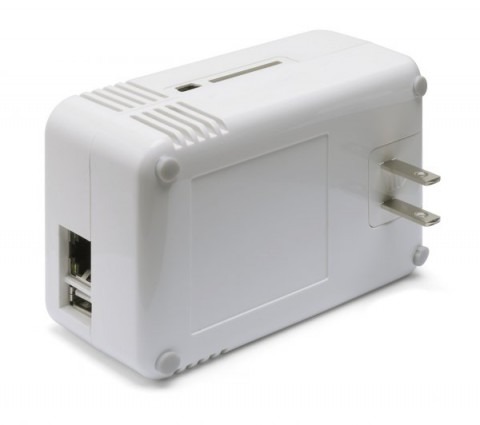
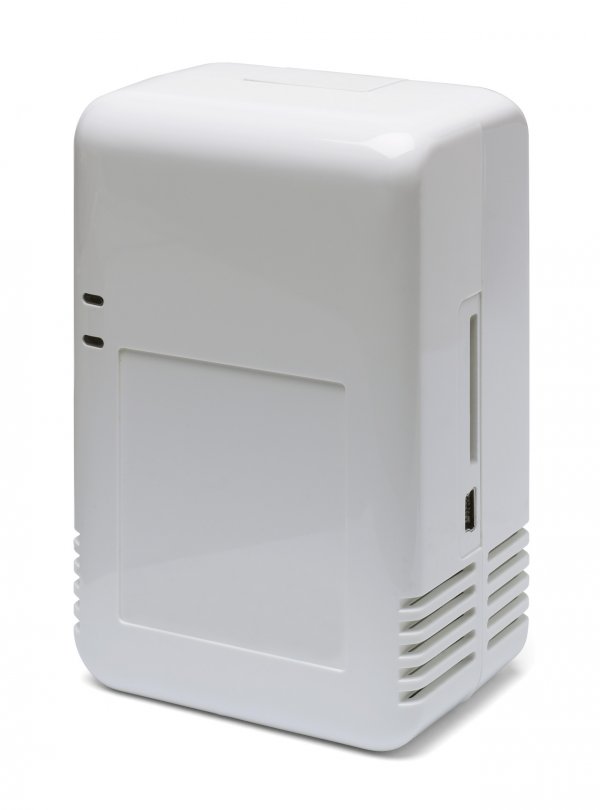
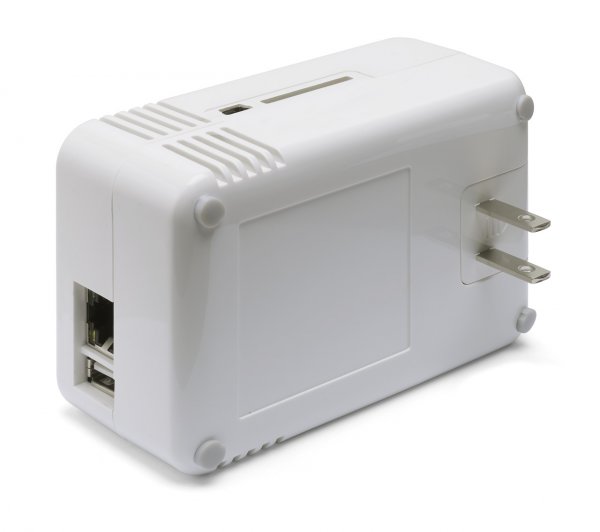
Marvell have been talking up their SheevaPlug reference design, a wall-wart power plug that actually hides an entire Linux PC.  Priced at $99, inside the SheevaPlug there’s an ARM-based 1.2GHz Sheeva embedded processor, 512MB of DDR2 memory, 512MB of flash storage, gigabit ethernet and USB 2.0; in fact the development kit is available now.

marvell sheevaplug 1 480x425

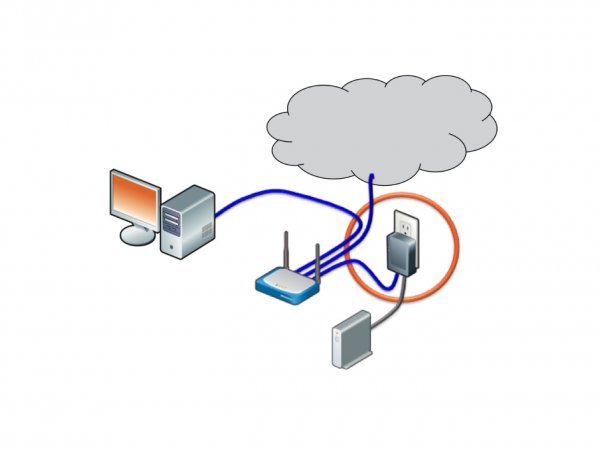
Eventually, prices are expected to drop to around $49.  Among the first products to hit the market based on the Sheeva plug-computer design will be the Pogoplug, which so impressed us back at CES 2009.  The Pogoplug is designed to simply take a USB hard-drive and turn it into network attached storage, accessible not only from the home network but through a web-based portal.  It’s expected to cost around $99 when it launches in a few months time, but preorders are being taken at just $79.

Meanwhile expect the SheevaPlug to find plenty of new fans among the open-source community; it’ll play nicely with “multiple standard Linux 2.6 kernel distributions”.  Its eco-credentials are good, too, with Marvell claiming it uses less than one tenth of the power of a typical PC being used as a home server.
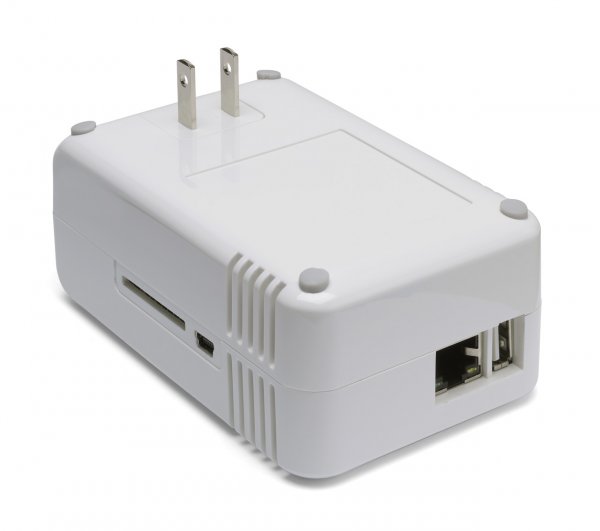
[via The Tech Report]

Subscribe via RSS or Email | Read 53,644 times

8 Responses to “Marvell SheevaPlug: $99 Linux PC hidden in a wall-wart”

  1. Hurting Now February 24, 2009

    This is the same oem then for Pogoplug… Interesting. So we can assume that pogoplug has similar specs w/o the io ports/card reader/etc.

    Neutral  Add karma Subtract karma  
  2. Chris Davies February 24, 2009

    Possibly, but I’m trying to remember what ports we saw on the Pogoplug at CES, and I don’t remember anything other than ethernet and USB. Of course, they could’ve simply tweaked the case to cover the card reader, etc, or maybe even be running the OS from it inside.

    We’re hopefully getting a Pogoplug review unit through soon, so we’ll be able to say more then.

    Neutral  Add karma Subtract karma  
  3. astroturtle April 8, 2009

    I just got mine last night! Pretty sweet setup… The part that plugs into the wall socket is removable and accepts a power cord (included). Speed is pretty good. It comes pre-installed with Ubuntu and is pretty much plug-in and log-in.

    So far I loaded mine up as a LAMP (linux, apache, mysql and php) server and got Samba and VSFTPd going. That takes about about 55% of the available 512MB. I also plugged in an external usb hard drive to beef up the capacity.

    I have my new file server/dev box! Yaay Sheeva!

    Neutral  Add karma Subtract karma  
  4. pushbx April 28, 2009

    Marvell’s website seems to indicate that pogo is the same hardware as sheeva. I’ve be playing with the plug for about 2 weeks now and its working great for me. I moved all my server functions to this thing and its now working at 1/10 the power draw.

    I have performance and power usage numbers if anyone is interested

    http://computingplugs.com/inde.....erformance

    Neutral  Add karma Subtract karma  
  5. ak November 22, 2009

    So now I have a SheevaPlug; How can I log on to make it do my bidding?
    ethernet crossover cable/ssh/what address?

    Neutral  Add karma Subtract karma  
  6. xG33Kx January 12, 2010

    Want to know what’s sad? Put a Geforce 4 in it and that plug is almost faster than my computer. I have a 1.8 Ghz processor and 384 MB of ram. Buying a new computer soon.

    Neutral  Add karma Subtract karma  
  7. Mike Levin January 14, 2010

    I just got mine. There are 2 ways to log in: use a mini-USB cable and HyperTerminal on a PC for a serial terminal connection. You have to let the driver install from the provided CD-ROM, and switch the SheevaPlug to Com1, 2, 3 or 4 through Device Manager. You also have to switch the baud rate to 115200.

    The other way is to plug it into a network with DHCP where you can guess the IP it’s going to be assigned. If you have a WiFi router like Linksys and it’s the second device, it’s a pretty good bet it’s going to get 192.168.1.101. You can then connect with SSH programs like PuTTY, simply connecting to 192.168.1.101 over port 22. It connects you as root, and the default password is nosoup4u.

    Neutral  Add karma Subtract karma  
  8. Madhukara Phatak January 18, 2010

    where to buy the new device?

    Neutral  Add karma Subtract karma  

Post a comment

Please login to leave a comment. If you haven't signed up, you can do so free here. Lost your password? Reset it. With SlashGear account, you will be able to participate on SlashGear Forums.