MacBook Unibody Review (Late 2009)
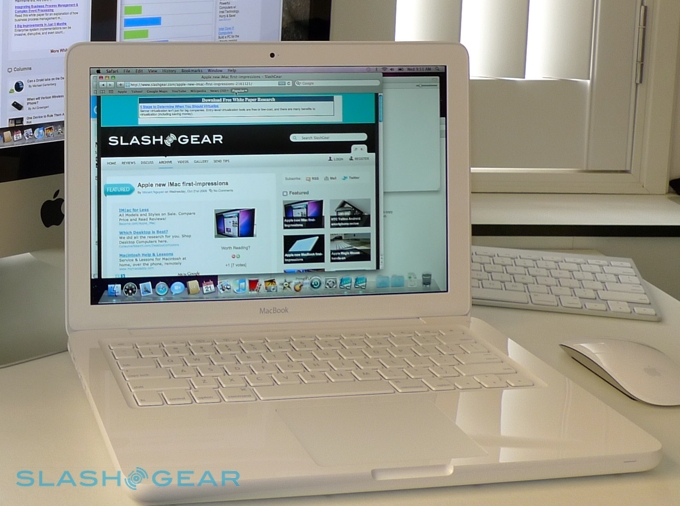
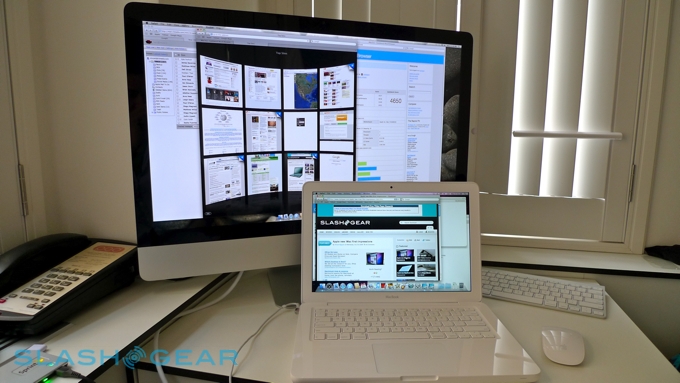
With the launch of the unibody MacBook, Apple have not only completed the transition to their newest laptop aesthetic but also narrowed the gap between their entry-level and Pro ranges. On face level that can only mean good things for the end consumer, but does the $999 MacBook really represent the bargain Apple tell us it is? Check out the full SlashGear review after the cut.
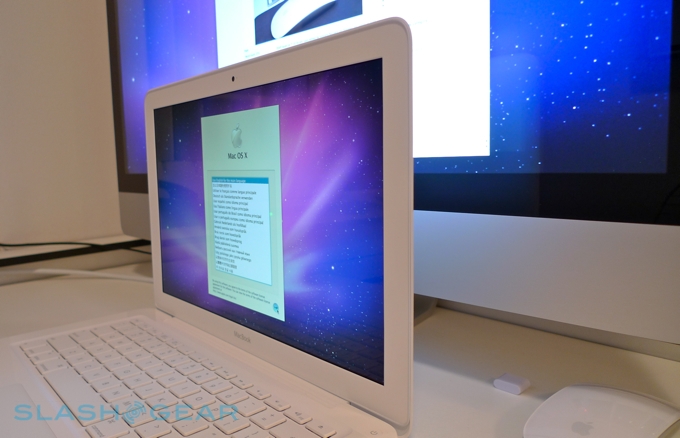
Hold the spec sheet for the new MacBook and the entry-level 13-inch MacBook Pro together, and you'll find far more similarities than differences. Both have Intel's 2.26GHz Core 2 Duo processor, 2GB of DDR3 memory, and an 8x SuperDrive and NVIDIA GeForce 9400M 256MB graphics. In fact, the new MacBook gets a bigger standard hard-drive – 250GB 5,400rpm – than the Pro. Both also have standard WiFi a/b/g/n and Bluetooth 2.1+EDR, gigabit Ethernet, two USB 2.0 ports and Mini DisplayPort. The 13.3-inch displays on each are glossy, run at 1,280 x 800 native resolution and are vividly colored; the Pro, however, has a much broader color gamut and is significantly brighter than the basic MacBook, something to consider if you're intending to use the notebook for graphics.

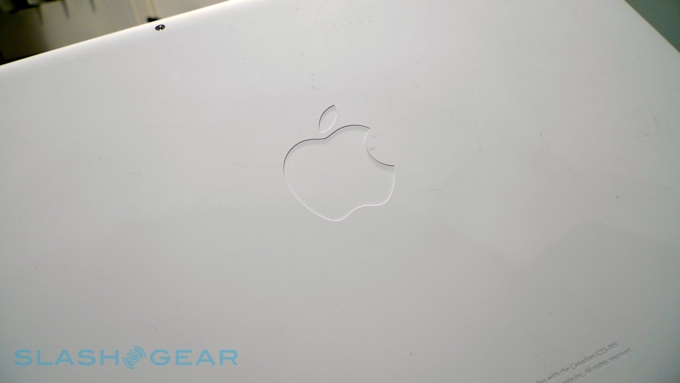
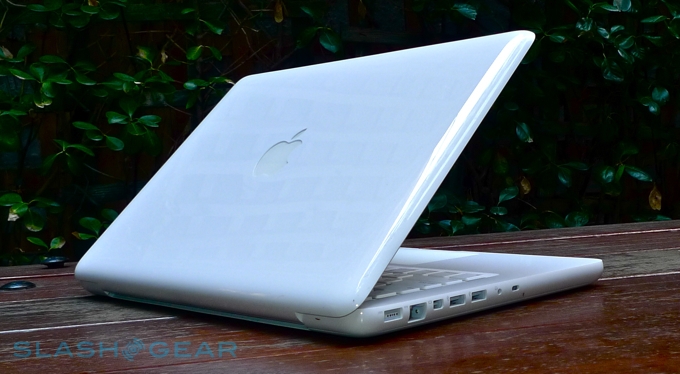
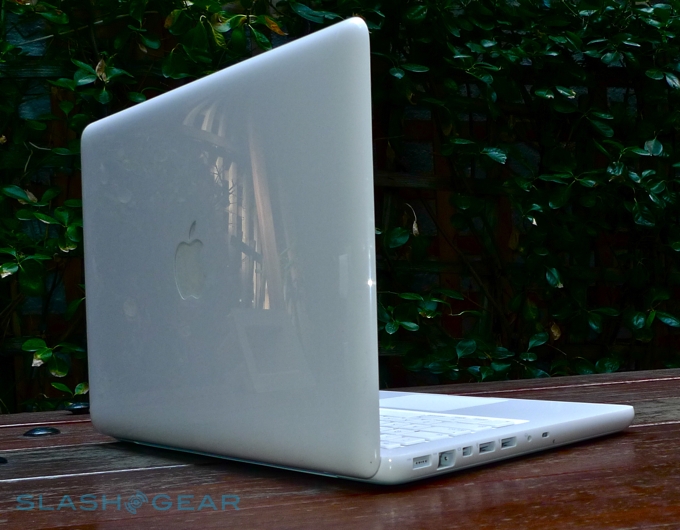
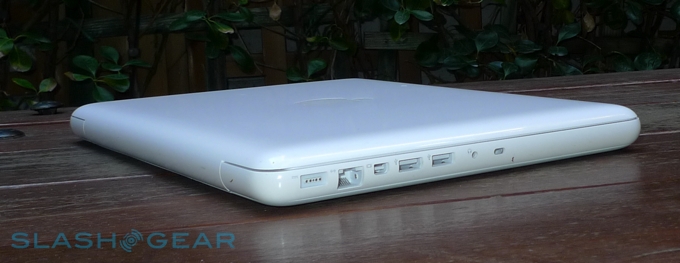
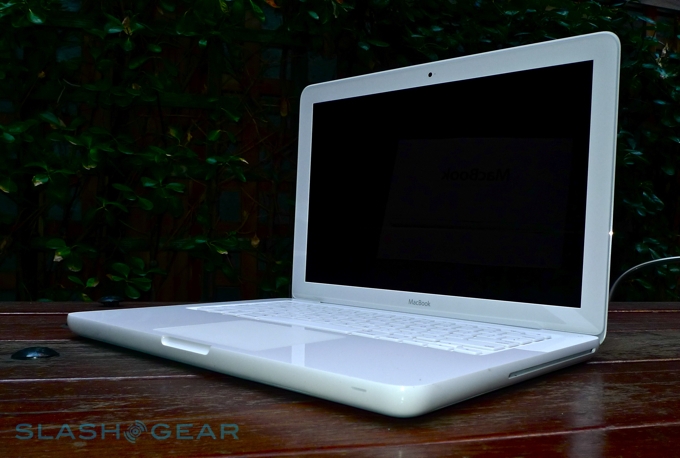
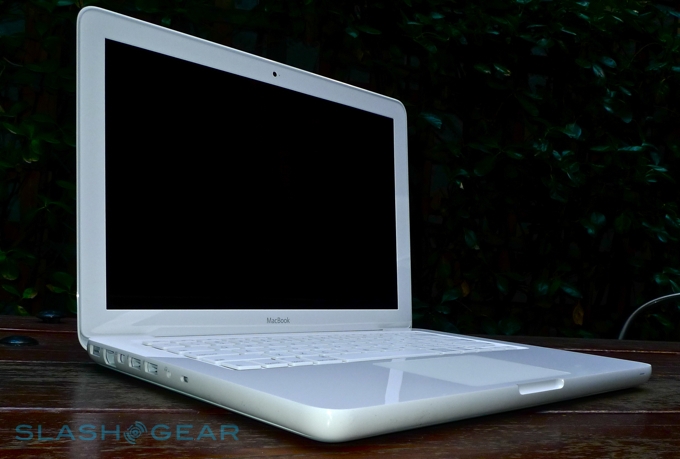
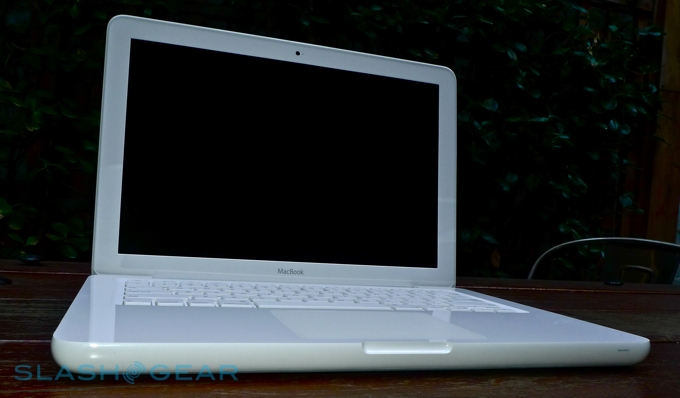
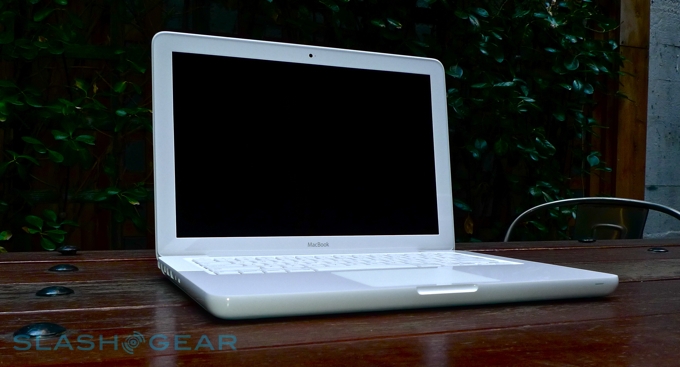
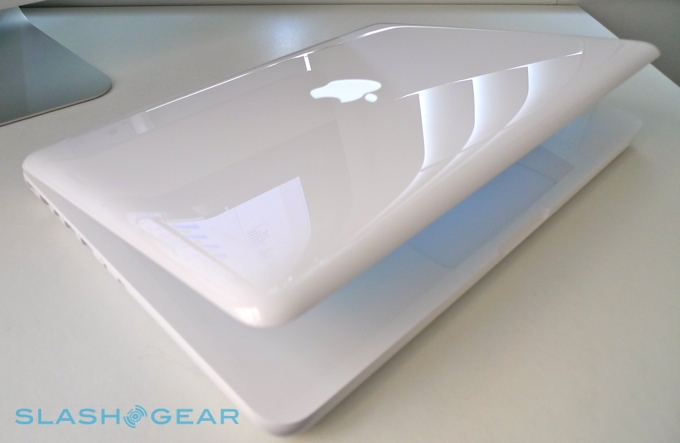
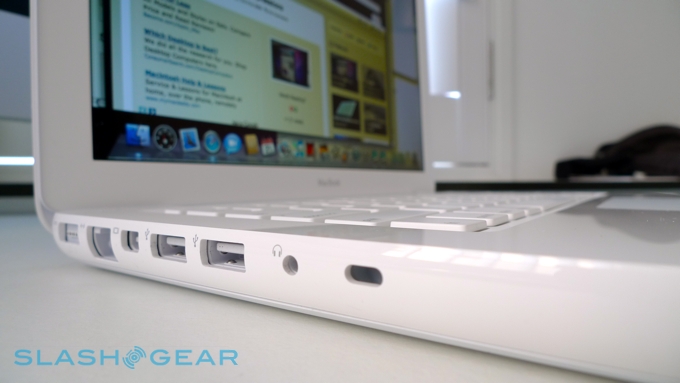
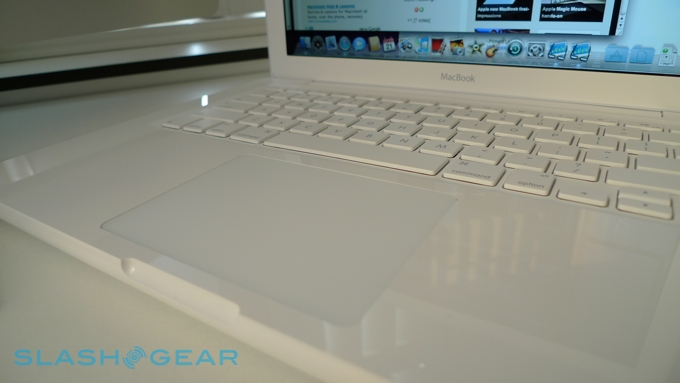
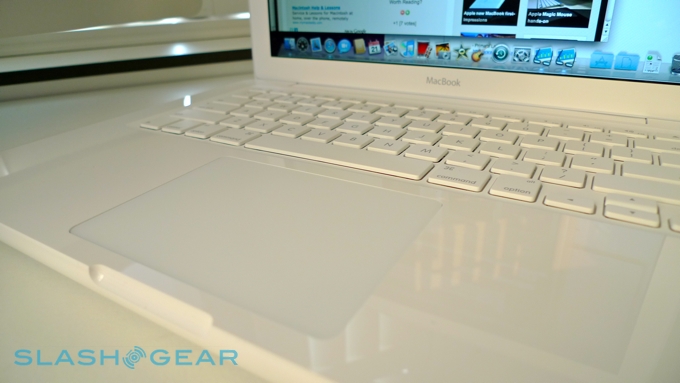
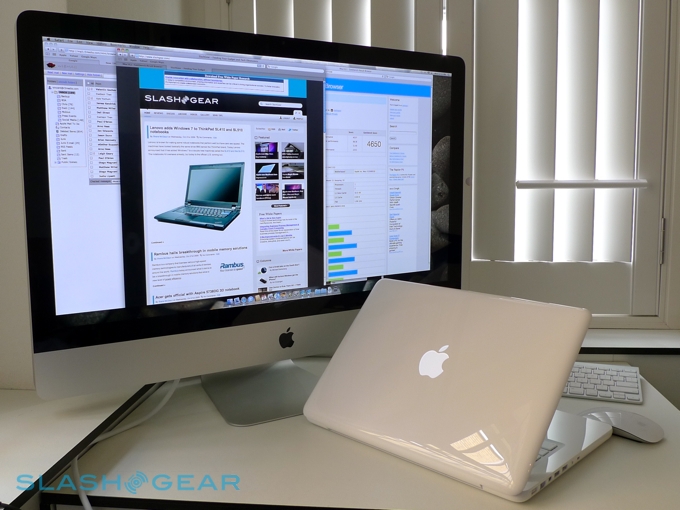
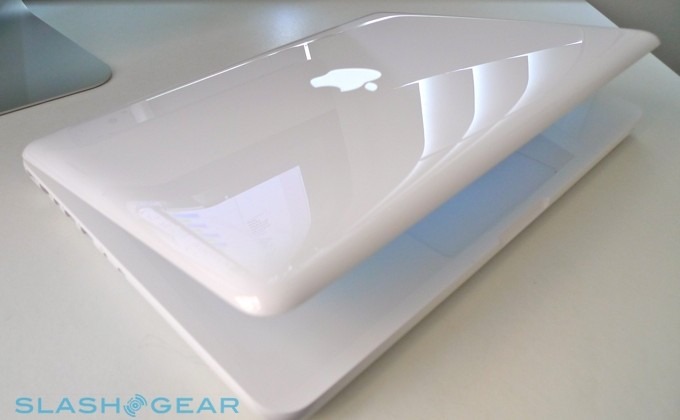
Where they differ, or more importantly how much of an impact those differences have, depends on your intended use. The MacBook has no FireWire port, no SD card slot and combines the audio in/out into a single dual-mode 3.5mm jack. Apple has also deleted the IR port, which smacks of cheapness. We prefer the MacBook's base – now coated with a non-stick rubber, which keeps the notebook from sliding around your desk or your lap – but wish the glass, multitouch trackpad wasn't surrounded by such a glossy palm-rest. Like the rest of the plastic casing, it's surprisingly prone to scratches, too, and we're also unimpressed by the absence of an external battery gauge.

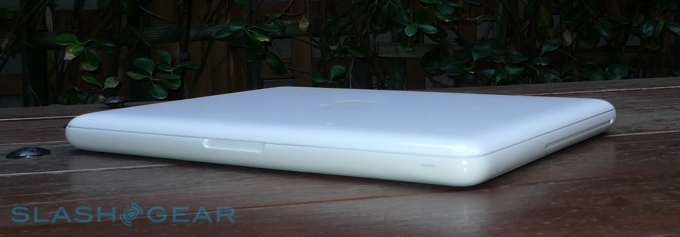
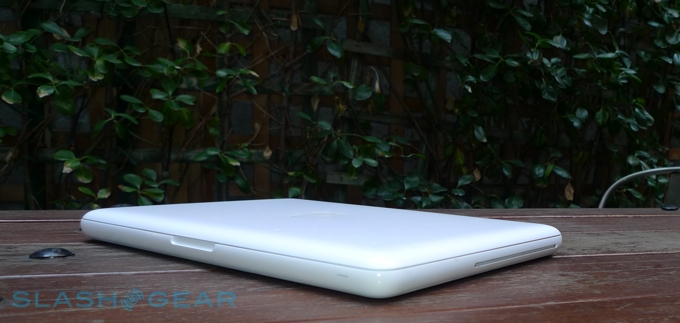
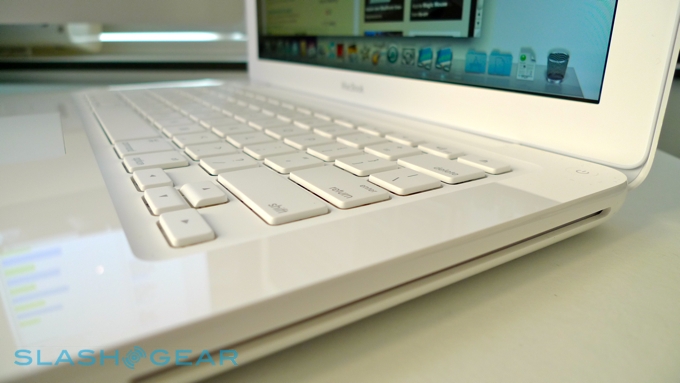
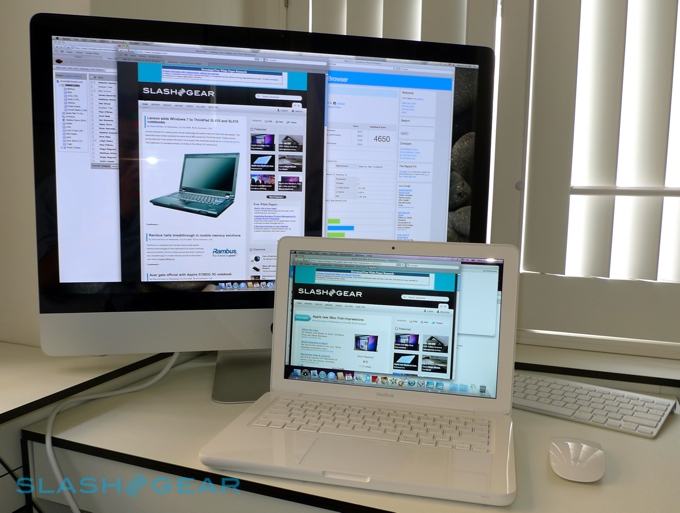
The MacBook's keyboard remains solid and usable, and the trackpad is as intuitive (after a brief period of acclimatization) as on the Pro range. It may be bigger in all dimensions (and heavier) than the smallest Pro, but at 1.08-inches thick it's still not a hefty notebook. The new, unibody styling has a practical as well as aesthetic purpose, making the MacBook sturdier and less prone to flex, and the screen hinge feels stronger too.

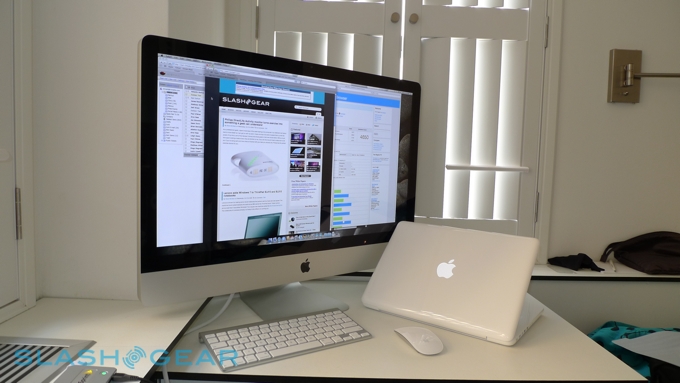
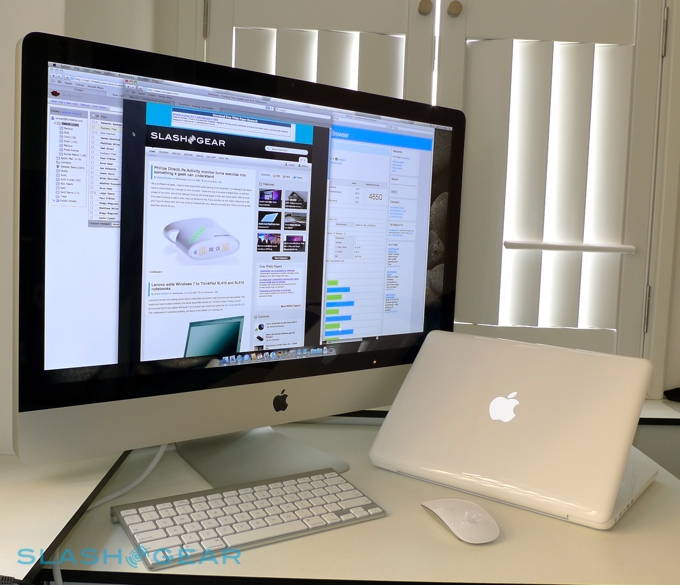
GeekBench proved that the new MacBook has the performance to match the slick style, and while those in need of heavy-duty processing should still look to the MacBook Pro line, general users should find themselves well served by the Core 2 Duo 2.26GHz processor. The MacBook scored 3537 overall, falling just short of what a 2.53GHz MacBook Pro managed less than a year ago and almost 400 points ahead of a 2.40GHz MacBook of the same vintage. In more real-world applications, Safari opened with little delay and the laptop managed several open windows, concurrent apps and simultaneous media playback with no complaint.
As the last to get the unibody treatment, the MacBook is the final model in Apple's notebook range to lose its user-replaceable battery. Now hidden behind the soft-touch base plate, the 60-watt-hour is rated for up to 7hrs use (with wireless switched on) as well as 1,000 recharge cycles; Apple say that's the equivalent of up to five years use. They're also waxing about the battery's environment credentials, and indeed the whole notebook is greener than before.

It's early days to judge battery performance, but with a mixture of media playback, browsing and email we found the MacBook good for between 4.5 and 6 hours. Playing video files that were heavy on CPU or GPU decoding dropped that down to around 4hrs. We'll continue testing over the next week or so, as the battery conditions, but as with the unibody MacBook Pro we'd be surprised if everyday use brought you near the quoted 7hrs runtime.
If you're weighing the new MacBook or the entry-level 13-inch MacBook Pro, unless you require high color accuracy (in which case you're likely using a larger, external display) right now we'd plump for the MacBook. Apple will inevitably roll out an updated Pro range reasonably early into 2010, but as it stands you're getting pretty much the same key specifications in the MacBook, only for $200 less. That's a fair chunk of money, and while you don't get the SD card reader or the FireWire port, you do get a larger hard-drive.
Some of Apple's decisions smack of conscious range delineation – are the home users picking a MacBook any less likely to want an SD slot to shuffle over photos from their digital cameras? – but right now we'd take that $200, spend a few bucks on a USB-SD adapter and settle down with what's turned out to be one of the best entry-level notebooks Apple have produced.