HTC Tattoo Video Unboxing & First-Impressions
The HTC Tattoo may not have the flagship appeal of the HTC Hero, but with its entry-level positioning it has the potential to introduce a lot more users to the Android platform. HTC have kept costs down by choosing a smaller display and using a restive touchscreen, though you still get HSPA, WiFi b/g, GPS and the company's latest UI enhancements. A Tattoo landed on SlashGear's desk today; check out our video unboxing, first-impressions and comparison gallery with the HTC Hero after the cut.Video unboxing after the cut
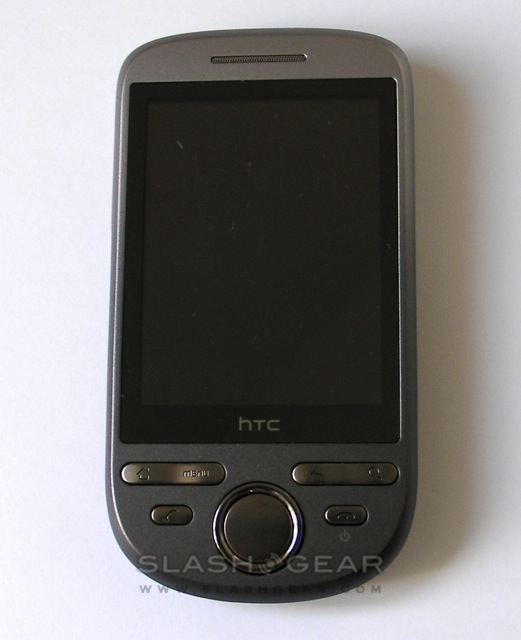
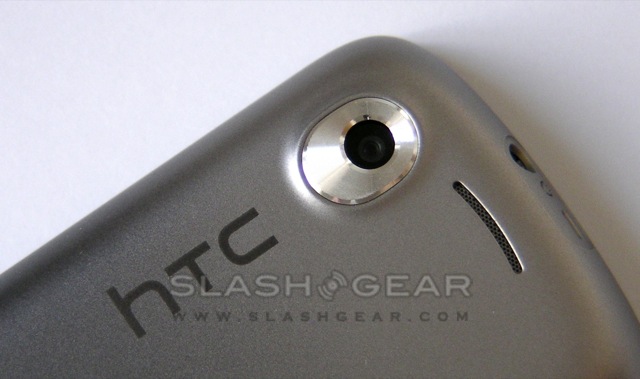
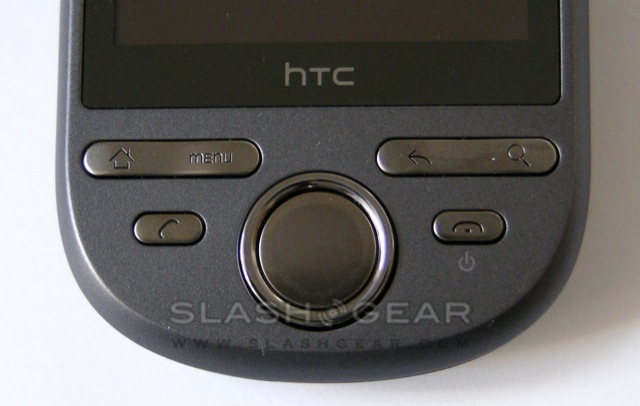
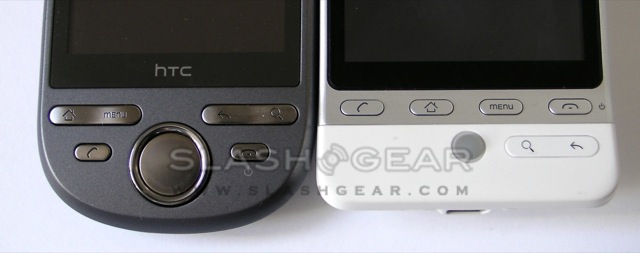
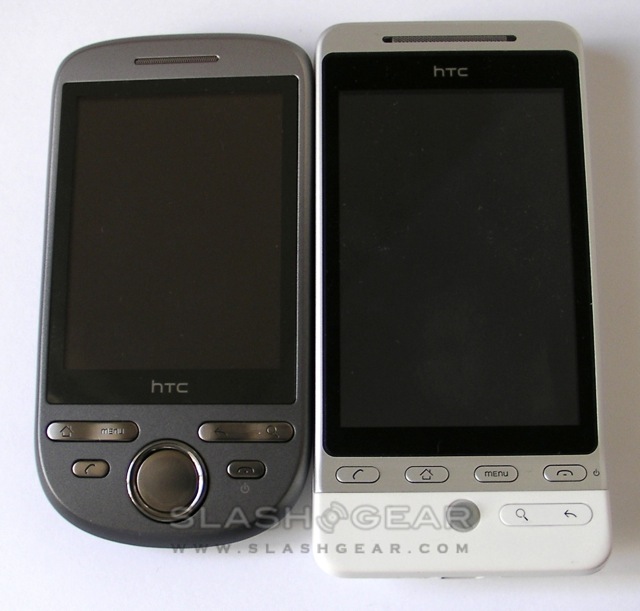
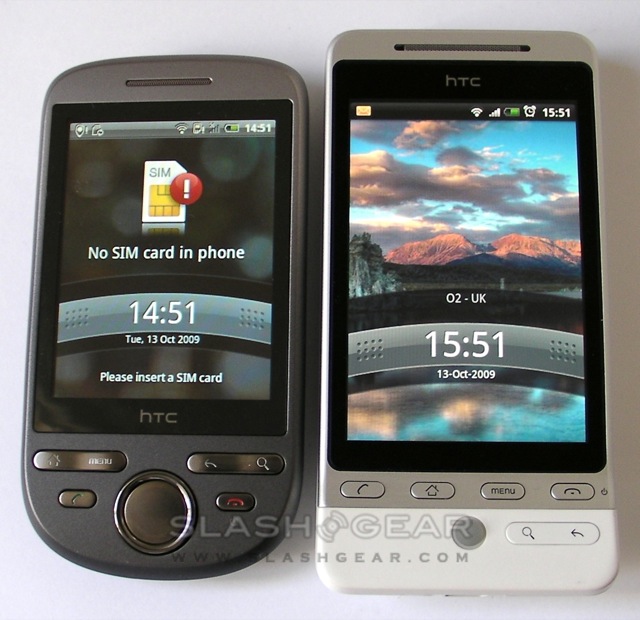
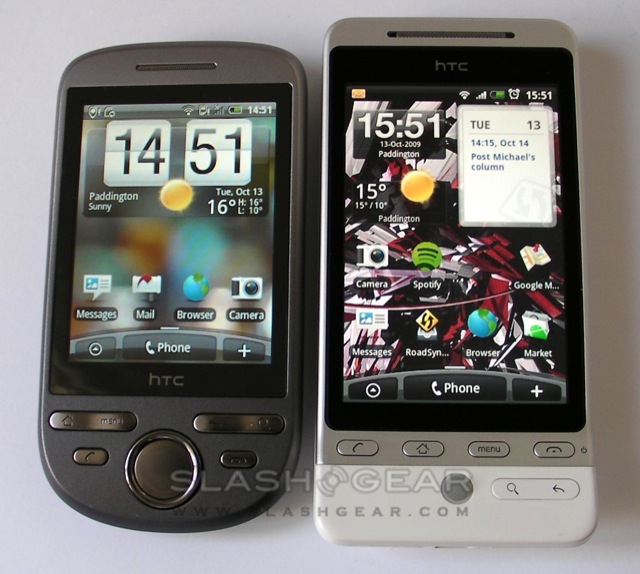
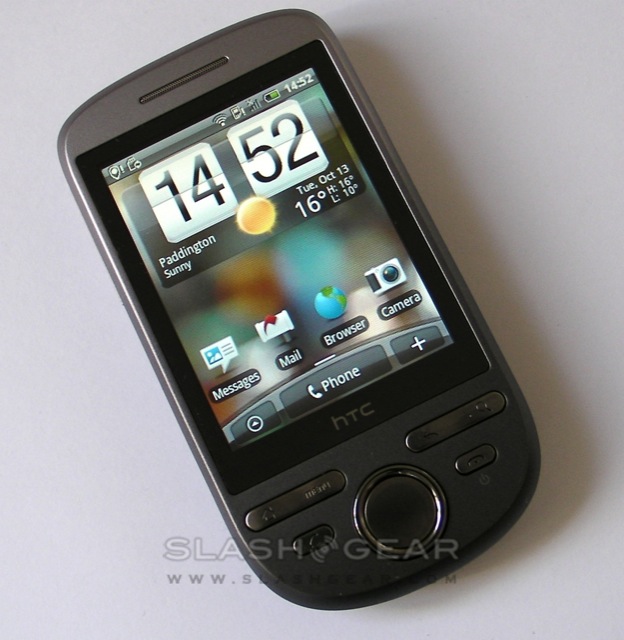
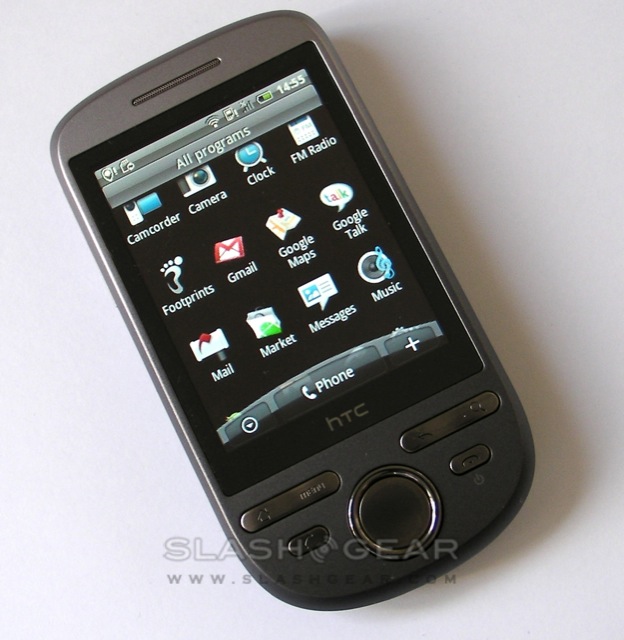
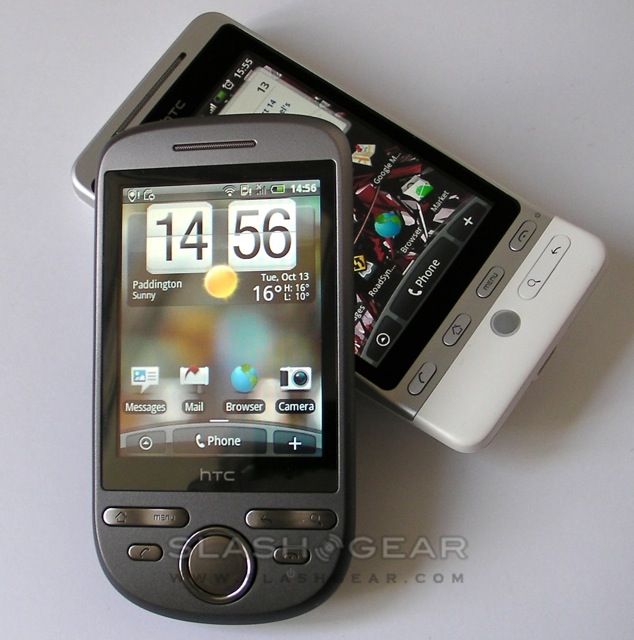
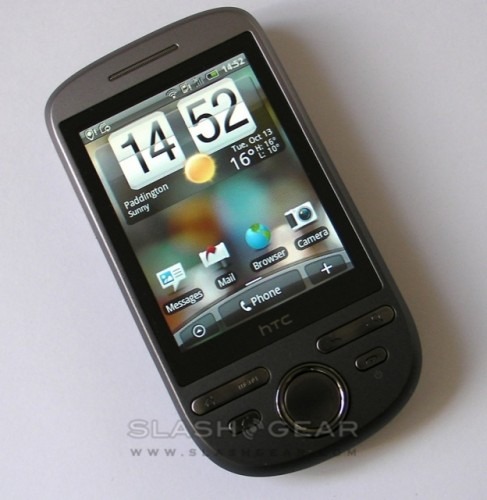
First impressions are that the Tattoo feels a lot like the Android version of the HTC Touch2. The two handsets both have a 2.8-inch QVGA 240 x 320 resistive touchscreen, fixed-focus 3.2-megapixel camera and palm-sized dimensions, and are taking places at the entry-level point of HTC's range. Unlike the Touch2, though, the Tattoo gets HTC's Sense UI magic, with seven homepanes (unlike the usual Android three) and HTC's own widgets, Peep Twitter client and Exchange account support.
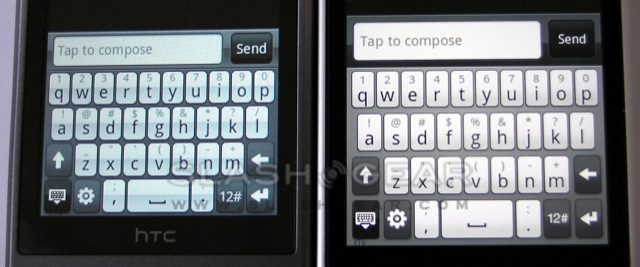
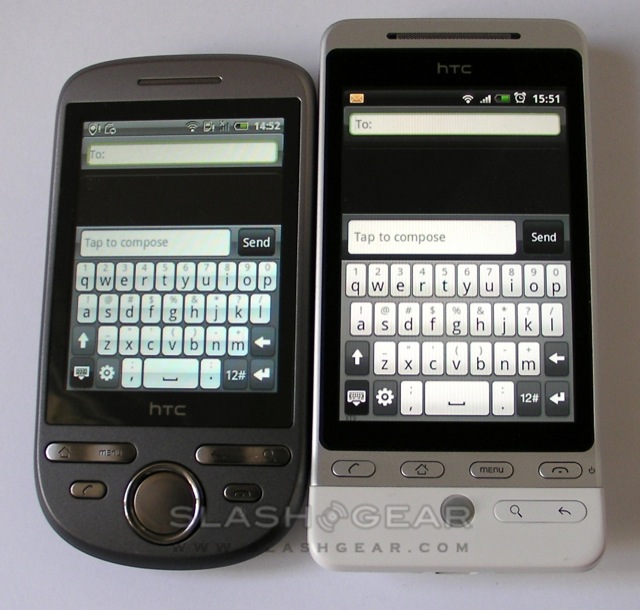
The resistive display does have a little noticeable flex to it, but it's still relatively solid. Still, it obviously requires more pressure – and accuracy – than, say, the HTC Hero's capacitive touchscreen. HTC's choice of a smaller panel than the Hero (which has a 3.2-inch display) also means the onscreen keyboard is on the cramped side; we'll be keeping track of how many more typos we make, and whether the company's auto-correct – which impressed us on the Hero – can keep up.

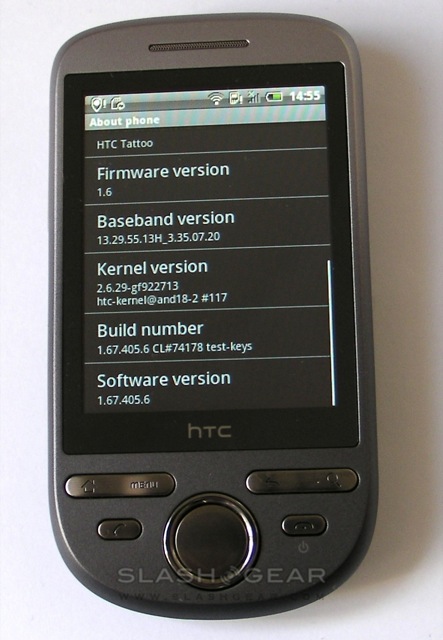
What we'll also be watching for is any sign of lag, something the Hero has been accused of. Our review unit Tattoo is running Android OS 1.6 and software version 1.67.405.6, and so far we've noticed very little hesitancy moving between screens and rendering webpages in the browser. Still, we've yet to load the homepage down with active widgets, so we'll withhold judgement until putting the Tattoo through its paces properly. As for that browser, it supports Flash but the multitouch pinch-zoom gestures of the Hero are gone, replaced by the old-style buttons.
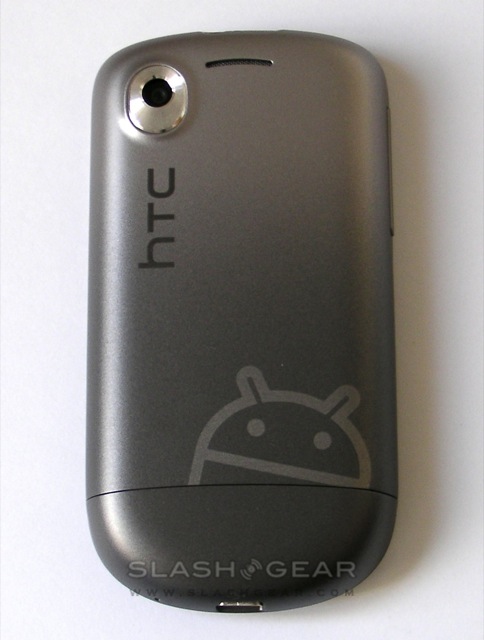
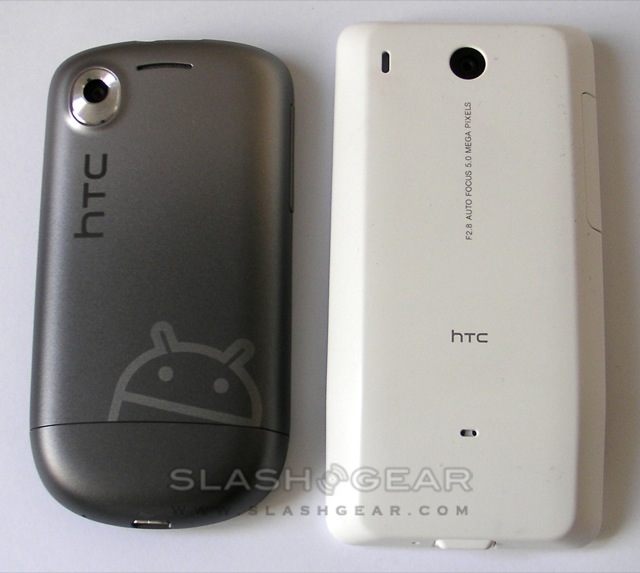
HTC are also pushing their TattooMyHtc.com site, where you can create custom covers for the handset. There's a gallery of pre-designed shells, or alternatively you can upload your own picture or pattern. However our review phone came with the default plate, a sober grey which feels a little cheap compared to other HTC plastics we've felt recently.
We'll be testing the HTC Tattoo over the next few days, so until the full review enjoy the unboxing video and gallery below.
HTC Tattoo unboxing & demo:
[vms 12acf12457e4d67635a9]