

TiVo Network Control Via Telnet, Courtesy Of Crestron
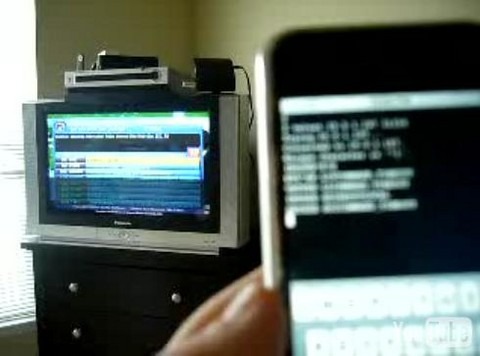
After some clever lateral thinking over at the TiVo Community forums there's now a way for users to remotely control their PVR via anything with network access and a telnet client. It's all thanks to Crestron, who worked with TiVo back when the company was developing v9.1 of the set-top box software; they added support for the home automation company's touchscreens and did so in a relatively straightforward way. Telnet into your TiVo using port 31339 and you can use almost forty different commands to input numbers, control channels, set recordings and more.Check out the video of the system in action after the cut
The codes must be prefixed with IRCODE (presumably to tell the TiVo that you're mimicking a standard remote control) and then you can input any of the following:
UP DOWN LEFT RIGHT SELECT TIVO LIVETV THUMBSUP THUMBSDOWN CHANNELUP CHANNELDOWN RECORD DISPLAY DIRECTV NUM0 NUM1 NUM2 NUM3 NUM4 NUM5 NUM6 NUM7 NUM8 NUM9 ENTER CLEAR PLAY PAUSE SLOW FORWARD REVERSE STANDBY NOWSHOWING REPLAY ADVANCE DELIMITER GUIDE
Now there's talk about what applications this could be built into. A remote control for smartphones (such as the iPhone shown in the video) is an obvious prospect, but generally it gives people putting together their own home automation system – rather than hiring a Crestron installer – more options for using an off-the-shelf PVR rather than building, say, a Media Center PC or a MythTV box.
[via Gizmodo]