
SlashGear unboxing video of Gateway One
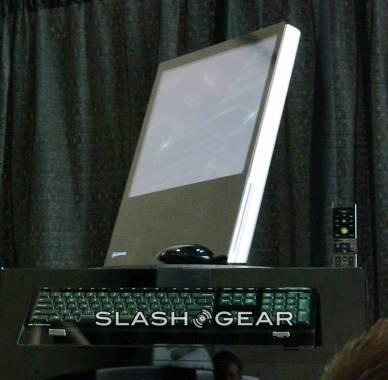
As promised, here is the Gateway One unboxing video. I want to thank Glenn and Tawna from Gateway for helping us doing the unboxing.https://www.youtube.com/watch?v=BgVoh9iR0IAThe setup is as easy as plugging in the power cable to the system and you are good to go. No pairing needed for the wireless keyboard and mouse, it seems Gateway preset them to connect to the system.Ports and connectors are located on the left side of the machine. It has a 5-in-1 memory card reader slot, one Firewire port, three USB ports, and audio output/mic input. The webcam mini USB port is located on top of the screen (the webcam is detachable; not built-in).
The power brick is not only delivering and regulating power to the machine but also function as a media hub with four USB ports, SPDIF and optical audio output. It also has Ethernet port. Gateway has done well in minimizing cables clutter with single cable connecting to the system (power cable).